Anthropic · 2026-04-14 · major
Claude Code Desktop Redesign — Parallel Agents with Drag-and-Drop Layout
Anthropic redesigns Claude Code Desktop for parallel agent workflows — run multiple sessions side-by-side with drag-and-drop pane layout, integrated terminal, in-app file editor, and side chats that branch without polluting the main thread.
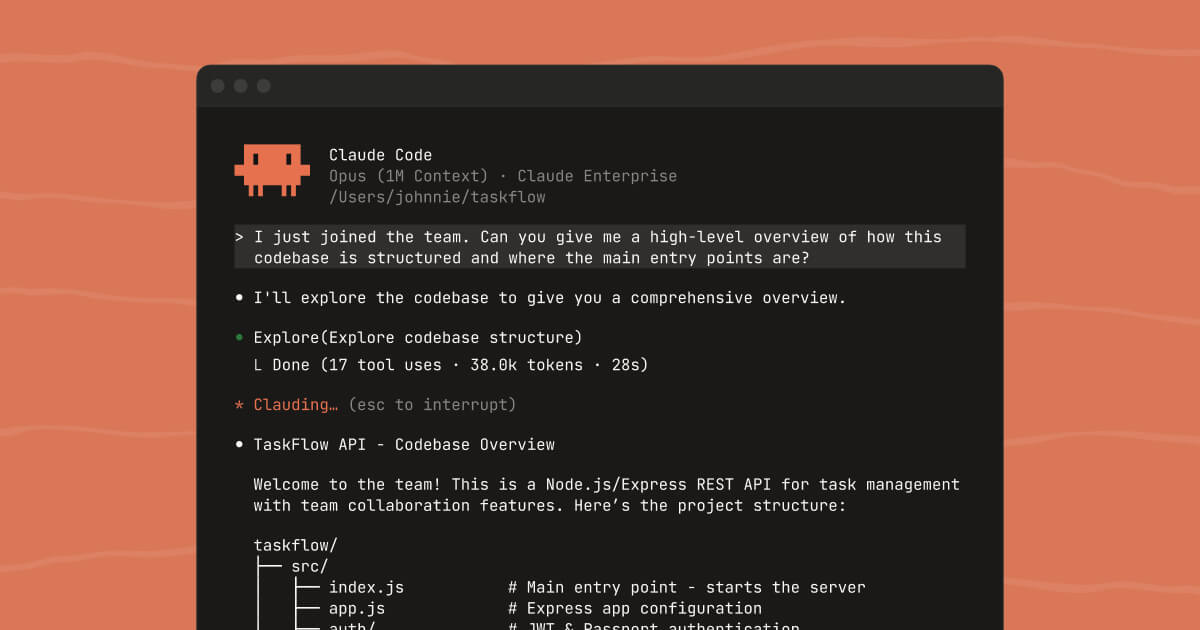
Run multiple Claude Code agents side-by-side in a fully customizable desktop workspace.
Key specs
| View modes | Verbose, Normal, Summary |
|---|---|
| Platforms | macOS, Windows, Linux |
What is it?
The Claude Code Desktop app now supports running multiple parallel agent sessions with automatic Git worktree isolation. A new sidebar organizes active and recent sessions with filtering by project or status. The workspace is fully customizable — drag terminal, preview pane, diff viewer, and chat into any grid layout you want.
How does it work?
Each session runs in its own Git worktree, so agents don't step on each other's changes. The integrated terminal runs tests and builds inline. Side chats (Cmd+; or Ctrl+;) let you ask quick questions without polluting the main thread. Three view modes — Verbose, Normal, Summary — control how much of Claude's tool calls you see. The diff viewer is rebuilt for large changesets.
Why does it matter?
Parallel agent workflows are the new standard for complex tasks — refactoring while testing while documenting. Claude Code Desktop now matches Cursor 3.1's tiled layout approach, letting you orchestrate multiple agents from a single window. The Git worktree isolation means no more merge conflicts between concurrent agent sessions.
Who is it for?
Developers running complex multi-step tasks who want visual control over parallel agent sessions.
Try it
Download Claude Desktop from claude.com/download and open the Code tab.