Cursor · 2026-07-10 · major
Cursor 3.11 — side chats and conversation search land in the coding editor
Cursor 3.11 adds Side Chats — full agent conversations that run parallel to the main thread via /side, /btw, or a plus button. A new local index makes Cmd+K search across thousands of past agent transcripts.
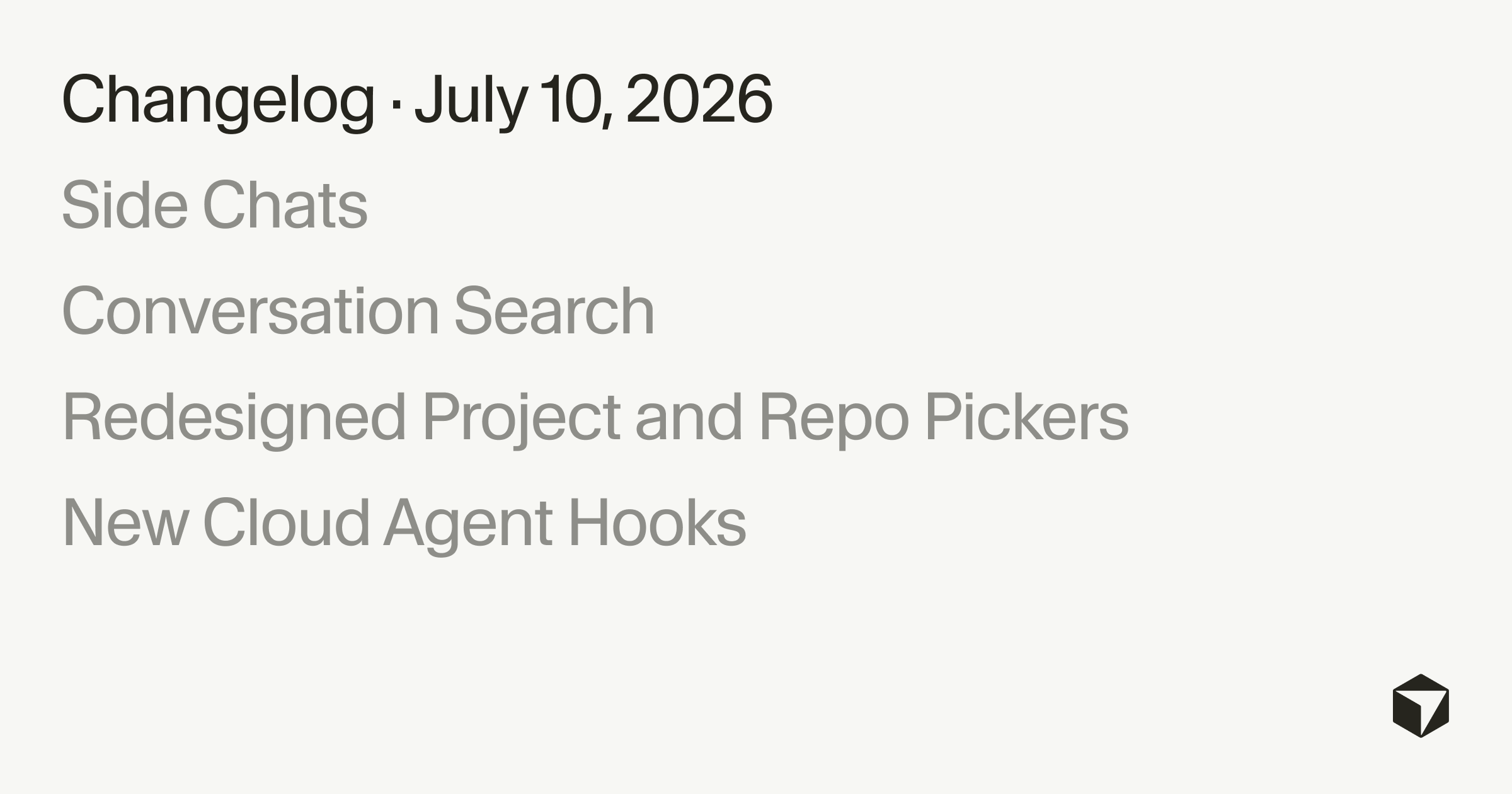
Cursor 3.11 spins up parallel Side Chats and makes every past agent transcript searchable.
Quick facts
| Maker | Anysphere / Cursor |
|---|---|
| Version | 3.11 |
| Released | July 10, 2026 |
| New commands | /side, /btw, plus button |
| Search shortcuts | Cmd+K across chats, Cmd+F inside chat |
| Cloud agent hooks | 5 new: beforeSubmitPrompt, afterAgentResponse, afterAgentThought, stop, subagentStart |
| Platforms | Desktop and mobile |
What is it?
Side Chats are the headline feature of Cursor 3.11 — full agent conversations that run alongside your main thread instead of interrupting it. Trigger one with /side, /btw, or the plus button at the top of the chat panel. Each side chat is durable, so you can revisit it later and @-mention it to pull context back into the main thread.
How does it work?
By default, a Cursor 3.11 side chat is tuned for reading, searching, and answering — good for tangents and clarification questions while the main agent keeps working. Conversation search builds a local index across every past transcript, so Cmd+K in the command palette finds a whole conversation and Cmd+F jumps between matches inside one. Five new cloud agent hooks — beforeSubmitPrompt, afterAgentResponse, afterAgentThought, stop, subagentStart — let scripts observe and steer long-running agents.
Why does it matter?
The main gripe with agentic IDEs was context loss: a side question derailed the multi-file refactor already in flight. Cursor 3.11 splits tangents into their own durable thread and makes weeks of prior work searchable. Redesigned project and repo pickers also connect GitHub, GitLab, and Azure DevOps without leaving the picker and scope search to This Computer, Cloud, or specific remote machines.
Who is it for?
coding-agent power users
Frequently asked questions
- How do I start a side chat in Cursor 3.11?
- You start a side chat in Cursor 3.11 with the /side or /btw slash command, or by clicking the plus button at the top of the chat panel. A side chat opens as its own full agent conversation next to your main thread, so the main agent keeps running while you explore the tangent without losing its context.
- Can I bring a Cursor side chat's answer back into the main conversation?
- Yes. Cursor 3.11 side chats are durable and @-mentionable, so you can revisit any side chat later and reference it from the main thread. The main agent then picks up that context without you having to copy the conclusion in by hand.
- How does conversation search in Cursor 3.11 work?
- Cursor 3.11 builds a local index over every agent transcript. Cmd+K opens a command-palette search that scales to thousands of past conversations, and Cmd+F inside a single conversation jumps between matches with a live counter — useful for finding a specific step inside a long agent run.
- What are the new cloud agent hooks in Cursor 3.11?
- Cursor 3.11 adds five new cloud agent hooks — beforeSubmitPrompt, afterAgentResponse, afterAgentThought, stop, and subagentStart — that let external scripts observe and steer long-running cloud agents. Together they support self-correcting loops around cloud agents instead of one-shot prompts.