Cursor · 2026-06-29 · major
Cursor for iOS — native mobile app for cloud and remote coding agents
Cursor for iOS is now in public beta on the App Store, letting paid users launch cloud agents, remote-control their desktop Cursor, and merge pull requests from a phone.
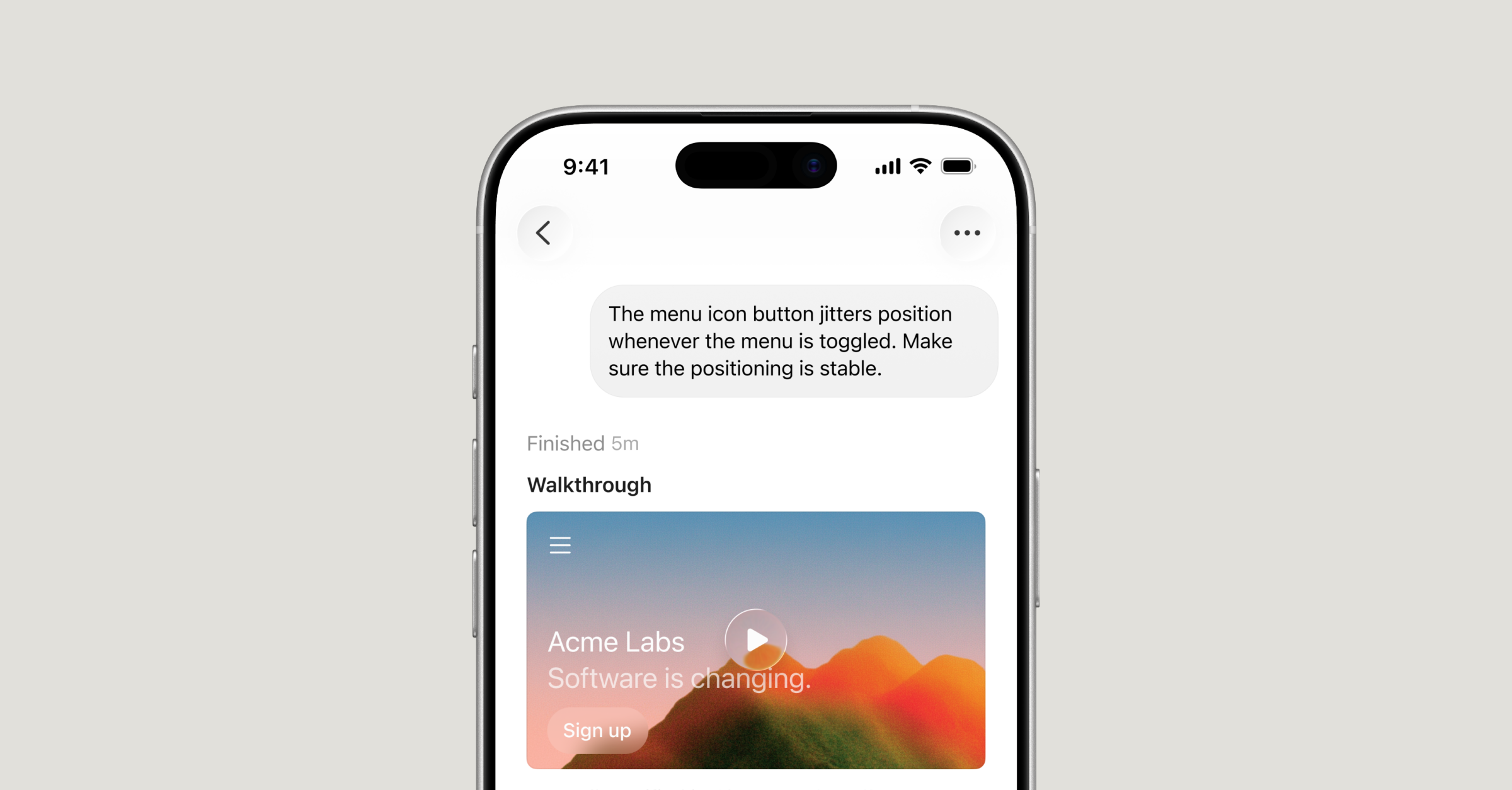
Cursor's coding agent now ships as a native iOS app so you can dispatch cloud runs, control your desktop, and merge PRs from a phone.
Quick facts
| Maker | Cursor |
|---|---|
| Platform | iOS (public beta) |
| Plans | Available on all paid Cursor plans |
| Models | Any frontier model, plus Composer 2.5 |
| Promo | 75% off Composer 2.5 runs through 2026-07-05 |
| Modes | Cloud agents + Remote Control of desktop Cursor |
| App Store ID | 6767085653 |
What is it?
Cursor for iOS is a public-beta native iPhone app from the makers of the Cursor coding IDE. The app lets paid Cursor users start cloud agents on a server, remote-control their own desktop Cursor while away from it, and ship pull requests without opening a laptop.
How does it work?
Two modes share one chat surface. Cloud agents run in isolated virtual machines that iterate toward a merge-ready PR on their own, and a Remote Control mode pipes commands to the user's desktop Cursor over the network. Voice input, slash commands, screenshot context, push notifications, and lock-screen Live Activities round out the mobile workflow, and handoff lets a session move between local and cloud.
Why does it matter?
Mobile changes when coding-agent work can happen. Cursor for iOS targets the on-call engineer, the founder triaging a Slack escalation, and the reviewer who wants to merge a green PR from a phone — workflows the team explicitly calls out as the reason it built the app.
Who is it for?
Cursor subscribers who want to start, watch, or merge agent work away from their laptop
Frequently asked questions
- Is Cursor for iOS free?
- Cursor for iOS itself is free to download but requires an existing paid Cursor subscription — the announcement says the app is available 'on all paid plans'. As a launch promo, Composer 2.5 runs started from the mobile app are 75% off through July 5, 2026.
- Is there an Android version of Cursor?
- Cursor's announcement covers only iOS. The post calls the iOS app a 'native iOS app in public beta' and does not mention an Android client or timeline, so Android users have to stick with the desktop Cursor IDE for now.
- What can Cursor for iOS actually do that the desktop app can't?
- Cursor for iOS pairs mobile-only inputs with the same agent backend. The app adds voice prompts, screenshot annotation, push notifications, lock-screen Live Activities, and a Remote Control mode that drives the user's awake desktop Cursor from the phone — useful for triaging incidents or merging green PRs away from a laptop.
- Do cloud agents started from iOS run unattended?
- Yes. Cursor describes its cloud agents as running 'in isolated virtual machines' that 'can run for longer and iterate toward merge-ready PRs without intervention.' A user can kick off a job from the iPhone, walk away, and pick the result up later — including from the desktop app via handoff.
Try it
Apple App Store ID 6767085653 — search 'Cursor' on iPhone