Cursor · 2026-09-02 · major
Cursor self-hosted machines — cloud agents run inside your own network
Cursor Cloud Agents can now execute on machines you own. "My Machines" links a single laptop or VM to your account; "Team Pools" are named worker queues that grow as requests arrive and shrink when workers disconnect.
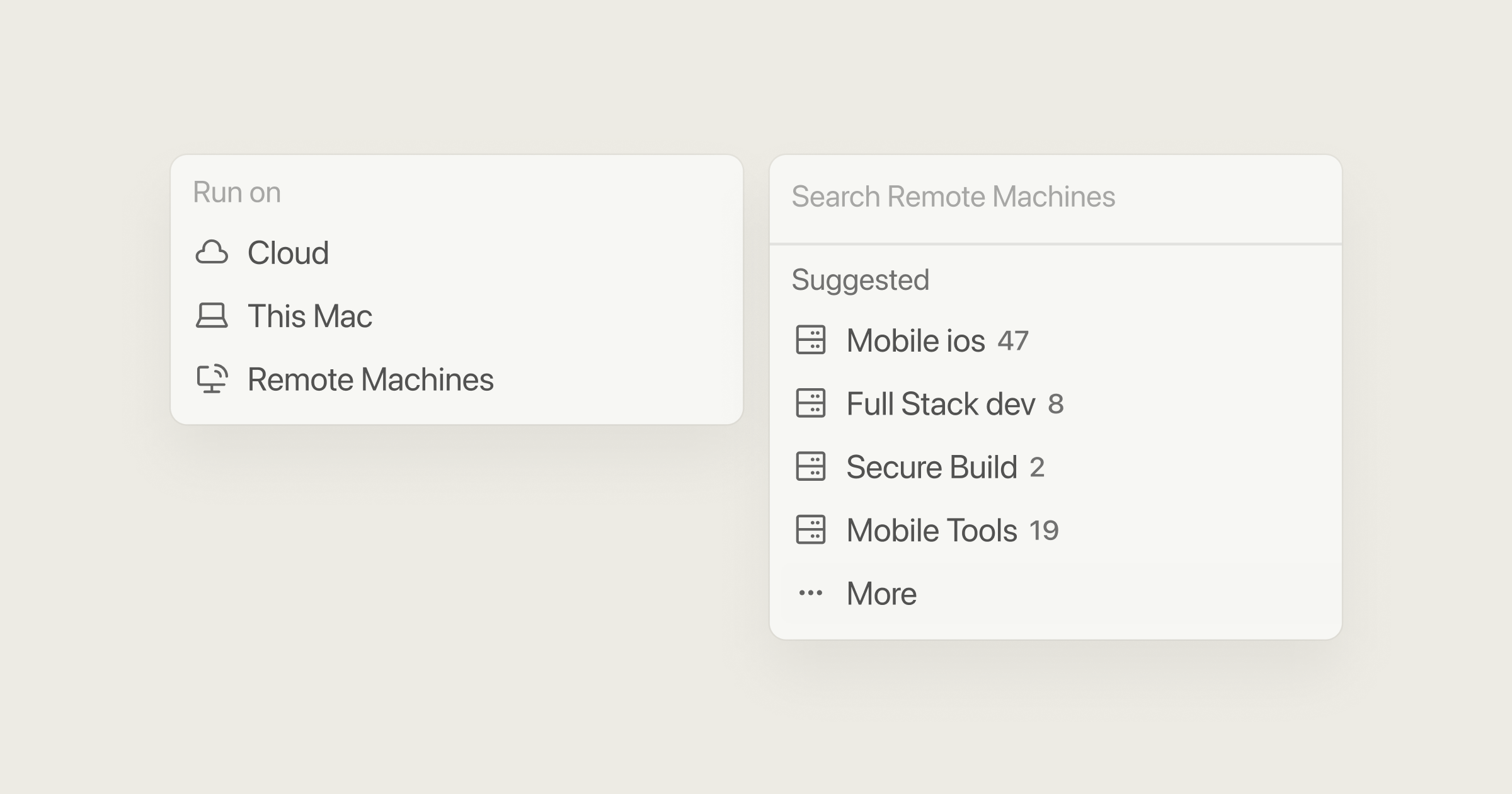
Cursor Cloud Agents can now do their tool calls on hardware you control, while the model still runs in Cursor's cloud.
Quick facts
| Product | Cursor Cloud Agents |
|---|---|
| What's new | Self-hosted machines: My Machines and Team Pools |
| My Machines | Personal account, browser login or personal API key |
| Team Pools | Cursor Enterprise plan + service account API key |
| Network | Workers dial out over HTTPS; no inbound access needed |
| Sandbox providers | AWS Lambda, Coder, Cloudflare, Daytona, Modal, Namespace, Vercel, E2B |
| Computer use | Supported on self-hosted Linux and Mac workers |
What is it?
Self-hosted machines let a Cursor Cloud Agent execute commands on infrastructure you own instead of Cursor-managed sandboxes. There are two shapes: "My Machines" attaches one laptop or VM to a personal account, and "Team Pools" are named worker queues that a team or enterprise shares across many repositories.
How does it work?
Each worker holds an outbound HTTPS connection to Cursor, so no inbound firewall hole is needed. Pools scale on demand — they grow as requests arrive, shrink when workers disconnect, and hibernate idle machines that can be restored inside a reconnect window. Cursor lists AWS Lambda, Coder, Cloudflare, Daytona, Modal, Namespace, Vercel and E2B as sandbox providers agents can run on, and workers on Linux and Mac also support computer use.
Why does it matter?
Regulated teams have been the main blocker for cloud coding agents, because a hosted sandbox means the codebase, build output and secrets leave the network. Running the execution side on your own machines removes that objection while keeping the managed agent experience. It also opens the door to custom hardware — GPUs, Macs, or a specific OS image — that a shared cloud sandbox cannot offer.
Who is it for?
platform and security teams rolling out coding agents
Frequently asked questions
- What data leaves my network when a Cursor agent runs on my own machine?
- Cursor's docs list file contents, terminal output, screenshots and artifacts as the data sent back to Cursor. The full repository checkout and your credentials stay on the worker. Inference still happens in Cursor's cloud, so self-hosted machines move execution rather than the model itself.
- Do I need a Cursor Enterprise plan for this?
- Only for Team Pools. Cursor states that Team Pools require an Enterprise plan plus a service account API key for worker authentication. My Machines, the personal option, needs only a Cursor account and either browser login or a personal API key, so an individual developer can attach a laptop or VM today.
- How does capacity scale on a Team Pool?
- Cursor schedules Team Pools dynamically: pools grow as requests arrive and shrink when workers disconnect. Idle machines can hibernate and are restored within a reconnect window, so teams avoid paying for warm capacity that nothing is using. One pool can serve many repositories.
- Can a self-hosted agent drive a browser?
- Yes. Cursor added computer use to self-hosted workers on Linux and Mac, so an agent can click, type, take screenshots and drive the browser on your hardware. Cursor notes this runs with optional user oversight rather than fully unattended by default.
Try it
In Cursor, open Cloud Agents settings and connect a machine under My Machines