Cursor · 2026-08-13 · major
Cursor Builds — cloud agents fork a warm dev environment instead of setup
Cursor Builds are prepared snapshots of a dev environment, refreshed in the background, so a cloud agent forks a warm machine instead of running setup. Cursor measured 3x faster time to first token. Builds become the default on August 17.
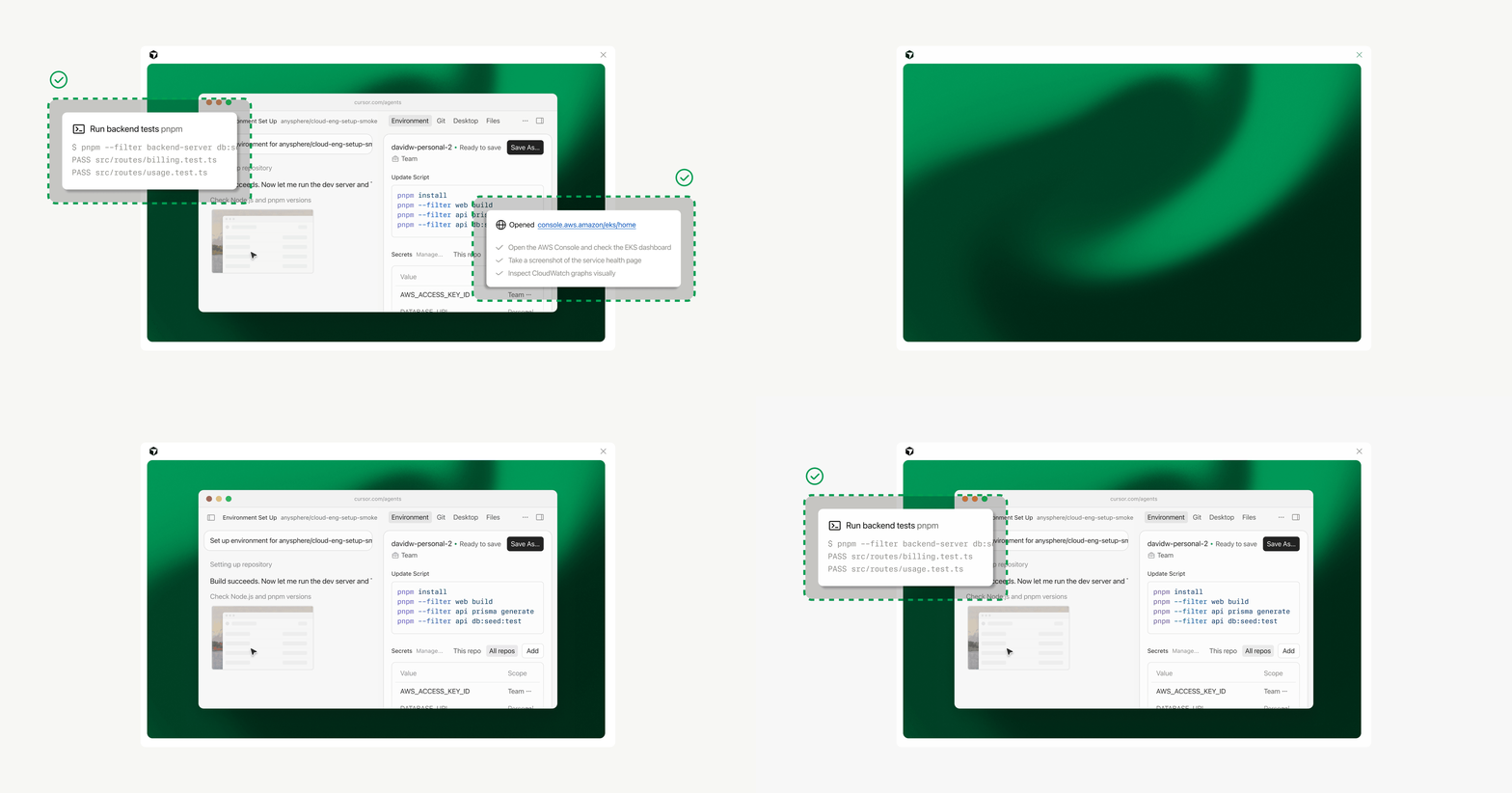
Cursor keeps warm copies of your development environment ready, so a cloud agent skips setup and starts working almost immediately.
Quick facts
| Maker | Cursor |
|---|---|
| What's new | Builds for Cloud Agents |
| Speed | 3x faster time to first token |
| Build cadence | Hourly by default |
| Stale-code threshold | 24 hours (set 0 to always pull) |
| Default everywhere | August 17, 2026 |
| Price | Included with Cloud Agents, no extra cost |
What is it?
Builds are ready-made copies of a development environment that Cursor prepares in the background and keeps warm. A cloud agent starting a task forks one of these instead of cloning the repo, installing dependencies and running setup scripts from scratch. Cursor announced Builds on August 13, 2026.
How does it work?
The mechanism is a filesystem snapshot. Cursor re-runs the environment's install command on a schedule, capturing the repo, the installed dependencies and the finished setup scripts, then snapshots the result. Agents fork a live machine rather than restoring from disk, which is what makes the start near-instant. A build only becomes active if it succeeds.
Why does it matter?
Waiting on environment setup is dead time on every cloud-agent task, and it repeats every session. Cursor reports 10x faster internal environment boots, and the customer Faire says its largest, most complex repos now start in a few seconds. The failure behaviour matters as much as the speed — a broken build never reaches an agent, so a bad dependency bump shows up as a notification rather than a stalled task.
Who is it for?
teams running Cursor Cloud Agents on large repos
Frequently asked questions
- How much does Cursor Builds cost?
- Cursor Builds are included with Cloud Agents at no additional cost. Cursor prepares and refreshes the snapshots in the background as part of the existing Cloud Agents product, so there is no separate charge and no new plan to buy. New environments already use Builds automatically, and from August 17, 2026 every environment uses them by default.
- Do I have to turn Builds on for an existing environment?
- Only until August 17, 2026, the date Cursor makes Builds the default for all new and existing environments. Before then, an existing environment can opt in from the Builds tab of the Cloud Agents dashboard, or through .cursor/environment.json. Cursor suggests running a setup agent first so you can review the configuration changes it proposes.
- How often does Cursor rebuild the environment?
- Cursor runs a new build on a recurring schedule, and also rebuilds on configuration changes, on a manual trigger, or when an agent asks for one. A separate 'Update stale builds' setting controls how fresh the default-branch code must be. Build history, status and logs are all visible in the Builds tab of the Cloud Agents dashboard.
- What happens if a build fails?
- A failed build never becomes active in Cursor, so agents keep starting from the last build that worked and you get notified. That covers cases like a dependency bump breaking an install script or a Docker build failing. Agents can also inspect and manage Builds through the built-in Cursor Cloud MCP, so you can ask one to diagnose the failure.
Try it
Cloud Agents dashboard → Builds tab → Enable Builds