Google · 2026-08-20 · major
Antigravity IDE Extensions — Google's agent moves into VS Code and JetBrains
Google put Antigravity inside VS Code, Visual Studio, JetBrains and Zed as one-click extensions that share context with the Antigravity desktop app and CLI. A companion release adds budget caps, token pools and audit logging for enterprises.
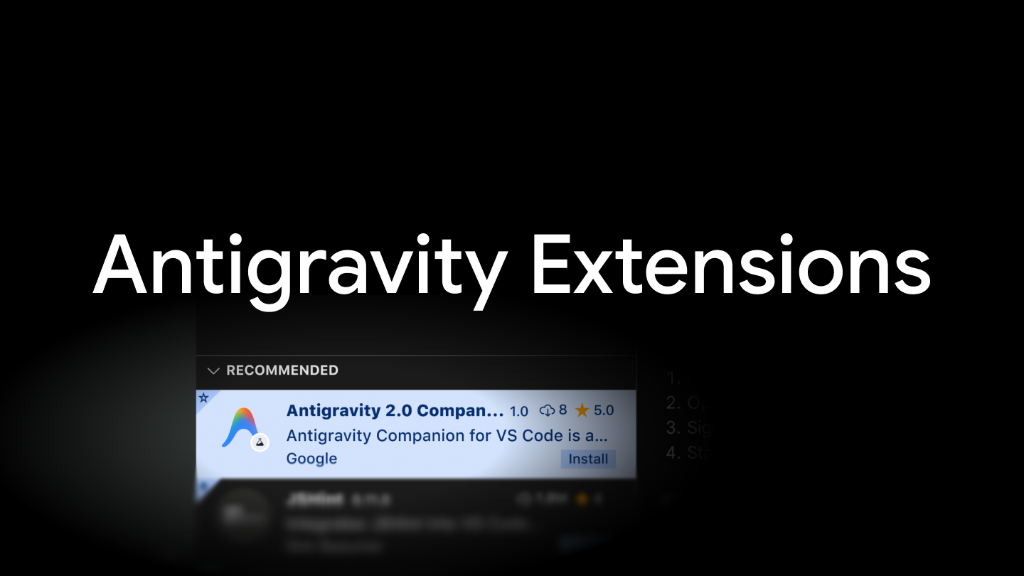
Google's agent-first coding platform now installs as a normal extension in the editor you already use.
Quick facts
| Maker | |
|---|---|
| Supported IDEs | VS Code, Visual Studio (Preview), JetBrains, Zed |
| Install | One click from each IDE's extension marketplace |
| Individual access | Any Antigravity plan, including the free tier |
| Enterprise access | Eligible Gemini Enterprise Standard and Plus plans |
| Enterprise sign-in | Workforce Identity Federation and Application Default Credentials |
| Admin controls | Sandboxing, budget caps, shared token pools, audit logging |
What is it?
Antigravity extensions landed on 20 August 2026 for Visual Studio Code, Visual Studio (Preview), JetBrains IDEs including IntelliJ IDEA, PyCharm, WebStorm, GoLand, CLion and Rider, and Zed. Each installs in one click from the editor's own marketplace. Until now Antigravity meant leaving your editor for Google's desktop app, its CLI or its SDK.
How does it work?
The extensions are intentionally thin. Google says it built "lightweight, high-performance integrations" rather than turning an editor into a second multi-agent hub, so the in-editor surface is for inspecting a code path, reading compiler diagnostics or making a local change. Multi-agent orchestration still runs in the wider Antigravity ecosystem, and the extension shares context with it, so a session you start in Zed is the same session the desktop app sees.
Why does it matter?
Teams no longer have to adopt a new editor to try Google's coding agent, which removes the biggest reason to skip it. The enterprise release published the same day matters more for buyers: it puts Antigravity inside eligible Gemini Enterprise Standard and Plus subscriptions and hands administrators sandboxing rules, browser and MCP permission limits, Google Cloud budget thresholds, shared token pools and one-toggle audit logging.
Who is it for?
developers and platform teams evaluating Google's coding agent
Frequently asked questions
- Is the Antigravity IDE extension free to use?
- Individual developers can install the Antigravity IDE extension on any Antigravity plan, including the free tier, by signing in with a Google account. Teams on Google Cloud reach it through Gemini Enterprise or Google Cloud project credentials instead, where JetBrains and Zed support is still marked Preview.
- How is the extension different from the Antigravity desktop app?
- Google built the Antigravity extensions as deliberately light integrations rather than a second agent hub — in its words, "lightweight, high-performance integrations" instead of trying to turn traditional editors into heavy multi-agent hubs. They are aimed at inspecting a code path, reading compiler diagnostics, or making a local edit, while the desktop app stays the place to orchestrate many agents.
- Can an admin stop Antigravity agents from browsing the web or running commands?
- Yes. Antigravity administrators can enforce workspace sandboxing and restrict browser or MCP server permissions so that, as Google puts it, agents "execute strictly within authorized environments". A single toggle also turns on full audit logging that captures prompts, agent tool executions and the artifacts an agent generates.
- Does Google train its models on code written through Antigravity at work?
- No. Google states that for enterprise use all Antigravity agent activity stays inside the customer's boundary under Google Cloud Terms of Service, and that "your code is never used to train base models". Inference runs through the customer's own Gemini Enterprise Agent Platform project rather than a consumer Google AI subscription.
- How do teams keep Antigravity from running up an unexpected bill?
- Antigravity administrators set monthly budget thresholds in Google Cloud Billing across projects, teams and individuals. Shared token pools stop purchased quota from sitting idle on one team while another runs dry, and organisations can opt into overages with strict caps so an active agent workflow is not cut off mid-task.
Try it
Install the Antigravity extension from your IDE's marketplace and sign in with a Google account.