Google · 2026-09-03 · major
Gemini Spark connects to Google Photos — it can edit, sort and share for you
Google Photos is now a connected app for Gemini Spark, so one prompt can search a library, enhance images, build an album and share the link. Rolling out to Google AI Pro and Ultra subscribers in the US, in English.
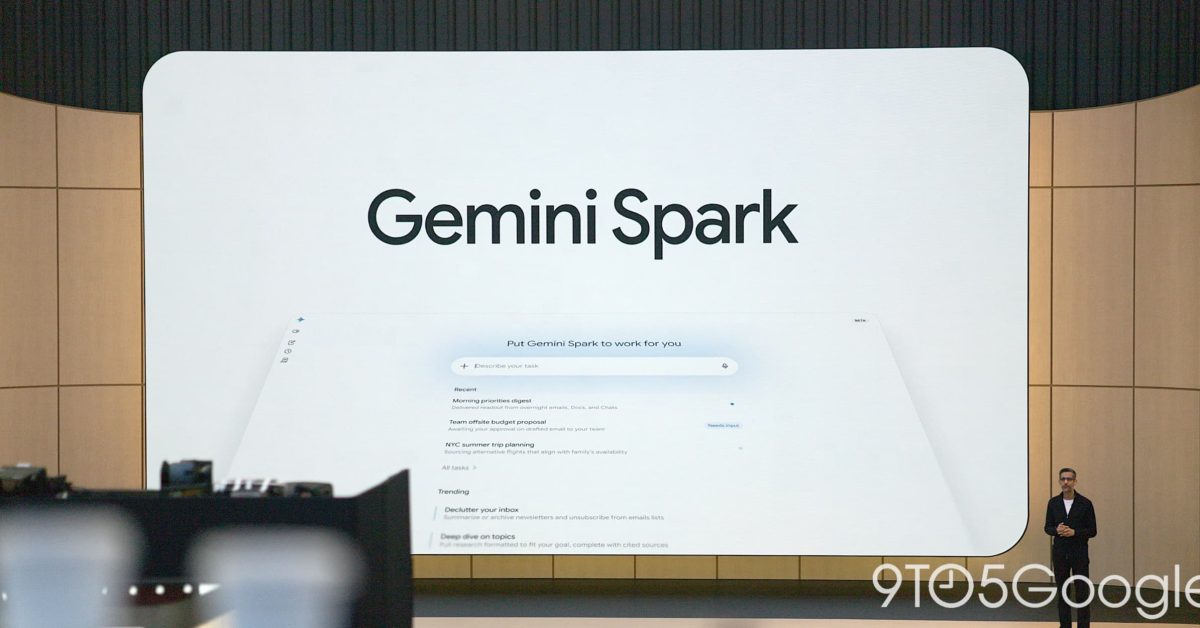
Google Photos becomes a connected app for Gemini Spark, so one prompt can search, edit, album and share across a whole library.
Quick facts
| Maker | |
|---|---|
| Availability | Rolling out in the US, English only |
| Who gets it | Google AI Pro and Google AI Ultra subscribers |
| Where it runs | Gemini mobile app and gemini.google.com |
| Age limit | 18 and over |
| Setup | Turn Google Photos on under Connected Apps |
| Originals | Edits save a new copy; originals untouched |
What is it?
Google Photos is now one of the apps Gemini Spark can act on directly. Google switched the connection on around September 3, 2026: link the library, toggle Spark, and a single prompt can find the right pictures, clean them up, collect them into an album and send the link — steps that used to mean a manual crawl through the app.
How does it work?
The link runs through the Connected Apps menu in Gemini, where Google Photos has to be turned on. From there Spark searches by subject, location, date or event and filters out near-duplicates, applies quick enhancements, and builds collages or stylized versions. Edits are written as a new copy rather than over the original. The same job can be chained into other connected apps or set to repeat on a schedule in the background.
Why does it matter?
A photo library is the largest pile of unsorted personal data most people own, and the sorting work has always been manual. Handing it to an agent turns that backlog into something that gets worked through without you. It is also one of the widest permissions Google has given an agent so far, which is why the rollout is fenced in: Pro and Ultra subscribers only, US-only, English-only, 18 and over, with new albums private by default and an explicit permission prompt before anything is shared.
Who is it for?
Google AI Pro and Ultra subscribers in the US
Frequently asked questions
- Which Gemini plan do I need for the Google Photos connection?
- Gemini Spark's Google Photos connection is rolling out to Google AI Pro and Google AI Ultra subscribers in the United States, in English, for users aged 18 and over. Google notes it is not available in some US regions and is being made available gradually, so an eligible subscriber may not see it immediately.
- Does Gemini Spark change my original photos?
- No. Google states that when Gemini Spark edits, enhances or stylizes an image, the result is saved as a new copy in Google Photos and the original file is left untouched. That makes the edits reversible in practice — the source image stays in the library alongside whatever Spark produced from it.
- Can Gemini Spark share my albums without asking?
- No. Google says new albums Gemini Spark creates are private by default, and Spark asks for permission before it performs actions such as creating a shared album or sending an email. Album links can be sent through connected apps like Gmail, Google Docs and Messages, but only after you approve the action.
- What can Gemini Spark do with photos that the Photos app cannot?
- Gemini Spark chains photo work into other connected apps and onto a schedule. Google lists running workflows across connected apps using information from your photos and setting up recurring background tasks. TechCrunch's report gives a concrete example: turning a photographed concert flyer into a calendar appointment.
Try it
Turn Google Photos on under Connected Apps in the Gemini app, then toggle Spark