Google · 2026-09-01 · major
Google Pics — an AI image tool in Workspace where you start from a prompt
Google Pics is a new AI image tool built on Google's Nano Banana model. You describe a poster or graphic, pick from several results, then select single objects or text to change. It works at pics.new and inside Docs and Slides.
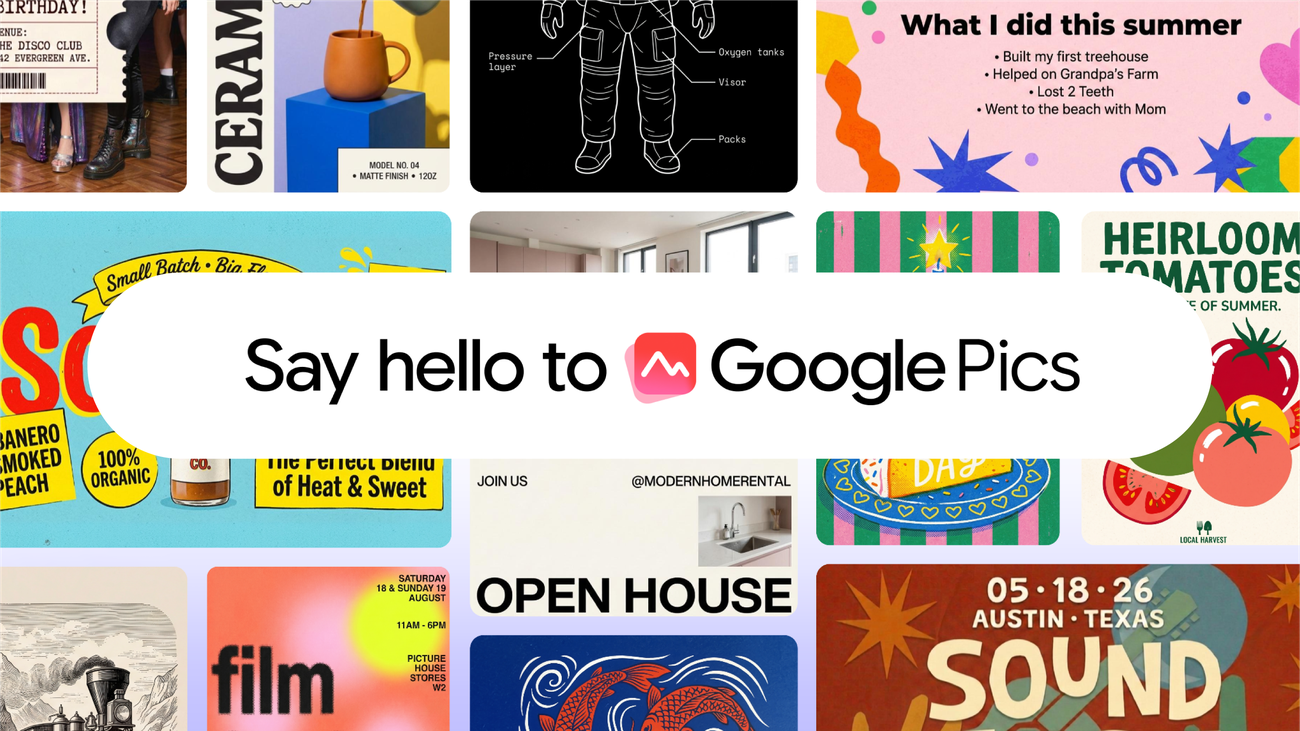
Google Pics turns a written description into a poster or graphic, then lets you edit one object at a time.
Quick facts
| Maker | |
|---|---|
| Model | Nano Banana |
| Where it runs | pics.new, plus Google Docs and Slides |
| Plans | Google AI Pro, Ultra, and Workspace Business Standard and above |
| Editing | Per-object selection, in-image text edit and translation |
| Output | Upscale to 2K or 4K |
| Availability | Rolling out from September 1, 2026 |
What is it?
Google Pics generates several image options from one prompt and then hands you object-level controls over the result. Google launched it on September 1, 2026 as a standalone tool at pics.new and as an inline editor in Docs and Slides. It replaces the usual template-and-drag flow with a description of what you want.
How does it work?
The generation and editing both run on Nano Banana, Google's image model. Its useful trick is segmentation: the editor can isolate one object in a picture and move, resize or replace it while the rest of the frame stays put. Text inside an image is treated the same way, so a caption can be rewritten or translated without redoing the layout. Several edits can run at once and be reverted.
Why does it matter?
A design tool that opens on a prompt rather than a blank template puts Google directly against Canva and Adobe Express, and it arrives free inside plans many teams already pay for. For anyone who makes flyers, slides or social graphics without a design background, the object-level editing is the part that matters — generated images have been easy to make and hard to fix, and per-object control is what turns a first draft into something usable.
Who is it for?
Workspace teams and non-designers who make graphics
Frequently asked questions
- Which plans include Google Pics?
- Google Pics reaches Workspace customers on Business Standard, Business Plus, Enterprise Standard and Enterprise Plus, plus personal subscribers on Google AI Pro and Google AI Ultra and schools on Google AI Pro for Education. Google says the tool rolls out over the coming weeks rather than switching on for everyone at once.
- How is Google Pics different from Canva?
- Google Pics starts from a written prompt instead of a template. Canva hands you a layout to fill in; Pics generates several first drafts from your description, then gives you precise controls to fix what came back. TechCrunch frames the split as prompt-first creation versus design-first editing.
- Can Google Pics edit an image I already have?
- Yes. Google Pics imports images from your computer, Google Drive or Google Photos. Once loaded, you can isolate a single object and change it without touching the rest of the frame, rewrite or translate text inside the picture, crop for a target format, and upscale the result to 2K or 4K.
- Where does Google Pics appear inside Workspace?
- Google Pics is a standalone site at pics.new and is also wired into Google Docs and Slides for inline editing, with Google Drive named as a later step. Creations can be shared by link or with named teammates, and the files live in Drive like any other Workspace document.
Try it
Open pics.new with a Google AI Pro, Ultra or eligible Workspace account