Warp · 2026-08-04 · major
Warp Agent CLI — the Warp coding agent goes standalone in any terminal
Warp Agent CLI is a standalone install of Warp's multi-model coding agent for Ghostty, iTerm 2, VS Code, and Windows/Mac terminals, with session multiplexing, remote handoff, and BYO-key support.
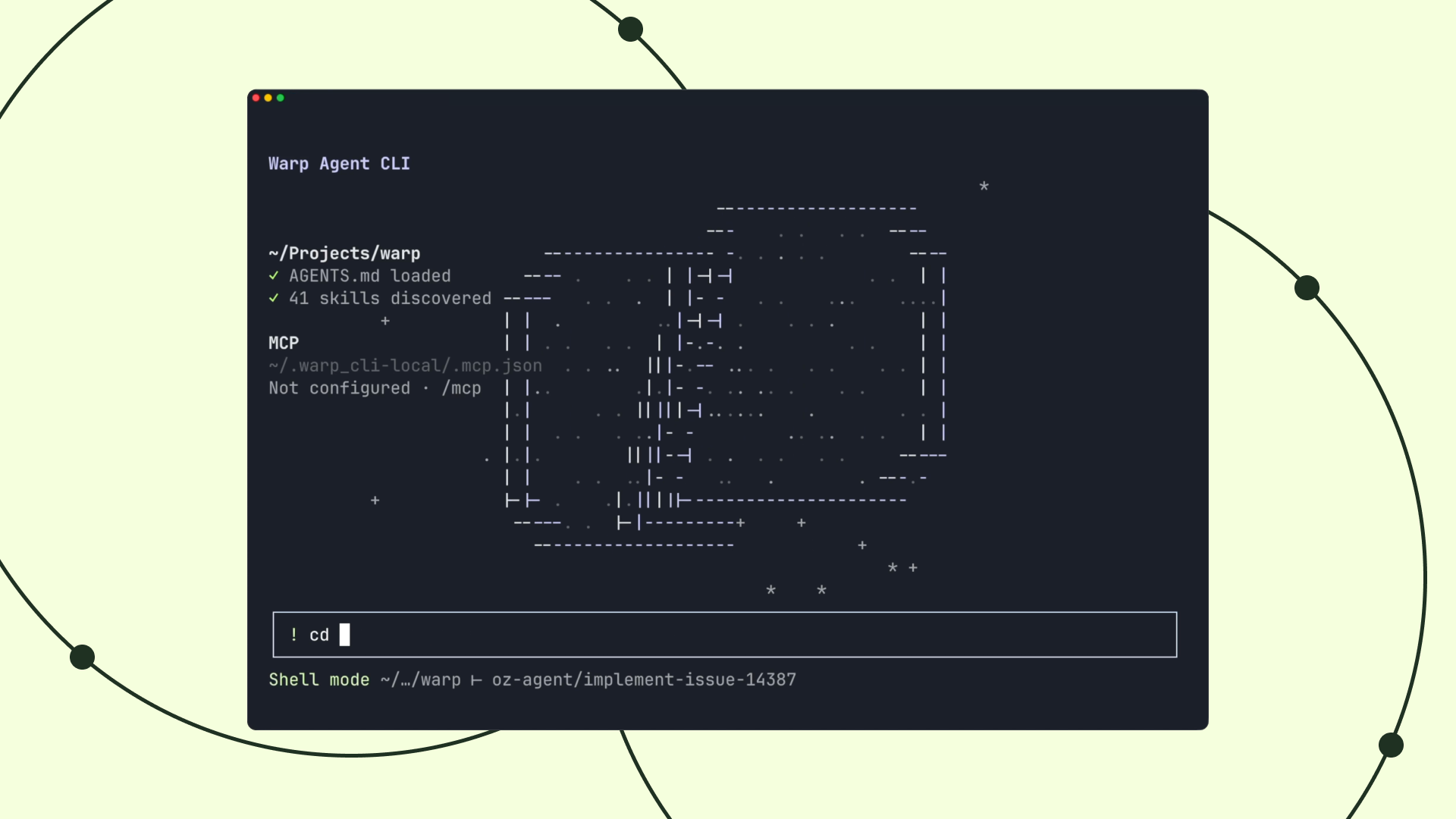
Warp's multi-model coding agent ships as a standalone CLI you can drop into any terminal, with multiplexing, remote handoff, and BYO keys.
Quick facts
| Maker | Warp |
|---|---|
| Availability | Standalone CLI for Mac, Linux, Windows |
| Terminals supported | Ghostty, iTerm 2, VS Code, Windows Terminal, Mac Terminal |
| Subscription | $18 / month, includes $20 inference credit |
| Ad-hoc credits | From $10 |
| BYO key | Free tier with own OpenAI-compatible endpoint |
| Install (Mac/Linux) | curl -fsSL https://app.warp.dev/download/agent-cli | bash |
What is it?
Warp Agent CLI takes the coding agent that was previously locked inside the Warp Terminal app and packages it as a standalone binary. The install works in Ghostty, iTerm 2, VS Code's integrated terminal, Windows Terminal, and Apple's default Terminal — the same multi-model agent, no Warp Terminal required.
How does it work?
A native multiplexing layer built on Warp's terminal infrastructure keeps agent sessions persistent across directory switches and pipes full-screen apps like vim, gdb, and sqlite through without breaking. An auto-router picks a model per task from a mix of frontier and open-weight endpoints, and subagents can be delegated to or handed off to a cloud agent for long-running work.
Why does it matter?
Warp Agent CLI removes the lock-in that kept teams on the Warp Terminal to use its agent, and gives Claude Code, Codex CLI, and Cursor a same-shape competitor that runs anywhere. The BYO-key free tier and $10 ad-hoc credit floor also lower the try-cost for developers who don't want another $18/month subscription.
Who is it for?
coding-agent users on Ghostty, iTerm 2, VS Code, or Windows who don't want to switch terminals to try Warp's agent
Frequently asked questions
- Do I still need the Warp Terminal to use Warp Agent CLI?
- No. Warp Agent CLI is a standalone binary that runs inside any terminal — Ghostty, iTerm 2, VS Code's integrated terminal, Windows Terminal, or Apple's default Terminal — while still using the same multi-model agent that ships with the Warp Terminal app.
- How much does Warp Agent CLI cost?
- Warp Agent CLI is included in the $18/month Warp subscription, which comes with $20 of inference credit. Ad-hoc credits start at $10, and there is a free tier if you bring your own OpenAI-compatible API key or SuperGrok endpoint instead of Warp's inference.
- Can Warp Agent CLI run inside vim, sqlite, or python REPL?
- Yes. Warp Agent CLI's multiplexing architecture natively supports full-screen and interactive apps — vim, gdb, htop, sqlite, and python REPL run inside an agent session without breaking the terminal, so the agent can drive interactive programs the same way a human would.
- How is Warp Agent CLI different from Claude Code or OpenAI Codex CLI?
- Warp Agent CLI supports multiple model backends with an auto-router that picks a model per task instead of pinning one, adds multi-agent orchestration with subagent delegation, and can hand a session off to a cloud agent. It can also wrap other harnesses like Claude Code or Codex.
- Does Warp Agent CLI work with remote machines over SSH?
- Yes. Warp Agent CLI runs a remote agent without installing the binary on the remote host — you keep one local install, connect over SSH, and the agent works against the remote filesystem and shell, so servers and dev containers don't need per-machine setup.
Try it
curl -fsSL https://app.warp.dev/download/agent-cli | bash