In plain English
Imagine you have a chatbot prompt that classifies support tickets. It works beautifully. Then someone notices it occasionally mislabels billing tickets, so they add one sentence to the prompt: "Pay special attention to billing keywords." Billing accuracy goes up. Everyone's happy — until a week later you discover the same edit quietly broke refund classification, which nobody was watching. The prompt got better on the thing you tested and worse on five things you didn't.
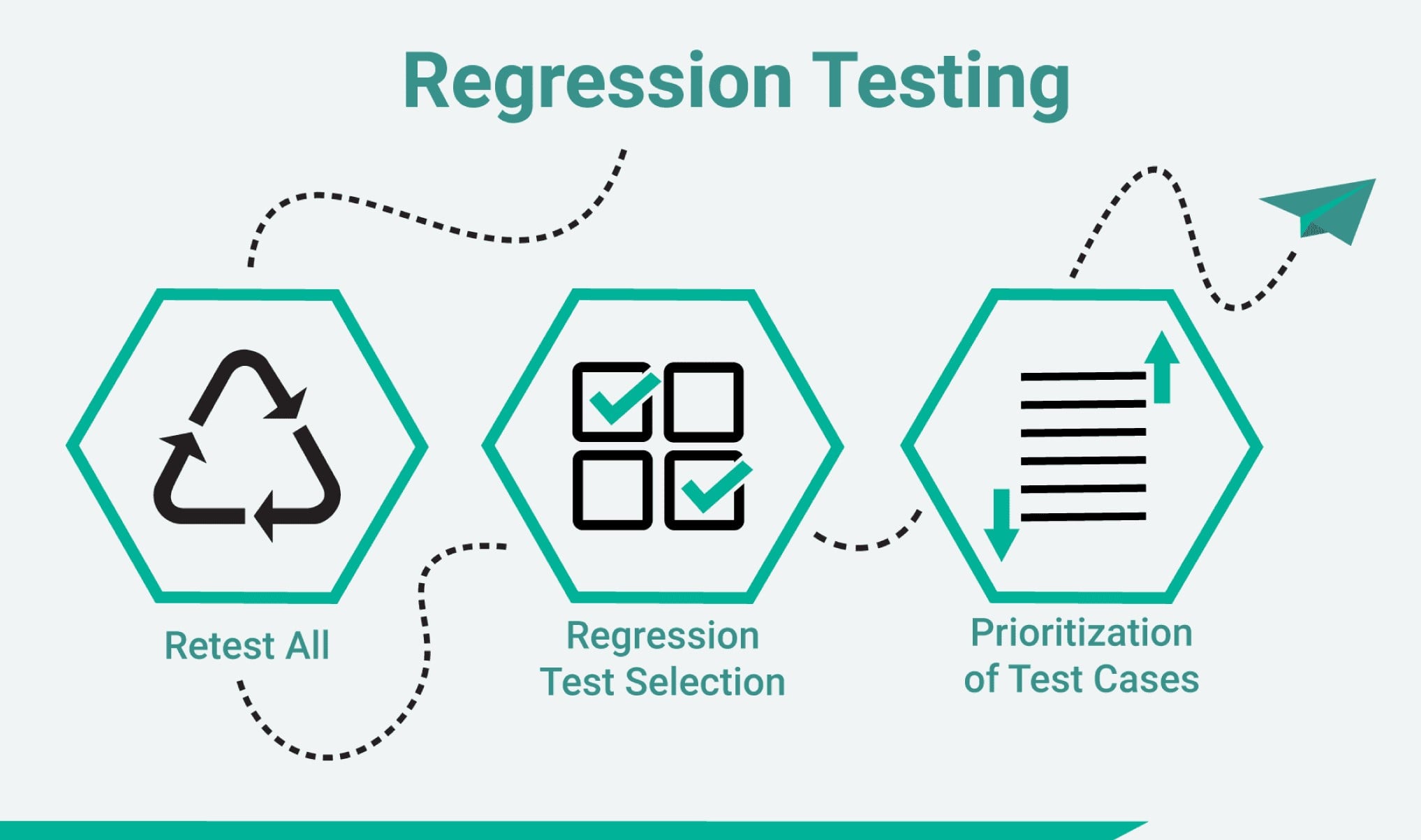
Regression testing for LLM prompts is the discipline that catches exactly this. You keep a fixed set of test cases, you run them before a prompt edit and after, and you compare the two runs. If the change improves some cases but degrades others, the comparison shows you — before the edit ever reaches users. The word "regression" just means something that used to work now doesn't; a regression test is a tripwire that fires when that happens.
The everyday analogy is a recipe you're tweaking. You don't judge a new spice blend by tasting one spoonful — you serve it to the same five people who tried the old version and ask each whether it got better or worse. The five tasters are your fixed test set. Their before/after verdicts are your regression results. Without them, you're just trusting that the one bite you tried represents the whole pot.
Why it matters
Prompts feel like code, so people edit them like code — confidently, one tweak at a time. But prompts behave nothing like code when it comes to change. A one-character fix in a function changes exactly one thing. A one-sentence fix in a prompt nudges the model's behavior across every input at once, in ways you can't predict by reading the diff. That mismatch is the whole problem regression testing exists to solve.
- Edits have non-local effects. Adding an instruction to handle one edge case changes how the model weighs all its instructions. The fix you wanted lands; so do side effects you didn't ask for.
- Improvements are easy to fake. It is trivial to make a prompt ace the three examples you happen to be staring at while you over-fit the wording to them. Those three are not the population — the prompt can win on them and lose overall.
- Failures are invisible without a baseline. If you don't have the old outputs saved, you literally cannot tell whether new output is better, worse, or the same. "It looks fine" is not a comparison.
- Model and library updates move under you. Even if you never touch the prompt, the provider can ship a new model version or you bump an SDK, and behavior shifts. Regression tests catch drift you didn't cause.
- The cost of a bad edit compounds. A prompt change ships to every request at once. A regression that slips through isn't one bad answer — it's thousands, until someone notices.
Who needs this? Anyone whose prompt is in production and gets edited more than once. A solo builder iterating on a summarizer, a team maintaining a customer-facing agent, anyone tuning a model-as-judge prompt. The moment a prompt has users and a history of edits, you want a tripwire between your keyboard and them.
How it works
Regression testing has two phases. Set-up happens once: you assemble a fixed test set and capture a baseline. Every change runs the loop: run the candidate prompt over the same test set, score it, and diff the scores against the baseline. Ship only if nothing important got worse.
The pieces you need
- A fixed test set — a frozen list of inputs that represents real traffic plus the tricky cases you've been burned by before. This is your golden dataset. It must not change between runs, or the comparison is meaningless.
- A baseline — the current prompt's outputs (or scores) over that test set, saved to disk. This is what "before" means.
- A scorer — a way to turn each output into a pass/fail or a number. Could be exact-match, a rule check, or a model grading the answer. See code vs model-graded evals.
- A diff — the comparison that flags which cases changed verdict, and a threshold that decides whether the overall change is acceptable.
Snapshot testing: the simplest form
The lightest-weight version is a snapshot test, borrowed straight from software testing. You record the prompt's output for each test input as a saved "snapshot" file. On the next run, you compare the fresh output against the saved snapshot. If they differ, the test fails loudly and shows you the diff — you then decide whether the new output is an improvement (update the snapshot) or a regression (revert the change).
Snapshots work best when outputs are deterministic or close to it. For an extraction or classification prompt that returns structured data, the output should be byte-for-byte stable, so any diff is a real signal. For free-form prose, exact-match snapshots are too brittle — a reworded-but-equivalent answer trips the alarm — so you score meaning instead of text (next section).
- Compares exact text
- Best for structured / deterministic output
- Fails on any change — even harmless ones
- Cheap: just a string compare
- You review diffs by hand
- Compares a quality score per case
- Best for free-form prose
- Tolerates reworded-but-correct answers
- Needs a scorer (rules or a judge)
- Gate on an aggregate threshold
Because LLMs are often non-deterministic, a single run can vary between calls. Two common ways to keep the comparison honest: run each case a few times and compare aggregates, and (where the API allows) pin sampling so runs are as repeatable as possible. The goal is to make sure a flagged difference is the prompt edit talking, not random noise.
A worked example
Here's the whole idea in a small Python script. We have a classification prompt, a fixed test set with known correct labels, and a baseline score saved from the last run. We run the candidate prompt, compute a new score, and refuse to ship if accuracy dropped or if any previously-passing case now fails — that second check is the regression tripwire.
import json
from anthropic import Anthropic

client = Anthropic()

# 1) FIXED TEST SET — frozen inputs + their known-correct labels.
#    Real traffic samples PLUS the tricky cases that bit us before.
TEST_SET = [
    {"text": "My card was charged twice this month.", "label": "billing"},
    {"text": "I want my money back for last week's order.", "label": "refund"},
    {"text": "The app crashes when I open settings.", "label": "bug"},
    # ... dozens more ...
]

CANDIDATE_PROMPT = (
    "Classify the support ticket as one of: billing, refund, bug.\n"
    "Pay special attention to billing keywords.\n"   # <-- the edit under test
    "Reply with ONLY the label, lowercase, no punctuation.\n\nTicket: {text}"
)

def classify(text):
    msg = client.messages.create(
        model="claude-opus-4-8",
        max_tokens=16,
        messages=[{"role": "user", "content": CANDIDATE_PROMPT.format(text=text)}],
    )
    return msg.content[0].text.strip().lower()

# 2) RUN the candidate prompt over the frozen set.
results = [{**c, "got": classify(c["text"])} for c in TEST_SET]
new_score = sum(r["got"] == r["label"] for r in results) / len(results)

# 3) DIFF against the saved baseline.
baseline = json.load(open("baseline.json"))      # {"score": .., "by_case": {..}}
newly_broken = [
    r["text"] for r in results
    if baseline["by_case"].get(r["text"]) and r["got"] != r["label"]
]

# 4) GATE: refuse to ship on a drop OR any newly-broken case.
assert new_score >= baseline["score"], f"accuracy fell {baseline['score']} -> {new_score}"
assert not newly_broken, f"these used to pass and now fail: {newly_broken}"
print(f"OK — accuracy {new_score:.2%}, no regressions")
Notice the two separate gates. The first (new_score >= baseline) catches an overall drop. The second (newly_broken) catches the sneaky case: a change can leave the average flat while quietly swapping which cases pass — five new wins masking five new losses. Only the per-case diff exposes that trade. Aggregate-only checks miss it every time.
Common pitfalls
Regression testing is simple to describe and easy to do in a way that gives false confidence. Most of the failures come from a test set that doesn't represent reality, or a comparison that hides the wrong kind of change.
- Optimizing one example while breaking ten. The classic trap: you stare at a failing case, tweak the wording until it passes, and ship — without re-running the rest. The whole point of the fixed set is to force you to check the ten you weren't looking at.
- A test set that's too small or too clean. Five happy-path inputs won't catch a regression in the messy real ones. Seed the set with the actual cases that have failed in production — those are the ones most likely to regress again.
- Comparing only the average. Aggregate accuracy can stay flat while the mix of passing cases churns underneath. Always diff per case, not just the headline number.
- Exact-match diffs on free-form text. A summary that's reworded but equally correct will fail a string-compare snapshot, training you to ignore the alarm. Use a meaning-based score for prose; reserve exact snapshots for structured output.
- Mistaking noise for a regression. One unlucky sample can flip a case. Run flaky cases a few times and compare aggregates, so you don't revert a good edit over randomness — or chase a 'fix' for a problem that isn't there.
- Never updating the baseline. A baseline is a current snapshot, not a sacred artifact. When you deliberately change behavior, refresh it — a stale baseline makes every future run fail for the wrong reason.
Going deeper
The plain loop above — fixed set, baseline, run, diff, gate — is the whole foundation, and everything beyond it is about making the comparison sharper, cheaper, or more automatic. A few directions worth knowing once the basics click.
Wire it into CI. The natural home for a regression suite is your continuous-integration pipeline: any pull request that touches the prompt automatically runs the test set and blocks the merge if a gate fails. This turns regression testing from a thing you remember to do into a thing that can't be skipped. Because each run costs API calls, teams often run a small fast set on every commit and the full set nightly or before release.
Version your prompts explicitly. Treat each prompt as a versioned artifact with its own ID, the same way you'd version a model. When a regression appears, you want to answer "which prompt version introduced this?" by diffing two named versions, not by archaeology through chat logs. Pairing a prompt version with the baseline it was measured against is what makes results reproducible months later.
Choose scorers that match the output. Deterministic outputs (labels, extracted JSON) use cheap exact-match or rule checks. Open-ended outputs need a model-graded eval — but a judge model has its own biases and instability, so a flaky judge can manufacture phantom regressions. If your judge prompt itself changes, it needs regression testing too, against a set of human-labeled examples. See LLM-judge pitfalls.
Mind non-determinism in the gate. Because the same prompt can give different answers across calls, a single-run comparison can flag a 'regression' that's really just variance. The robust move is to run each case several times and compare rates (this case passes 9/10 times vs 5/10) rather than single verdicts, and to set thresholds with a small tolerance band so trivial noise doesn't block a merge. The tighter you want the gate, the more samples it costs — that's the core trade-off.
The honest limits stay real. A regression suite only ever protects the behaviors you thought to encode; the failure that ships is usually the case nobody added. Scores are proxies, and a prompt can game a proxy while getting worse on what you actually cared about. And every gate is a trade between catching real regressions and blocking good edits over noise. The durable lesson: regression testing doesn't make your prompt correct — it makes change safe, by guaranteeing that every edit is measured against the same yardstick instead of a fresh, flattering glance.
FAQ
What is regression testing for LLM prompts?
It's the practice of re-running a fixed set of test inputs every time you edit a prompt, then comparing the new outputs against a saved baseline from before the edit. The goal is to catch when a 'small tweak' quietly makes some outputs worse, even if it improves the cases you were focused on. In short: change the prompt, re-run the same tests, diff before vs after, and ship only if nothing important regressed.
How do I test prompt changes without breaking other cases?
Keep a frozen test set that includes both typical traffic and the tricky cases that have failed before. Run it before and after your edit and diff per case, not just the average score — that's what reveals an edit that fixes one example while breaking ten others. Gate the change on two checks: overall quality didn't drop, and no previously-passing case now fails.
What is snapshot testing for an LLM?
Snapshot testing records each prompt's output to a saved file, then compares future runs against that saved 'snapshot.' If the output changes, the test fails and shows you the diff so you can decide whether it's an improvement (update the snapshot) or a regression (revert). It works best for deterministic, structured outputs; for free-form prose, score meaning instead of exact text, since a reworded-but-correct answer would trip an exact-match snapshot.
How do I regression-test prompts when the model is non-deterministic?
Run each test case several times and compare pass rates (e.g. 9/10 vs 5/10) rather than single verdicts, and add a small tolerance band to your gate so trivial noise doesn't block a good edit. Where the API allows, pinning sampling settings makes runs more repeatable. The aim is to ensure a flagged difference reflects your prompt edit, not random variation.
Where do prompt regression tests fit in my workflow?
The strongest place is your CI pipeline: any change that touches the prompt automatically runs the test set and blocks the merge if a gate fails, so the check can't be forgotten. Because runs cost API calls, many teams run a small fast set on every commit and the full set nightly or before a release. Store the prompt version and its baseline together so results stay reproducible.
What's the difference between an eval suite and regression testing?
An eval suite measures how good a prompt is at a point in time. Regression testing is the change workflow built on top of it: you re-run that suite on every edit and compare the new results against the previous ones, specifically to catch quality drops. You need the suite first; regression testing is what you do with it whenever the prompt changes.