In plain English
A language model writes one token at a time, always asking the same question: what comes next? (If that loop is new to you, see autoregressive generation.) Left alone, it keeps going until it decides on its own to stop or until it hits the maximum length you allowed. A stop sequence is a piece of text you hand the API in advance that says: "the instant you produce this exact string, stop — don't write another token."
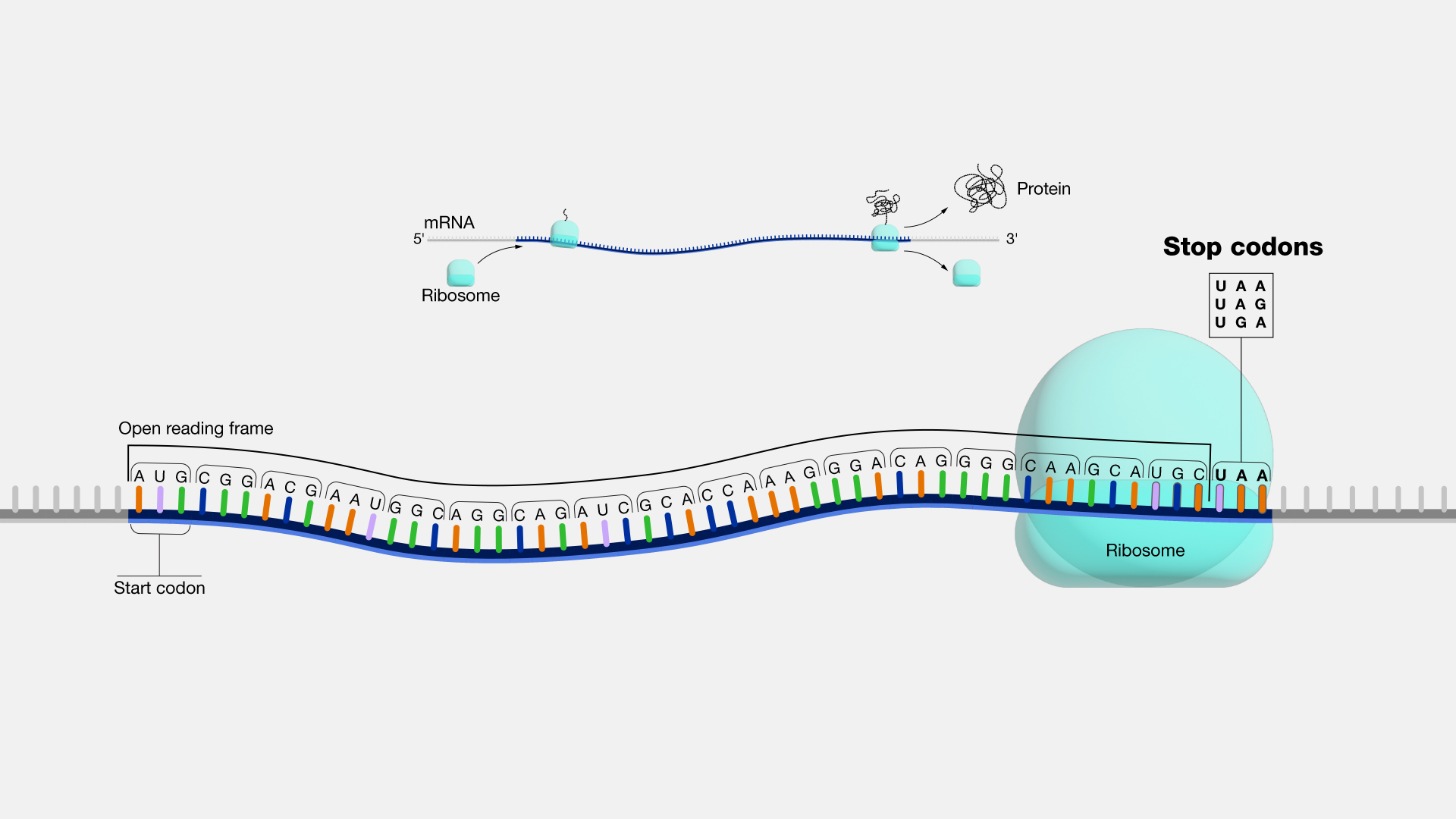
Think of dictating a letter to an assistant and telling them up front: "stop the moment you write the word Sincerely." The assistant types away, and as soon as those letters appear, the pen lifts. You never have to interrupt — the trigger word was agreed on beforehand. A stop sequence is exactly that pre-agreed trigger, except it's a string you pass alongside your prompt.
One detail trips up almost everyone the first time: the stop string itself is not included in the returned text. The model generates up to the point where the string would appear, then cuts it off and throws the matched string away. You get everything before the trigger, and the trigger is silently swallowed.
Why it matters
Without stop sequences, you're at the mercy of the model's own sense of when to quit — and that sense is often wrong for your format. The model was trained to write helpful, complete-sounding text, not to respect the rigid boundaries your code depends on. Stop sequences give you a hard, deterministic off-switch that doesn't rely on the model's judgment at all.
Here are the everyday problems they solve:
- Generating exactly one item. You ask for a single line, a single JSON object, or one answer — but the model, being chatty, keeps going and writes a second one, or a paragraph of commentary you didn't want. A stop sequence at the natural boundary (a newline, a closing brace, a delimiter) cuts it off after the first.
- Stopping a runaway dialogue. If your prompt looks like a chat transcript with
User:andAssistant:turns, the model will happily keep writing both sides, inventing the user's next message. SettingUser:(or whatever your turn marker is) as a stop sequence ends the model's turn before it starts role-playing the human. - Cheaper, faster calls. Every token the model generates costs money and time. Stopping the moment you have what you need — instead of letting it ramble to the token limit — directly cuts cost and latency.
- Cleaner parsing. When you know generation always ends at a fixed marker, your downstream code can split, parse, and validate the output reliably instead of guessing where the useful part ends.
How it works
Generation is a loop: the model produces a token, appends it to the growing text, and repeats. After each token, the serving system checks the text it has built so far against your list of stop sequences. The moment the running output ends with one of those strings, the loop halts, the matched string is trimmed off, and whatever remains is returned to you.
Crucially, this check happens after generation, on the decoded text — not inside the model's math. The model itself doesn't "know" about your stop sequences and doesn't change how it predicts tokens because of them. The stop sequence is a rule the serving layer enforces on the output stream. That's why it's purely a cutting tool: it can end generation early, but it can never make the model write better or differently.
Stop sequence vs. the model's own end token
Generation can end three ways, and it helps to keep them straight:
| What ended it | Who controls it | Reported as |
|---|---|---|
| The model emitted its built-in end-of-turn token | The model (learned in training) | natural stop / end_turn |
| The output matched your stop sequence | You (passed in the request) | stop sequence / stop_sequence |
| It hit the max-tokens limit | You (length cap) | length / max_tokens |
Most APIs tell you which of these happened in a field on the response (often called finish_reason or stop_reason). That field matters more than people expect — checking it is how you tell a complete answer apart from one that got chopped off, which we'll come back to.
What a request looks like
You pass stop sequences as a parameter on the API call — usually a small list of strings. Here's the shape across two common APIs:
# Anthropic (Claude): the param is `stop_sequences`
msg = client.messages.create(
    model="claude-sonnet-4-6",
    max_tokens=200,
    stop_sequences=["\n\n", "User:"],   # stop at a blank line OR a new turn
    messages=[{"role": "user", "content": prompt}],
)
print(msg.stop_reason)   # 'end_turn', 'stop_sequence', or 'max_tokens'

# OpenAI-style APIs: the param is simply `stop`
resp = client.chat.completions.create(
    model="gpt-...",
    stop=["\n\n", "User:"],
    messages=[{"role": "user", "content": prompt}],
)
Most providers let you supply up to a few stop sequences (commonly four), and the first one to match wins. Note the two different parameter names — stop_sequences on Claude, stop on OpenAI-style endpoints — a frequent copy-paste mistake when moving code between providers.
A worked example: one item at a time
Say you want the model to generate a single product name and nothing else — no "Sure, here's a name:", no list of alternatives. The model loves to over-deliver, so you fence it in with a stop sequence on the newline.
prompt = "Suggest one short name for a coffee brand. Name:"

msg = client.messages.create(
    model="claude-sonnet-4-6",
    max_tokens=20,
    stop_sequences=["\n"],     # end after the first line
    messages=[{"role": "user", "content": prompt}],
)
name = msg.content[0].text.strip()
print(name)        # e.g. "Morning Anchor"
print(msg.stop_reason)   # 'stop_sequence'  -> the newline triggered it
Internally the model might have wanted to write Morning Anchor\nOther ideas: Daybreak, Roast & Co... — but the serving layer saw the \n, stopped, and trimmed everything from the newline onward. You receive just Morning Anchor. The newline you used as the boundary is gone from the result; that's the "stop string is excluded" rule in action.
Ending a faked conversation
The classic use comes from few-shot prompting, where you show the model a mini-transcript and expect it to continue only the next assistant turn:
User: What's the capital of France?
Assistant: Paris.
User: And of Japan?
Assistant:
Without a stop sequence, the model often answers and then invents \nUser: Thanks! And of Italy? and keeps the fake dialogue rolling. Set User: as a stop sequence and generation halts the instant the model tries to start a new user turn — you get a clean Tokyo. and nothing more.
Common pitfalls
Stop sequences are simple but sharp-edged. Almost every problem comes from choosing a string that's too common, or from forgetting that the string gets removed.
- The stop string is gone — don't rely on it being there. If you stop on
}while generating JSON, the closing brace is trimmed off and your output is invalid JSON. You have to add the brace back in code, or stop on a marker that comes after the structure you want to keep. - Choosing a string that's too common. Stopping on
.or a single space will cut off after the very first sentence or word, because those characters appear constantly. Pick a string that only occurs at the real boundary you care about. - The trigger appears inside legitimate output. If your stop sequence is
\nbut the model's correct answer naturally spans two lines, it gets truncated at the first line break. Match your stop string to text that genuinely marks the end, not text that can show up mid-answer. - Whitespace and case must match exactly. Stop sequences are literal string matches.
User:will not catchuser:orUser :. If your prompt and your stop string disagree by a space, the stop never fires. - Confusing a truncated answer with a finished one. When a stop sequence fires, the answer might be incomplete by design — or incomplete by accident. Always read
stop_reason/finish_reasonso you know whether the model finished naturally or was cut short.
Going deeper
Once the basics click, a few subtleties separate a toy use from a robust one.
Stop sequences don't change the probabilities — sampling settings do. A stop sequence only decides when to cut; it never influences what the model writes. If you want to steer the actual word choices, that's the job of temperature and sampling, covered in greedy decoding vs. sampling. The two controls are orthogonal: sampling shapes the text, stop sequences end it.
Tokenization vs. string matching. The model thinks in tokens, but your stop sequence is matched against the decoded text, not against token IDs. This matters because a string like \n\n might be a single token in one place and split across tokens in another; good serving layers handle both by checking the decoded output, but it's why exotic multi-character stop strings occasionally behave less predictably than a plain word or newline. When in doubt, prefer simple, unambiguous boundaries.
Streaming and stop sequences. If you stream tokens to a user as they're generated, the serving system has to be careful not to leak the first half of a stop string before deciding whether the full string matched. Mature APIs buffer just enough to handle this, so you won't see a half-printed User flash on screen — but it's a reason the very last streamed chunk sometimes arrives in one piece rather than character by character.
Where it fits in the bigger picture. Stop sequences are one of the most basic generation controls, sitting right next to the max-tokens cap. They're a blunt, reliable instrument: they can only ever shorten output, never improve it. For structured output specifically, modern APIs increasingly offer dedicated features — JSON mode, tool/function calling, or grammar-constrained decoding — that are more robust than balancing on a clever stop string. Reach for those when you can; reach for stop sequences when you just need a clean, deterministic cut at a known boundary. To see how this all sits atop the per-token loop, revisit next-token prediction and what an LLM is.
FAQ
What are stop sequences in an LLM API?
Stop sequences are custom strings you pass to a model API that tell it to stop generating the instant that string appears in the output. They give you a deterministic off-switch independent of the model's own sense of when to finish. The matched string is trimmed from the result, so you receive only the text generated before it.
Is the stop sequence included in the response?
No. The model generates up to the point where the stop string would appear, then cuts off and discards the matched string. You get everything before the trigger. If you need that boundary text in your output (like a closing brace in JSON), you have to add it back in your own code.
What's the difference between a stop token and a stop sequence?
A stop token (or end-of-turn token) is a special token the model learned during training to signal "I'm done" — it's the model's own decision. A stop sequence is a custom string you supply at request time that forces generation to halt when that exact text appears. One is built in and automatic; the other is user-defined.
How do I stop an LLM from continuing a fake conversation?
Set your turn marker — such as User: or whatever label starts the human's turn in your prompt — as a stop sequence. When the model finishes its answer and tries to start writing the next user message, it produces that marker, which immediately halts generation. You get just the assistant's reply with no invented dialogue.
Why is my model output getting cut off mid-sentence?
The most common cause is a stop sequence that's too common, like a single newline or period, firing earlier than you intended. Check your stop list and pick a string that only appears at the true boundary. Also read the response's stop_reason or finish_reason field to confirm whether a stop sequence (or the max-tokens limit) ended generation.
How many stop sequences can I use?
It depends on the provider, but most allow a small list — commonly up to four strings — and the first one to match ends generation. Note the parameter name differs: Anthropic's Claude uses stop_sequences, while OpenAI-style APIs use stop.