In plain English
An embedding model is a small AI model with one job: turn a piece of text into a list of numbers (a vector) that captures its meaning. Texts about similar ideas get similar numbers, so you can search by meaning instead of exact words. It is the engine under every semantic search and RAG system.
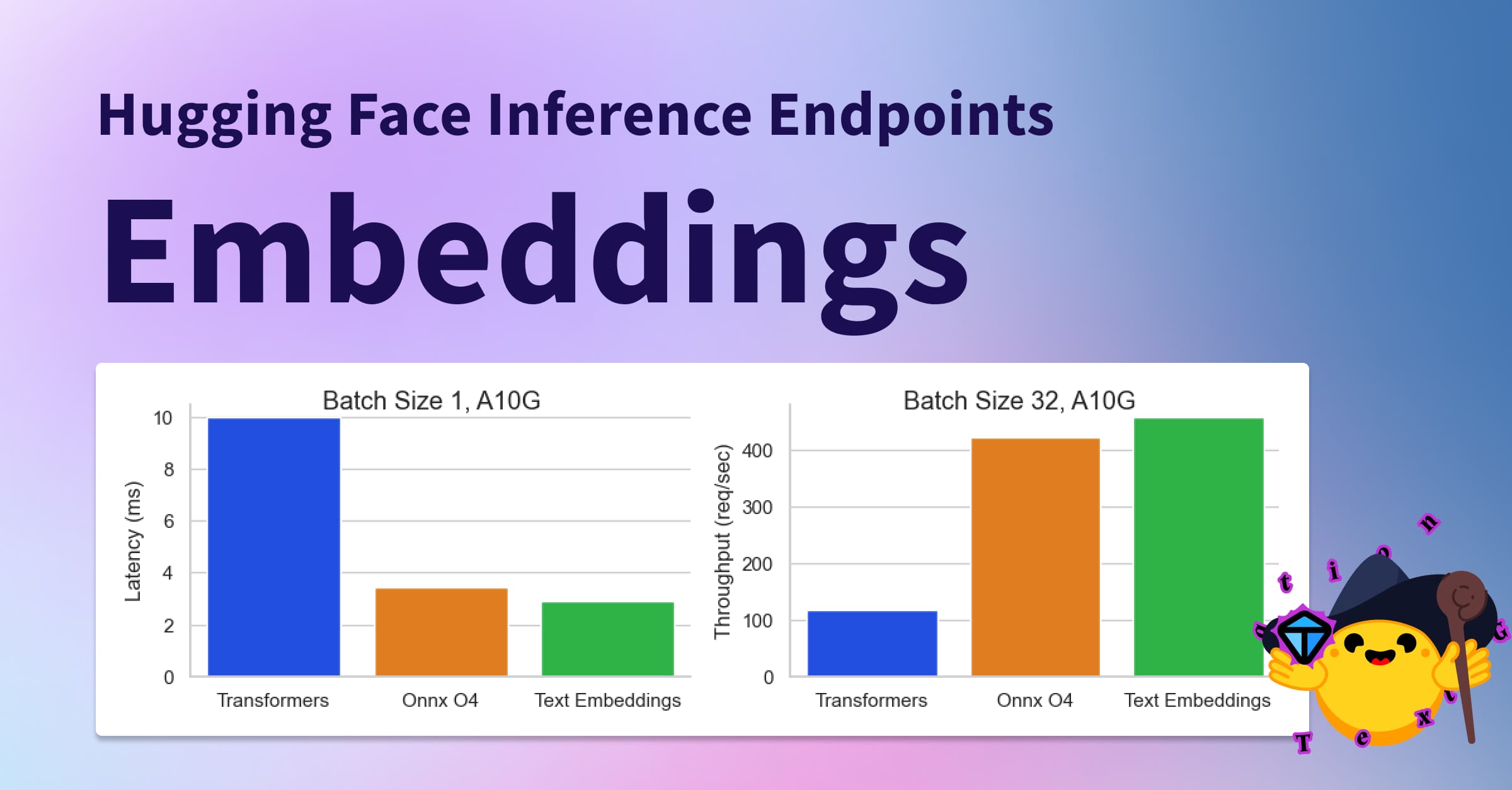
Most tutorials reach for a cloud embedding API — you send text over the internet, a company embeds it, and bills you per token. A local embedding model does the exact same job, but the model file lives on your own machine and runs on your own CPU or GPU. No API key, no per-request fee, no text leaving your laptop or server.
Here is the everyday analogy. A hosted embedding API is like mailing every document to an outside translation agency: convenient, but you pay each time and you have to trust them with your papers. A local embedding model is buying the dictionary and doing the translation yourself at your own desk. The result is nearly as good for most work, it is free after setup, and nothing ever leaves the room.
Why it matters
If you are building retrieval over your own documents, embeddings run constantly: once for every chunk when you ingest a corpus, and again for every user query. At scale that is a lot of API calls. Running the embedding model locally changes the economics and the privacy story in ways a builder feels quickly.
- Cost. Re-embedding a large corpus through a paid API can cost real money, and you pay again every time you change your chunking strategy and reindex. A local model embeds millions of chunks for the price of electricity.
- Privacy and compliance. Medical records, legal contracts, internal source code, customer tickets — sending that text to a third party may be against policy or law. A local model keeps every byte on hardware you control.
- Latency and offline use. No network round-trip means lower, more predictable latency, and your pipeline keeps working on a plane, in an air-gapped network, or when the provider has an outage.
- Control and reproducibility. A hosted API can silently change or retire a model version, which shifts your vectors underneath you. A pinned local model file gives you the exact same embeddings forever.
The trade-off is real and worth saying up front: the very best hosted embedding models still tend to edge out the best open ones on tricky retrieval, and you now own the serving, the GPU memory, and the updates. For most internal search and RAG, a good open model closes that gap to the point where it no longer decides whether the product works. We unpack exactly when the gap matters in the comparison below.
How it works
A local embedding pipeline has the same shape as any embedding pipeline — the only change is that the embed step is a model running on your hardware instead of a remote API. You download a model file once, load it into memory, and feed it text; it returns one fixed-length vector per input.
What the model actually outputs
The model reads the tokens of your text and produces one vector per token internally. Pooling squashes those into a single vector for the whole text — usually by averaging (mean pooling) or by taking a special summary token. That final vector is your embedding. Two properties of it shape everything downstream:
- Dimension — how many numbers are in the vector (commonly 384, 768, or 1024). More dimensions can capture more nuance but cost more storage and slower search in your vector database. 768 is a sweet spot for most local models.
- Context length — how many tokens the model can read before it truncates. Many older local models cap at 512 tokens (~350–400 words), so a long chunk gets silently cut off. Newer families like Nomic and GTE read 8,192 tokens, which matters if your chunks are long.
- Normalization — most retrieval setups normalize each vector to unit length so that comparing two vectors is a simple dot product (cosine similarity). Many local models can do this for you with a flag.
Two common ways to serve a local model
You generally pick one of two runners. Ollama is the easy path: one command pulls an embedding model and exposes a local HTTP endpoint that looks almost like a cloud API. sentence-transformers (a Python library from Hugging Face) is the flexible path: you load the model in your own code and get full control over batching, pooling, and prefixes.
- One command to pull + serve
- Local HTTP endpoint
- Great for apps + prototypes
- Less control over pooling/prefix
- Easy GPU/CPU handling
- Python library, in your code
- Full control of batching
- Set prefixes + pooling yourself
- Direct access to any HF model
- Best for indexing pipelines
The leading open embedding families
You do not need to know dozens of models. Four open families cover almost every local use case, and each ships in small / base / large sizes so you can trade quality for speed. Pick a family, pick a size, and read its model card for the exact prefix and context limit.
| Family | From | Typical dim | Context | Notes |
|---|---|---|---|---|
| BGE (bge-*) | BAAI | 384 / 768 / 1024 | 512 | Strong, widely-used English retrieval; needs a query instruction |
| E5 (e5-*, multilingual-e5) | Microsoft | 384 / 768 / 1024 | 512 | Needs query: / passage: prefixes; great multilingual option |
| Nomic (nomic-embed-text) | Nomic AI | 768 | 8192 | Long context, fully open data + weights, one model size |
| GTE (gte-*) | Alibaba | 384 / 768 / 1024 | 512–8192 | Solid all-rounder; newer versions read long documents |
Two practical rules of thumb. First, match the embedding language to your data — for non-English or mixed-language corpora, reach for a multilingual model (multilingual-E5 is a safe default) rather than an English-only one. Second, start with a base size (~768 dim). The large variants buy a little accuracy at a big speed and memory cost; only move up if your evaluation shows you need it.
A worked example: local embeddings in a RAG pipeline
Here is the same job done two ways. First the easy route through Ollama's local endpoint, then the flexible route with sentence-transformers where you control the prefixes. Both produce vectors you store in a vector database and search at query time.
# Download the model once; Ollama then serves it locally.
ollama pull nomic-embed-text

# Ask for an embedding over the local HTTP endpoint.
curl http://localhost:11434/api/embeddings -d '{
  "model": "nomic-embed-text",
  "prompt": "How long is the refund window for physical items?"
}'from sentence_transformers import SentenceTransformer
# Loads from Hugging Face and caches the model file locally.
model = SentenceTransformer("intfloat/e5-base-v2")
docs = [
"Refunds on physical items are accepted within 30 days of purchase.",
"Digital goods are non-refundable once they have been downloaded.",
]
query = "How long do I have to return a physical product?"
# E5 is asymmetric: prefix passages and queries differently.
doc_vecs = model.encode(
[f"passage: {d}" for d in docs],
normalize_embeddings=True,
)
q_vec = model.encode(
f"query: {query}",
normalize_embeddings=True,
)
# Cosine similarity = dot product, since vectors are normalized.
scores = doc_vecs @ q_vec
best = scores.argmax()
print(docs[best]) # -> the 30-day refund passageThat is the entire substitution. Everywhere a tutorial calls a hosted embedding API, you call your local model instead and keep the rest of the retriever and generation pipeline unchanged. Your chunking strategy, your vector store, and your prompt all stay the same.
Local rerankers and common pitfalls
An embedding model is fast but approximate: it judges each text on its own, then you compare vectors. A reranker is a second, slower model that reads the query and a candidate chunk together and scores how well they match — much more precise, but too expensive to run over your whole corpus. The standard production pattern is to retrieve broadly with the cheap embedding model, then rerank a short list with the accurate one.
Good open rerankers exist too — the BGE reranker family is the common local choice and runs happily on the same machine. Add one when your evaluation shows the right chunk is in the top 50 but not the top 5; if it is missing from the top 50 entirely, the fix is your embedding model or chunking, not a reranker.
Pitfalls that quietly wreck local retrieval
- Forgetting the prefix. Using a BGE or E5 model without its required
query:/passage:instruction is the single most common mistake, and it degrades results without any error message. - Mismatched models. Embedding documents with one model and queries with another (or re-embedding only some documents after a model change) produces vectors that simply do not line up.
- Silent truncation. Feeding a 2,000-token chunk to a 512-token model throws away most of the text. Either chunk smaller or pick a long-context model like Nomic or a newer GTE.
- Skipping evaluation. "It looked right on three queries" is not a measurement. Build a small set of question → correct-document pairs and check whether the right chunk lands in your top-k before and after any change.
- Over-sizing the model. A large embedding model on CPU can be painfully slow at index time. Benchmark a base model first; you often cannot tell the difference in answer quality.
Going deeper
Once the basic local pipeline works, a few advanced ideas help you tune cost, quality, and the honest gap versus hosted APIs.
The MTEB leaderboard. The Massive Text Embedding Benchmark is the public scoreboard where open and closed embedding models are compared across retrieval, classification, and clustering tasks. Use it to shortlist candidates — but treat the ranking as a starting point, not gospel: a model that tops a general benchmark can still lose on your domain. Your own small evaluation set always wins the argument.
Quantization and hardware. Embedding models are small, but you can shrink them further with quantization (storing weights in 8-bit or 4-bit) to run faster on modest hardware. Runners like Ollama and llama.cpp support quantized embedding models, which makes CPU-only serving practical for moderate volumes.
Matryoshka embeddings. Some newer models (including Nomic's) are trained so you can truncate the vector — keep the first 256 of 768 numbers — and still get usable similarity. This lets one model serve a small fast index and a large accurate one from the same weights, trading recall for storage and speed on demand.
The honest quality gap. On the hardest retrieval — subtle paraphrases, long multi-hop questions, rare jargon — the strongest hosted embedding models still tend to lead. The way to know whether that gap touches you is not to read benchmarks, but to run both on a sample of your real queries and measure. For the great majority of internal search and RAG, a well-prefixed open base model is more than enough, and the cost, privacy, and control wins are decisive. To go further from here, see what is Ollama for serving, how to read a model card for picking models safely, and what are embeddings for the underlying idea.
FAQ
What is the best local embedding model for RAG?
There is no single winner, but the BGE, E5, Nomic, and GTE families cover almost every case. A good default is a base-size model (~768 dimensions): multilingual-E5 if your data is not all English, or Nomic if your chunks are long (it reads 8,192 tokens). Always confirm the choice against your own small evaluation set rather than a leaderboard alone.
Can I run embeddings locally with Ollama?
Yes. Run ollama pull nomic-embed-text (or another embedding model), then call the local /api/embeddings endpoint over HTTP. Ollama downloads the model once and serves it on your machine, so no text leaves your computer and there is no per-token fee.
Are local embedding models as good as OpenAI or other hosted APIs?
For most internal search and RAG, the leading open models are close enough that quality is no longer the deciding factor. On the hardest retrieval — subtle paraphrases, rare jargon, multi-hop questions — top hosted models still tend to edge ahead. The only reliable way to know whether that gap affects you is to run both on a sample of your real queries and measure.
Why does my local embedding retrieval work badly?
The most common cause is a missing instruction prefix. BGE and E5 models expect text like query: before a search query and passage: before a document; skip it and quality drops with no error. Other frequent causes are embedding documents and queries with different models, and silently truncating long chunks on a 512-token model.
How much GPU memory do I need to run an embedding model?
Far less than a chat model. Base embedding models are small (a few hundred megabytes to ~1–2 GB), and many run acceptably on CPU. A quantized model on a modern laptop CPU can index thousands of chunks in minutes; a small GPU makes large-corpus indexing dramatically faster.
Do I need a separate reranker if I run embeddings locally?
Not at first. Add a local reranker (the BGE reranker family is the common open choice) only when your evaluation shows the correct chunk is reaching the top 50 candidates but not the final top 5. If the right chunk is missing from the top 50 entirely, fix your embedding model or chunking instead.