In plain English
A text-only API call is simple: you send a string, you get a string back. Adding an image feels mysterious at first — but it's really just a matter of how you package the pixels. Modern vision APIs let you attach an image to a chat message the same way you'd attach a file to an email. The model reads both, reasons across them, and replies in text.
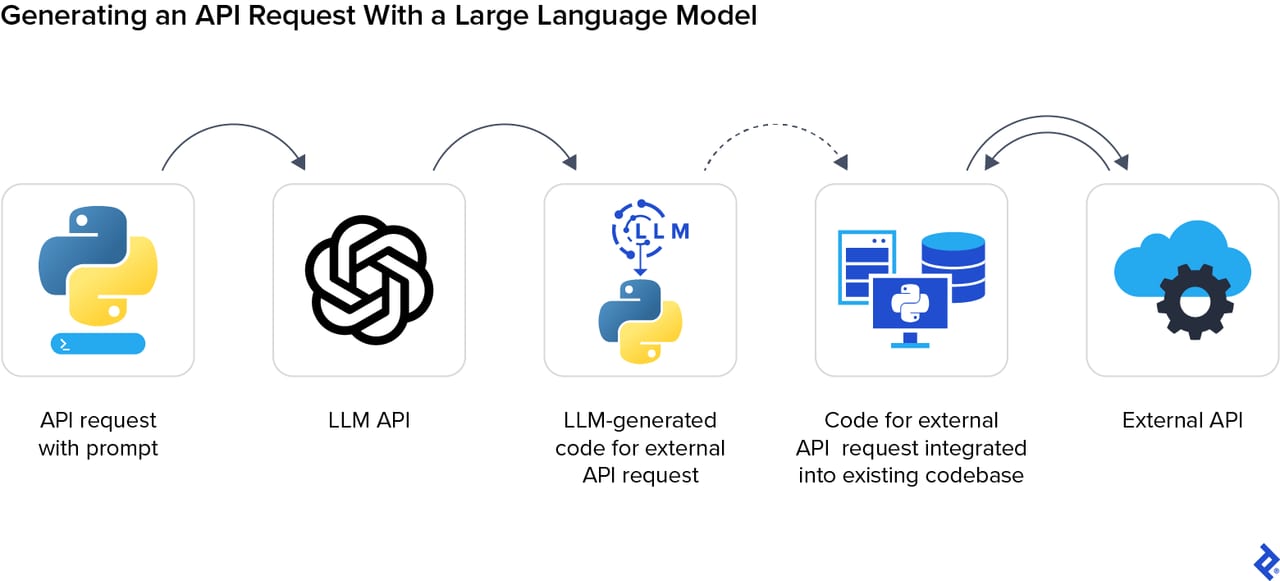
Think of it like sending a fax alongside a note. The fax machine (the API) converts your physical image into a stream of signals (tokens), delivers it to the recipient (the model), and the model reads the picture and the note together before writing back. The two main ways to "fax" an image are: paste the raw bytes inline (base64 encoding) or share a link to the image hosted somewhere publicly accessible (a URL).
Why it matters
Once you can send images to an LLM, a whole class of previously unsolvable problems becomes trivial. You no longer have to painstakingly describe a screenshot in text — you paste it. You no longer have to pre-parse a form by hand — you photograph it and ask the model to extract the fields. The quality of your image-passing code directly determines whether the model sees what you intended.
- Document extraction: send a scanned invoice or form, receive structured JSON with field values.
- Screenshot debugging: attach an error screenshot to a support bot and let the model diagnose it.
- Product catalog analysis: batch-upload product photos for auto-tagging or description generation.
- Chart Q&A: paste a dashboard image and ask "what was the highest-traffic day?"
- Accessibility: describe images for visually impaired users in real time.
Getting the plumbing right — correct encoding, right media type, staying within size limits — is the difference between a clean API response and a cryptic 400 error. That's what this guide nails down.
How it works
Every vision API follows the same basic flow: your image gets turned into a sequence of image tokens (small patches of pixels), those tokens are mixed with your text tokens, and the combined sequence is fed into the model. The model processes everything in one pass and produces a text response.
Base64 vs URL — when to use each
| Method | How it works | Best for | Watch out for |
|---|---|---|---|
| Base64 inline | Image bytes encoded as a text string, sent inside the JSON body | Local files, uploaded images, no public hosting needed | Inflates request size by ~33%; expensive for multi-turn chats |
| Public URL | API server fetches the image from your URL at request time | Images already hosted (CDN, S3, web) | URL must be reachable from the provider's servers; secrets in URLs are exposed |
| Files API (Anthropic) | Upload once, receive a file_id, reference it in future requests | Reusing the same image across many calls | Extra upload step; files expire after a set period |
Base64 is the universal fallback — it works everywhere regardless of network access. URLs are more bandwidth-efficient when the image is already public. The Anthropic Files API is a third option that avoids re-sending the same bytes on every turn of a long conversation.
Code examples: Claude, GPT, and Gemini
Anthropic Claude — Python
Claude's Messages API accepts image content blocks with a source object. Set type to "base64" and supply the media_type and data fields. For URL images, set type to "url" instead.
import anthropic
import base64

# Read a local image and base64-encode it
with open("chart.png", "rb") as f:
    image_data = base64.standard_b64encode(f.read()).decode("utf-8")

client = anthropic.Anthropic()  # reads ANTHROPIC_API_KEY from env

response = client.messages.create(
    model="claude-sonnet-4-6",
    max_tokens=1024,
    messages=[
        {
            "role": "user",
            "content": [
                {
                    "type": "image",
                    "source": {
                        "type": "base64",
                        "media_type": "image/png",
                        "data": image_data,
                    },
                },
                {"type": "text", "text": "Describe what you see in this chart."},
            ],
        }
    ],
)
print(response.content[0].text)
To use a public URL instead, replace the source block with {"type": "url", "url": "https://example.com/image.png"}.
OpenAI GPT — Python
OpenAI uses a image_url content block. For base64, you supply a data URL with the MIME type embedded: data:image/png;base64,<encoded-string>. For a hosted image, just pass the URL directly.
import openai
import base64

# Base64 path
with open("screenshot.png", "rb") as f:
    b64 = base64.b64encode(f.read()).decode()

client = openai.OpenAI()  # reads OPENAI_API_KEY from env

response = client.chat.completions.create(
    model="gpt-5.5",
    messages=[
        {
            "role": "user",
            "content": [
                {
                    "type": "text",
                    "text": "What is shown in this screenshot?",
                },
                {
                    "type": "image_url",
                    "image_url": {
                        "url": f"data:image/png;base64,{b64}",
                        "detail": "high",  # or 'low' for cheaper, faster processing
                    },
                },
            ],
        }
    ],
)
print(response.choices[0].message.content)Google Gemini — Python
Gemini uses inline_data for base64 payloads and accepts a mime_type alongside the data field. The Google AI Python SDK also has a convenience method that accepts a PIL image or raw bytes directly.
import google.generativeai as genai
import base64

genai.configure(api_key="YOUR_GEMINI_API_KEY")

with open("diagram.jpg", "rb") as f:
    image_bytes = f.read()

model = genai.GenerativeModel("gemini-3.1-pro")

response = model.generate_content([
    {
        "inline_data": {
            "mime_type": "image/jpeg",
            "data": base64.b64encode(image_bytes).decode(),
        }
    },
    "Explain the diagram in simple terms.",
])
print(response.text)File formats, size limits, and token costs
Each provider has its own constraints. Hitting a limit without knowing about it causes confusing errors — the table below gives you the key numbers.
| Provider | Supported formats | Max size (inline) | Token cost model |
|---|---|---|---|
| Anthropic Claude | JPEG, PNG, GIF, WebP | 5 MB per image; 8000x8000 px max | ~4,000–6,000 tokens for a typical image; billed at standard token rates |
| OpenAI GPT | JPEG, PNG, GIF, WebP | 20 MB per image | 85 tokens (low detail) or 170 per 512x512 tile + 85 base (high detail) |
| Google Gemini | JPEG, PNG, GIF, WebP, BMP, TIFF, HEIC | 20 MB inline; use File API for larger | 258 tokens for images ≤384px; 258 per 768x768 tile for larger images |
Sending multiple images
All three providers let you include multiple image blocks in a single message. Just add additional image content objects to the content array. Claude supports up to 20 images per request at full resolution (8000x8000), with that dropping to 2000x2000 if you go higher. Gemini supports up to 3,600 image files per request when using the File API.
Common pitfalls and how to avoid them
- Wrong media_type. Declaring
image/pngwhile sending a JPEG will cause a decoding error. Always match the media type to the actual file format. - Missing data URL prefix (OpenAI). With OpenAI, base64 must be wrapped as
data:image/jpeg;base64,<string>. Sending the raw base64 string without the prefix is one of the most common 400 errors. - Private S3 or CDN URL. The API server has to fetch URL images from the internet. A signed S3 URL that expires in 15 minutes, or an IP-restricted CDN, will return a 403 to the provider and cause a failure.
- Image too large. Downsample to the resolution you actually need. A 4K photo sent to ask "is this a cat?" wastes tokens and risks hitting size limits. Most analysis tasks work fine at 1024x1024 or smaller.
- Forgetting to set max_tokens high enough. Vision requests return text, but if your
max_tokensis too low the response will be cut off. For detailed image descriptions, set at least 512. - Unsupported format. Formats like TIFF and HEIC are supported only by Gemini. If you're targeting Claude or OpenAI, convert first with a library like Pillow.
Going deeper
Once you can reliably send a single image, several advanced patterns become available.
Structured extraction with JSON output
Pair vision input with a JSON schema prompt to extract structured data from images. Tell the model exactly which fields to fill, instruct it to return valid JSON, and pipe the output straight to json.loads(). This turns any photo of a receipt, form, or label into a typed object your application can work with.
Interleaved text and images
All three providers support interleaving — alternating text blocks and image blocks in the same message. This is useful for tasks like "compare image A and image B" or "here is the before state [image1], here is the after state [image2], what changed?". Put each image in its own content block and add text blocks between them to reference them naturally.
Batch and async processing
If you're processing hundreds of images, use the provider's Batch API (Anthropic and OpenAI both offer one). Batch jobs are asynchronous, run off-peak, and are typically billed at half the standard rate. You submit a JSONL file of requests, each with its own image block, and poll for results. This is far more efficient than firing one request per image in a tight loop.
Image token cost optimisation
The biggest lever on cost and latency is image resolution. For OpenAI, using "detail": "low" caps cost at 85 tokens regardless of image size — perfect for classification or routing tasks where fine detail isn't needed. For Claude and Gemini, resizing your image before sending (e.g., to 768px on the longest edge) dramatically reduces the number of image tokens consumed. Profile your actual token usage with the provider's token-counting endpoint before optimising.
FAQ
What image formats can I send to the Claude, GPT, and Gemini APIs?
All three providers support JPEG, PNG, GIF, and WebP. Gemini also accepts BMP, TIFF, and HEIC. If you have an unsupported format, convert it to PNG first — it's universally accepted and losslessly preserves quality.
Should I use base64 or a URL for image inputs?
Use a URL when the image is already publicly accessible on the web — it keeps your request payload small. Use base64 when the image is local, user-uploaded, or you can't guarantee the URL is reachable from the provider's servers. For images you send repeatedly (e.g., a system diagram in every request), Anthropic's Files API is the most efficient option.
How much does it cost to send an image to an LLM API?
Cost is measured in tokens. OpenAI charges 85 tokens per image on low detail and 170 tokens per 512x512 tile on high detail. Claude counts ~28x28 pixel blocks as individual visual tokens, so a typical photo runs 4,000–6,000 tokens. Gemini charges 258 tokens per 768x768 tile for larger images. These image tokens are billed at the same per-token rate as text.
What is the maximum image file size I can send?
Claude supports up to 5 MB per image inline. OpenAI and Gemini both allow up to 20 MB per image inline. Remember that base64 encoding inflates the actual byte size by about 33%, so a 20 MB raw image becomes roughly 27 MB of base64 text in the request body — you may hit request-size caps before the per-image limit.
Can I send multiple images in a single API call?
Yes. Add multiple image content blocks to the content array in a single message. Claude supports up to 20 images per request at full resolution. Gemini supports up to 3,600 files per request when using the File API. Keep an eye on the total request size — base64-encoding many large images can exceed body-size limits even if individual images are under the per-image cap.
Why am I getting a 400 error when I send an image to the OpenAI API?
The most common cause is a missing data URL prefix. OpenAI requires base64 images to be formatted as data:image/jpeg;base64,<string> — not a raw base64 string. Also check that the media_type or MIME type matches the actual image format, and that the model you're calling supports vision inputs (most current GPT, Claude, and Gemini models do; some older or text-only variants do not).