Overview
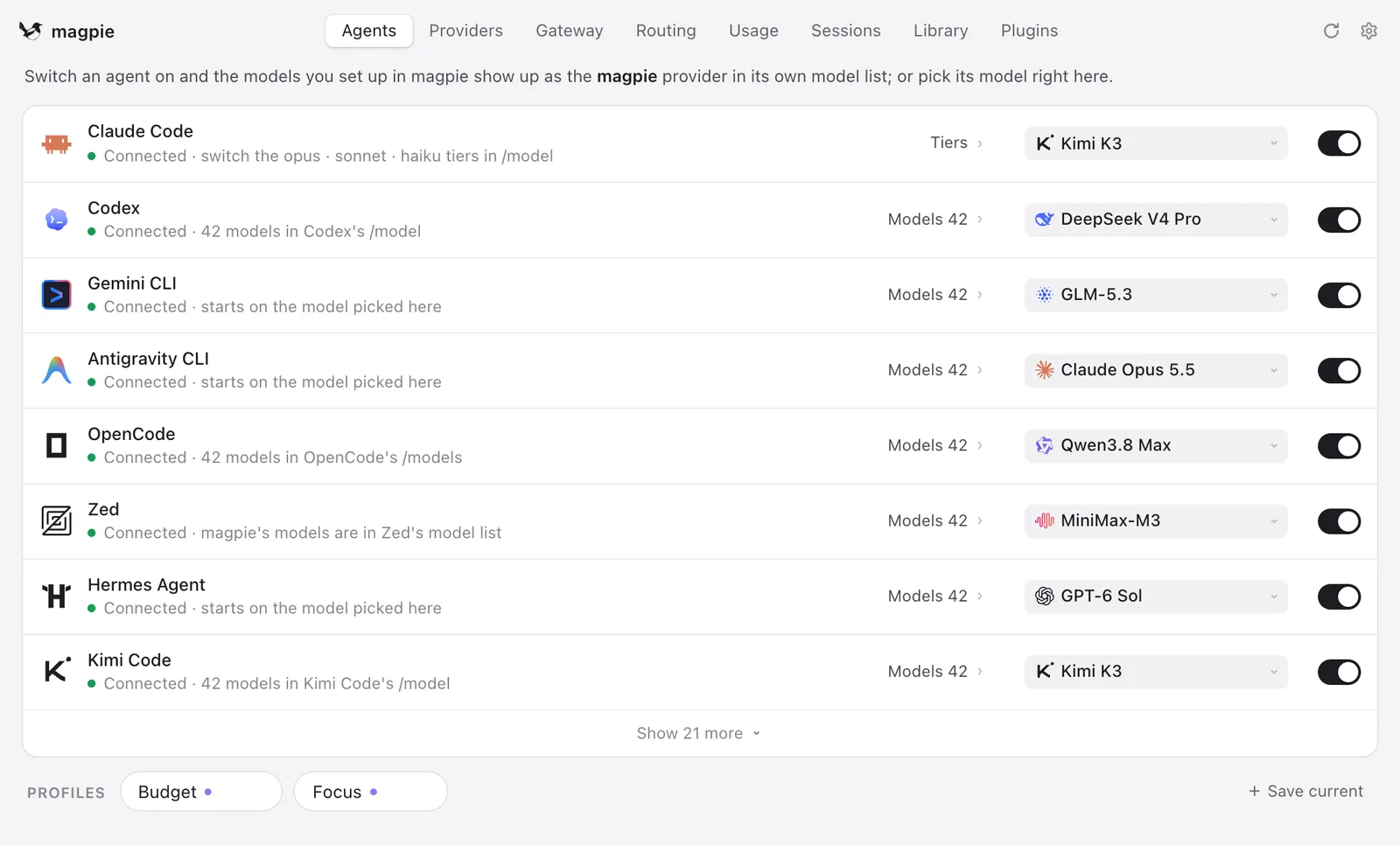
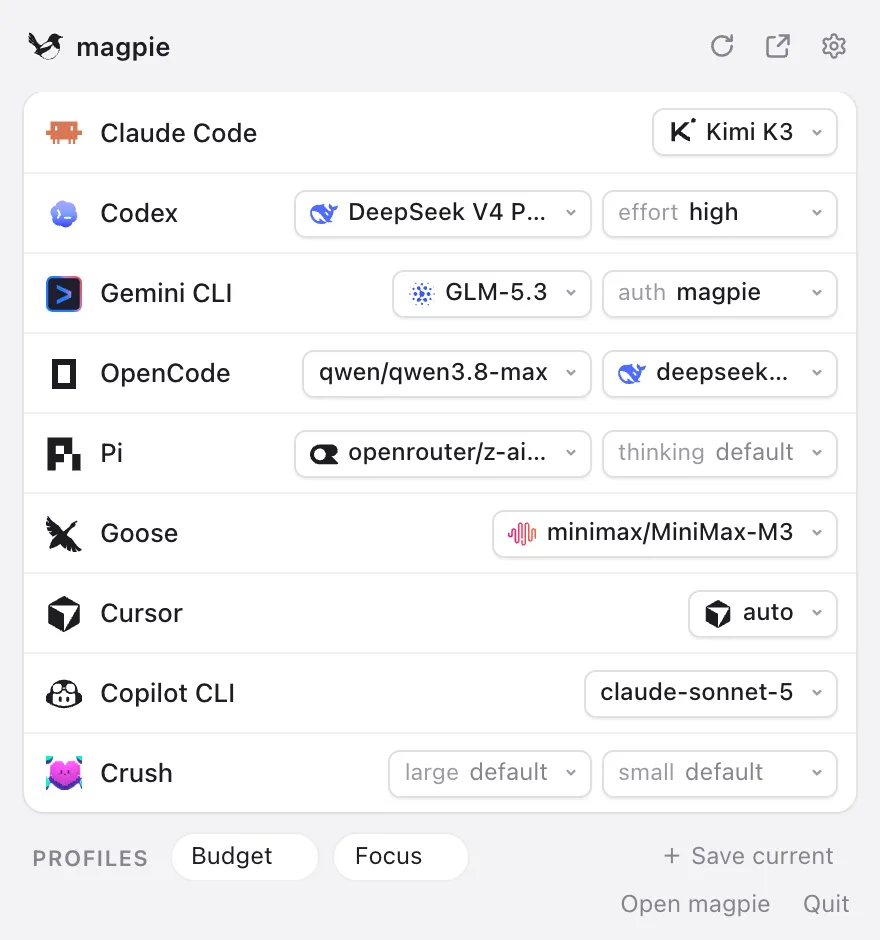
magpie is a desktop app, CLI and local gateway that lets you choose the model behind each of your AI coding agents from one list. Every agent keeps its model in its own config file, in its own format, with its own keys and base URLs; magpie edits the one key that matters in each agent's config (atomically, keeping comments, order and formatting) so you can run Claude Code on Kimi, Codex on DeepSeek or Gemini CLI on GLM, and switch any of them from the menu bar. The README lists more than 60 supported agents, from Claude Code, Codex, Gemini CLI and OpenCode to Zed, Cursor CLI, Goose, Cline and Copilot CLI, and magpie shows only the ones installed on your machine.
Underneath sits one gateway at `127.0.0.1:3425` that speaks OpenAI Chat, OpenAI Responses, Anthropic Messages and Gemini and translates between them, including streaming, tool calls and reasoning. Behind it you add providers from presets (Anthropic, OpenAI, DeepSeek, Kimi, Zhipu GLM, OpenRouter, Ollama, LM Studio and many more, or any OpenAI- or Anthropic-compatible URL) or reuse the subscriptions your agents are already signed in to, such as a Claude, ChatGPT, Copilot, Gemini or Grok plan. Any other tool that accepts a base URL can point at the same gateway.
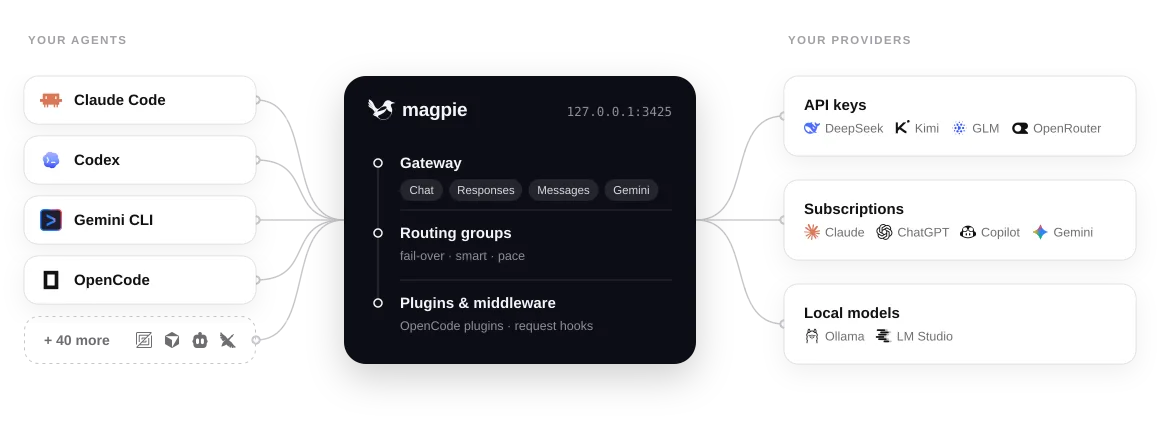
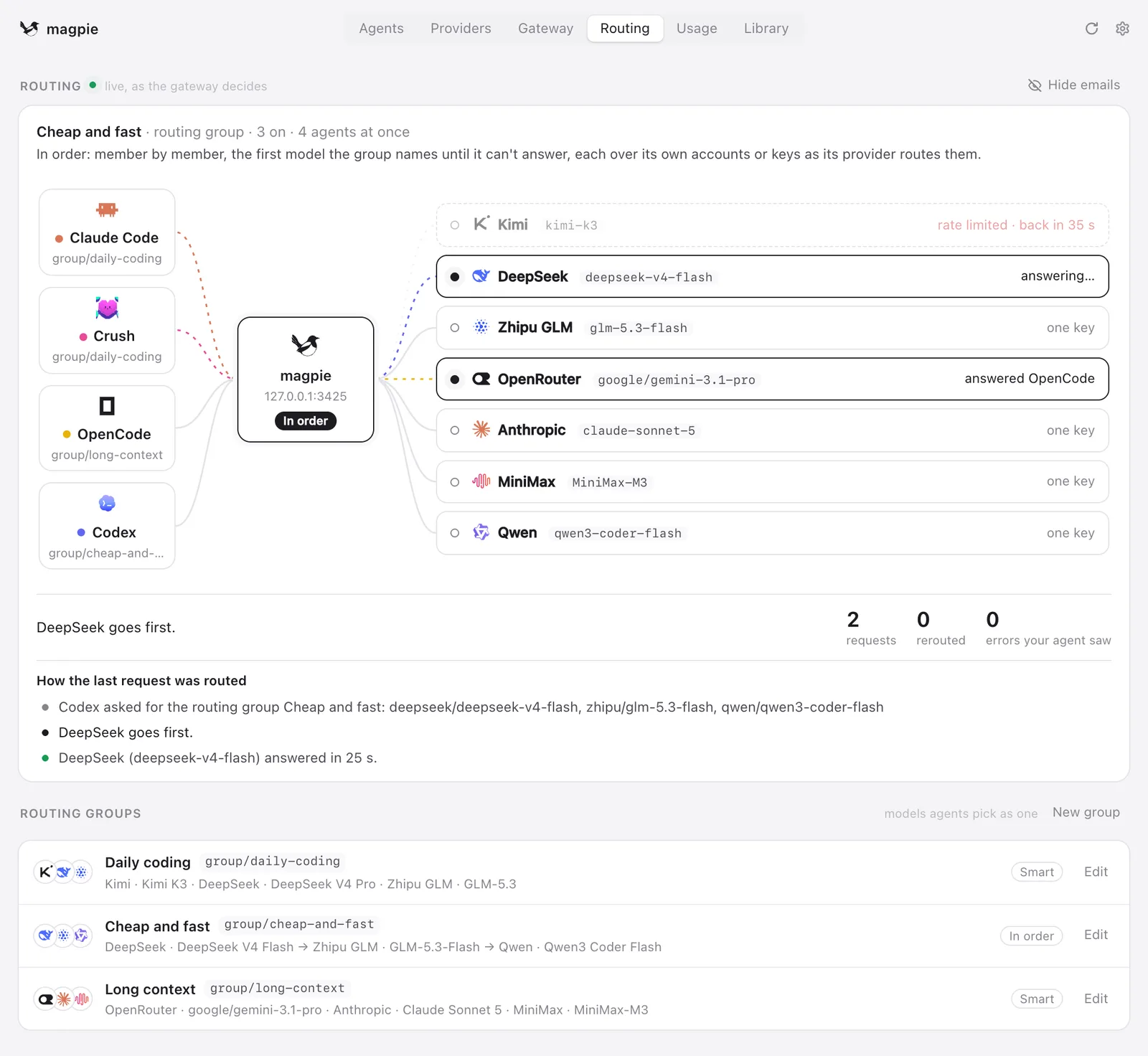
Routing groups bundle several models an agent picks as one name, such as `group/daily-coding`; when a quota runs out the gateway moves to the next account or model and the agent never sees the error. Around that core, magpie tracks tokens, cache hits, cost and quota windows, runs plugins and JavaScript middleware on Bun, and can share its gateway on the local network, with a remote magpie, or from a Docker image. It is written mostly in Go, MIT-licensed, and runs on macOS, Windows, Linux, Docker and Termux; the repository does not accept outside pull requests, and feedback goes through the project's Discord.
What it does
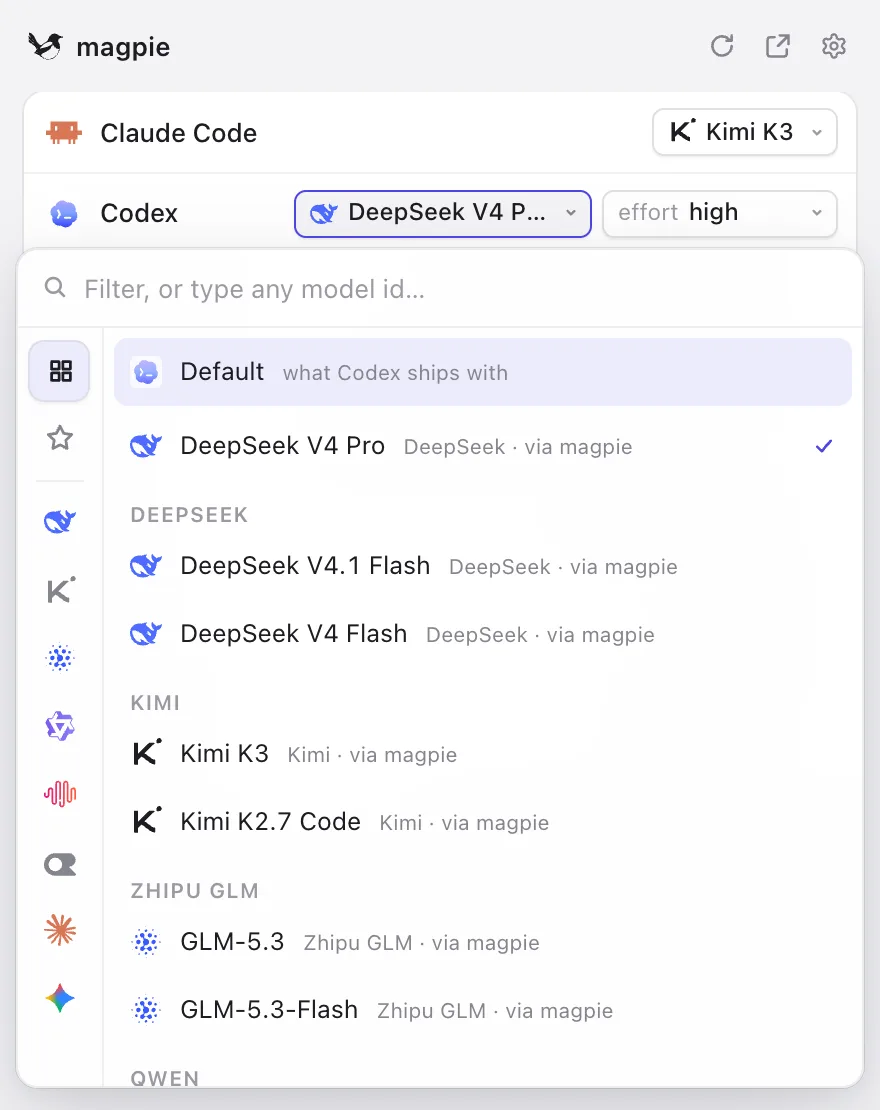
- Per-agent model picker across every provider you add, written into each agent's own config file, with profiles that save and restore every agent's setup at once
- Local gateway at 127.0.0.1:3425 that translates between OpenAI Chat, OpenAI Responses, Anthropic Messages and Gemini, with streaming, tool calls and reasoning
- Signed-in subscriptions (Claude, Codex/ChatGPT, GitHub Copilot, Gemini Code Assist, Grok and more) offered as providers to every other agent, with several accounts per subscription
- Routing groups with smart, order, rotate, usage and pace modes, nested groups, sticky conversations for prompt caching, and optional intent routing by a small model
- Plugins and gateway middleware (onRequest, onEvent, onResponse hooks) installed from npm, including OpenCode auth plugins and pi packages
- Usage, cost, quota and session tracking, plus a shared library of instructions, MCP servers, skills and subagents written into each agent's files
Getting started
Install the app, add a provider, then point each agent at a model. Everything in the app also works from the terminal.
Install
Download the app from usemagpie.ai or use the install script. The README also lists `go install github.com/yetone/magpie@latest` and a Docker image (`ghcr.io/yetone/magpie`); behind a firewall, the script takes `--proxy` or `--mirror`.
curl -fsSL https://usemagpie.ai/install.sh | shAdd a provider
In the app, go to Providers → Add provider and pick a preset or sign in with a subscription. From the terminal, a preset needs only the key.
magpie provider add deepseek sk-…Pick a model for each agent
Choose a model on the Agents page, or set it from the CLI as `provider/model`. Start a new agent session and it runs on the new model.
magpie claude deepseek/deepseek-v4-pro   # Claude Code on DeepSeek
magpie codex moonshot/kimi-k2.5          # Codex on Kimi
Create a routing group
A group lets an agent fail over between models and subscriptions. Profiles save the whole setup under a name, and `magpie quota` shows what is left on every plan.
magpie group add "Opus anywhere" models=claude/claude-opus-5-5,copilot/claude-opus-5.5 routing=smart
magpie claude group/opus-anywhere
magpie save work && magpie use work
magpie quota
magpie tui
Point any other tool at the gateway
Anything that takes a base URL can use the same gateway.
export OPENAI_BASE_URL=http://127.0.0.1:3425/v1     OPENAI_API_KEY=magpie
export ANTHROPIC_BASE_URL=http://127.0.0.1:3425     ANTHROPIC_API_KEY=magpie
export GOOGLE_GEMINI_BASE_URL=http://127.0.0.1:3425 GEMINI_API_KEY=magpie
Commands and code are distilled from the project's own documentation — always check the official repo for the latest.
When to use it
- Run several coding agents (Claude Code, Codex, Gemini CLI, OpenCode) on models from other vendors without hand-editing each agent's config
- Use a subscription you already pay for, such as a ChatGPT or Claude plan, inside agents other than the vendor's own
- Keep an agent working when one account's quota runs out by failing over across accounts and models in a routing group
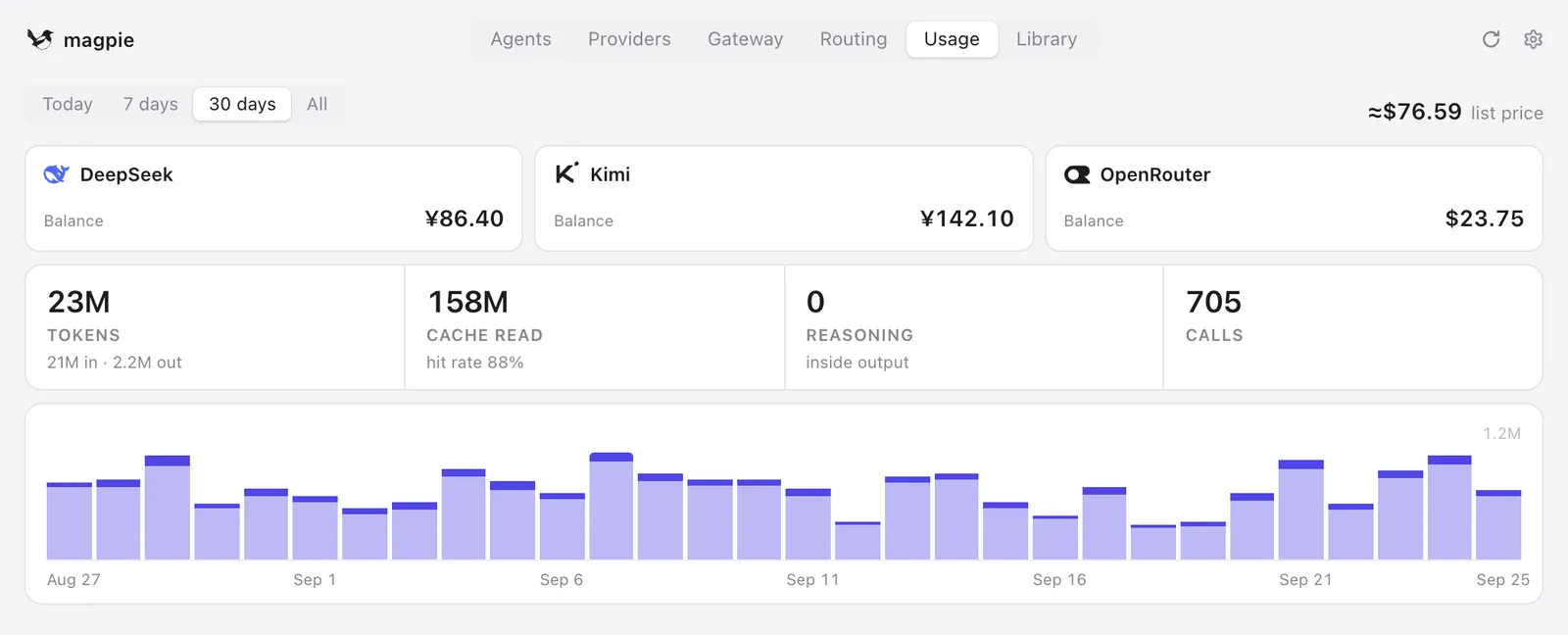
- Track token spend, cache hit rate and remaining quota across every key, plan and account in one place
How magpie compares
magpie alongside other open-source gateways & routing tools AI/TLDR tracks, ranked by GitHub stars.
| Tool | Stars | What it does |
|---|---|---|
| OmniRoute | ★ 79.9k | A local-first AI gateway that fronts hundreds of model providers with one OpenAI-compatible endpoint, quota-aware auto-fallback, many routing strategies and prompt compression. |
| Free Claude Code | ★ 62.7k | A local proxy that points Claude Code, Codex, Pi, OpenCode, Cline and other agent CLIs at 50 free, paid, subscription or local model providers, with automatic failover and an admin UI. |
| LiteLLM | ★ 61.8k | A Python SDK and proxy server that gives one OpenAI-compatible API to 100+ LLM providers, with cost tracking, budgets, fallbacks, rate limiting, and an admin UI. |
| Kong Gateway | ★ 44.3k | A Lua/NGINX API gateway whose AI Gateway plugins put one universal endpoint in front of OpenAI, Anthropic, Gemini, Bedrock and other providers, with semantic routing, caching and MCP traffic governance. |
| 9Router | ★ 31.2k | Local OpenAI-compatible router for coding CLIs that tracks per-provider quota, falls back from subscription to cheap to free models, and compresses tool results to cut tokens. |
| magpie | ★ 19.5k | One local gateway and menu bar app that picks any model for any coding agent |
| OpenCodex | ★ 17.8k | Local proxy that translates the Codex Responses API to 40+ providers, so Codex CLI, Claude Code and Grok Build can run on any model, with routing combos, failover and account pooling. |
| Apache APISIX | ★ 17.2k | A cloud-native API gateway whose AI plugins add multi-provider LLM proxying, load balancing, retries and fallbacks, token-based rate limiting, and content moderation. |