Overview
Pi is an open-source agent harness whose headline piece is a terminal coding agent CLI. The project's stated aim is that you adapt Pi to your workflow rather than the other way around: instead of forking the tool and editing its internals, you extend it with TypeScript extensions, skills, prompt templates and themes, and you can bundle those into "Pi packages" shared over npm or git.
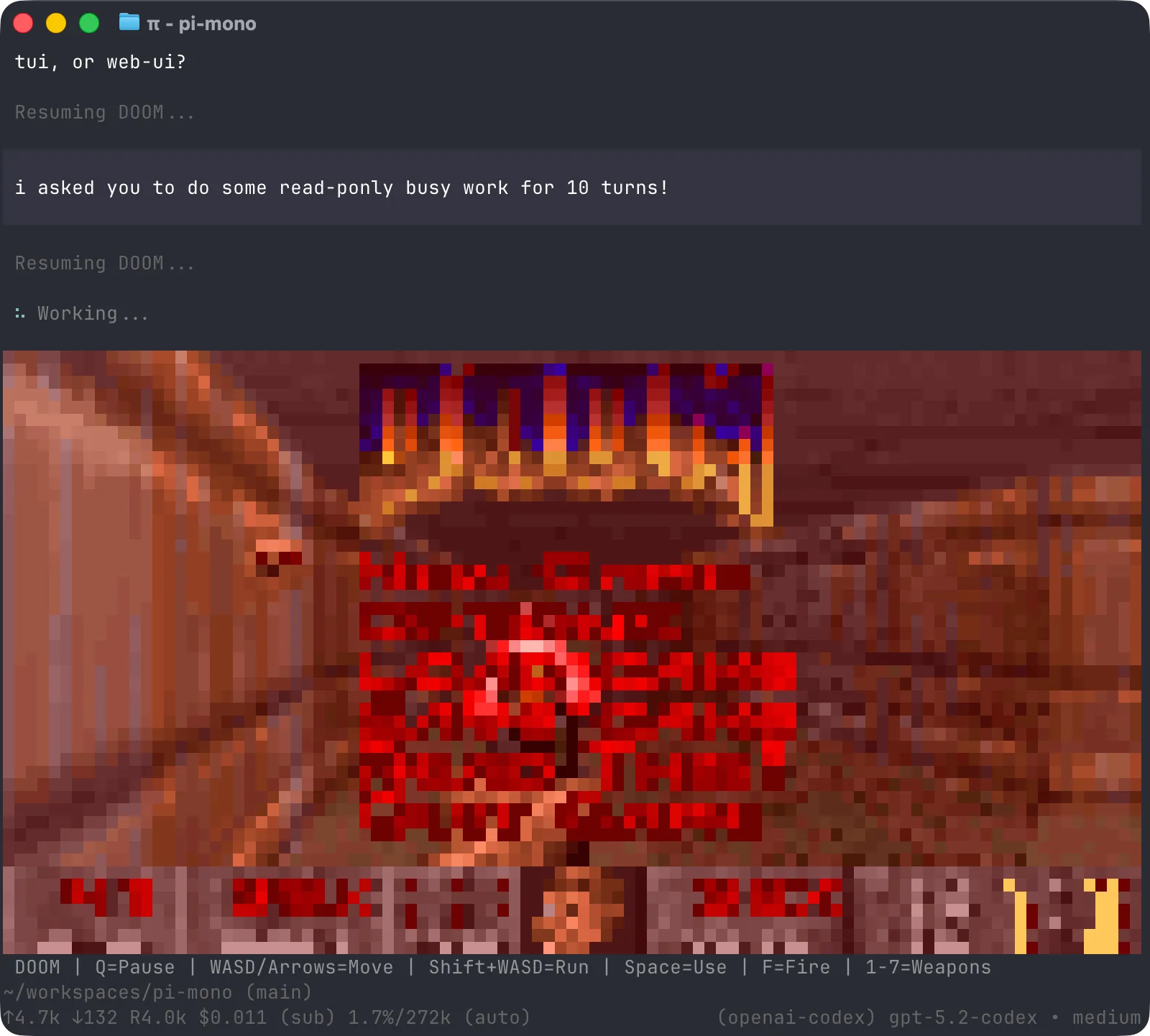
The agent ships deliberately small. Out of the box the model gets four tools — read, write, edit and bash — and features such as sub-agents and a plan mode are left out on purpose; the project's answer is to ask Pi to build the behaviour you want or install a third-party package that already has it. It runs in four shapes: interactive TUI, print/JSON output for scripting, RPC for process integration, and an SDK for embedding in your own app.
The repository is a monorepo, so the parts are reusable on their own: @earendil-works/pi-coding-agent is the CLI, pi-agent-core is the agent runtime with tool calling and state management, pi-ai is a unified multi-provider LLM API, pi-tui is a terminal UI library with differential rendering, and pi-telemetry holds vendor-neutral telemetry contracts. Everything is MIT-licensed TypeScript.
What it does
- Interactive terminal coding agent with four core tools — read, write, edit and bash
- Extension points in TypeScript: extensions, skills, prompt templates and themes, packaged and shared as Pi packages
- Four run modes — interactive, print/JSON, RPC for process integration, and an embeddable SDK
- Reusable packages: pi-ai (multi-provider LLM API), pi-agent-core (agent runtime), pi-tui (terminal UI), pi-telemetry
- Authenticate with a provider API key or an existing subscription (Anthropic Claude Pro/Max, OpenAI ChatGPT Plus/Pro via Codex, GitHub Copilot) plus many API-key providers
- Supply-chain hardening: exact-pinned direct dependencies, a published shrinkwrap, and installs that use --ignore-scripts
- MCP servers over stdio or streamable HTTP with OAuth, plus a codemode tool that runs model-written JavaScript in a QuickJS sandbox to call tools in parallel (since v0.99.0)
- Full-screen TUI by default and image generation from codemode via models.generateImages() (since v1.0.0)
Getting started
Install the CLI from npm (or the install script), point it at a provider, and run pi in the project you want to work on.
Install the CLI
Install globally from npm. Pi needs no dependency lifecycle scripts for a normal npm install, so the README installs with --ignore-scripts.
npm install -g --ignore-scripts @earendil-works/pi-coding-agentOr use the install script
An alternative one-line installer is published at pi.dev.
curl -fsSL https://pi.dev/install.sh | shAuthenticate and start
Set a provider API key and launch pi, or start pi and run /login to sign in with an existing subscription, then pick a model with /model.
export ANTHROPIC_API_KEY=sk-ant-...
pi
Sandbox it if you need boundaries
Pi has no built-in permission system and runs with the permissions of the user that launched it. The coding-agent docs describe three containerization patterns: the Gondolin extension (tools and ! commands routed into a local Linux micro-VM), plain Docker, and OpenShell.
Commands and code are distilled from the project's own documentation — always check the official repo for the latest.
When to use it
- You want a terminal coding agent whose behaviour you can change in TypeScript without maintaining a fork
- You prefer a small default tool set (read/write/edit/bash) and would rather add capabilities as skills or packages
- You need to drive a coding agent from another process — print/JSON output, RPC, or the embeddable SDK
- You are building your own agent and want the pieces separately: a multi-provider LLM API, an agent runtime, or a terminal UI library
Version history
Every verified update to Pi that AI/TLDR tracked, newest first — each links to our coverage and the official changeset.
- 2026-10-01v1.0.0
First stable release: the full-screen TUI becomes the default, codemode uses about 40% fewer prompt tokens and can generate images, and MCP OAuth adds RFC 9207 iss validation with per-server credentials. Earendil also released Pi Durable, an experimental package for crash-safe, long-running agents.
- 2026-09-29v0.99.0
Adds MCP server support over stdio and streamable HTTP with OAuth, and a codemode tool that runs model-written JavaScript in a QuickJS sandbox to call tools in parallel. Extensions can also register virtual models that route requests, for example with the Jev classifier.
How Pi compares
Pi alongside other open-source autonomous coding agents tools AI/TLDR tracks, ranked by GitHub stars.
| Tool | Stars | What it does |
|---|---|---|
| opencode | ★ 212k | OpenCode is an open source AI coding agent that runs in your terminal, with built-in build and plan agents and an optional desktop app. |
| Claude Code | ★ 150k | Anthropic's agentic coding tool for the terminal, IDE and GitHub: it understands your codebase, executes routine tasks, explains code and handles git workflows from natural-language commands. |
| OpenAI Codex | ★ 128k | OpenAI's cloud and CLI coding agent that writes features, fixes bugs, and proposes code changes across a repo, running tasks in parallel. |
| Pi | ★ 113k | A minimal terminal coding agent you extend in TypeScript instead of forking |
| Gemini CLI | ★ 107k | An open-source command-line AI agent from Google that connects your terminal to Gemini models for reading code, editing files, running shell commands, and searching the web. |
| autoresearch | ★ 97.5k | Karpathy's minimal harness that hands a coding agent a single-GPU LLM training script and lets it run fixed five-minute experiments, keeping or discarding each change on its own. |
| OpenHands | ★ 90.2k | An open-source AI software-development agent that plans tasks, edits files, runs commands, and tests code, usable from a terminal CLI, a local web GUI, or a Python SDK. |
| Orca | ★ 87.1k | Open-source desktop workspace that runs Claude Code, Codex, OpenCode and other CLI coding agents in parallel, each in its own git worktree, with a mobile companion app. |