Overview
Rapid-MLX runs language models locally on Apple Silicon Macs and exposes them through the same wire formats as the hosted APIs: `/v1/chat/completions`, `/v1/responses` (used by Codex CLI), `/v1/messages` (Anthropic SDK and Claude Code), `/v1/embeddings`, `/v1/audio/*` and `/v1/videos`. Any client that accepts a custom OpenAI- or Anthropic-compatible endpoint can usually point at it without an adapter. The project describes itself as the fastest local AI engine for Apple Silicon and claims up to 3× Ollama's throughput, backed by its own published benchmark.
The engine is built on Apple's MLX stack with no llama.cpp fallback. It implements continuous batching, a prompt cache (radix plus DeltaNet RNN snapshots) and a quantized live KV cache (int4/int8, plus a TurboQuant K8V4 codec). Tool calling for coding agents is a focus: twelve agent CLIs and three Python frameworks are wire-verified against real weights every release, and five Tier-1 agents — Claude Code, Codex CLI, Hermes, Aider and DeepSeek Harness — must pass a multi-step bug-fix task end to end or the version cannot be tagged. Rapid-MLX began as a fork of vLLM-MLX and was renamed in March 2026.
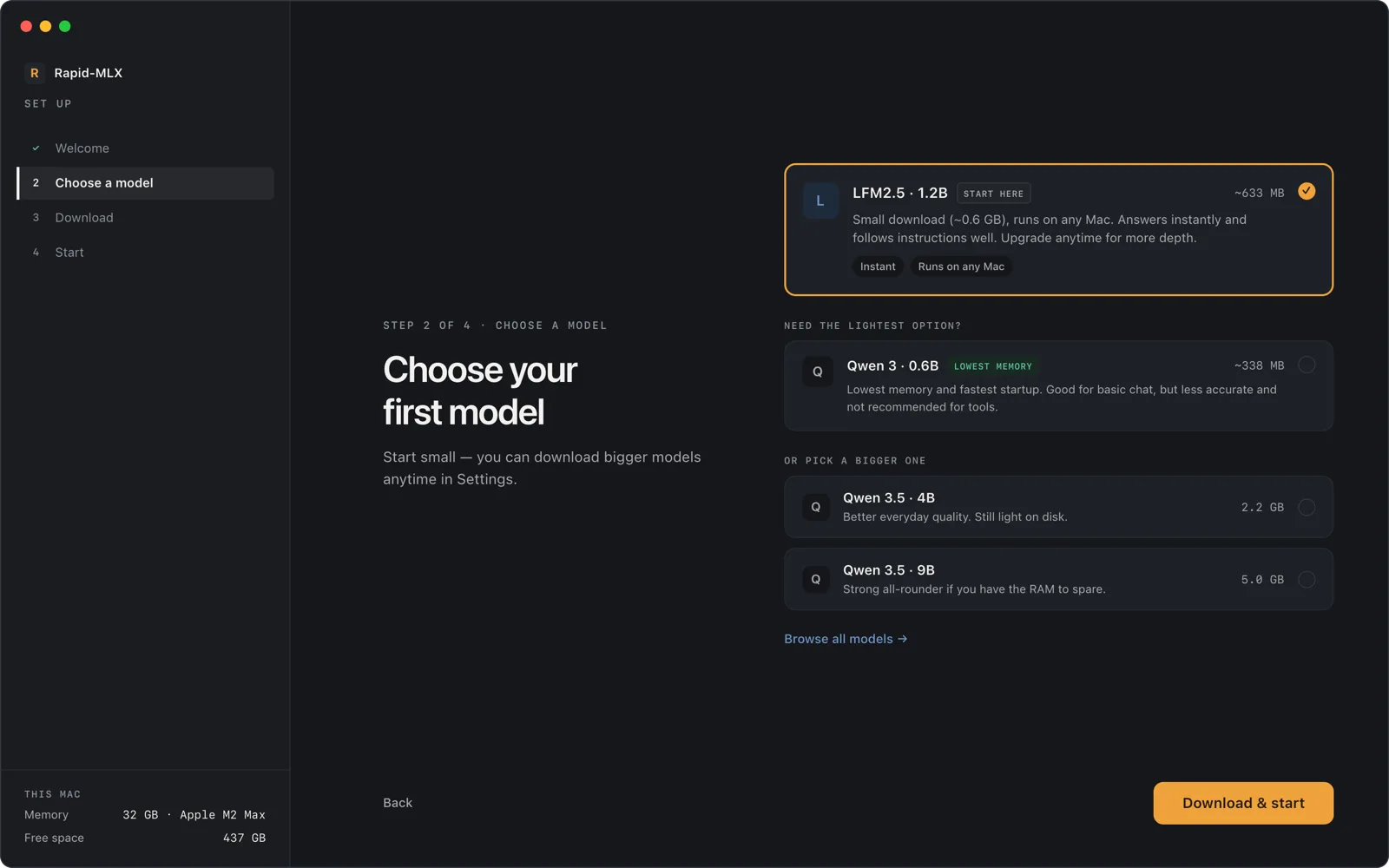
Beyond text, opt-in extras add vision, image generation and editing through an OpenAI-compatible Images API, text-to-video and image-to-video, and 44 audio aliases for speech synthesis, transcription, voice cloning and forced alignment. For people who would rather not use a terminal, Rapid-MLX Desktop bundles the same engine in a Mac app for chatting, managing models, and using vision, files, voice and image generation from one place.
What it does
- Drop-in OpenAI and Anthropic APIs — chat completions, responses, messages, embeddings, audio, images and videos endpoints
- Pure MLX engine with continuous batching, a radix prompt cache and a quantized live KV cache
- Release-gated agent support: Claude Code, Codex CLI, Hermes, Aider and DeepSeek Harness must pass an end-to-end task before each release
- One-command agent wiring with `rapid-mlx launch` and `rapid-mlx agents <name> --setup`
- RAM-tier model recommendations via `rapid-mlx recipe`, shared with the installer and the desktop app
- Local image, video and audio generation as opt-in extras, plus a reproducible, consent-gated community benchmark
Getting started
Rapid-MLX needs an M-series Mac. Prefer a GUI? Download Rapid-MLX Desktop from rapidmlx.com/desktop; it walks you through picking and downloading a first model. The CLI and server install as below.
Install the CLI
Homebrew ships a prebuilt bottle from homebrew-core; the guided installer detects your RAM and recommends a starter model. uv and pip (Python 3.10+) also work.
brew install rapid-mlx
# or the guided installer
curl -fsSL https://rapidmlx.com/install.sh | bash
# or, if you manage Python yourself
uv tool install rapid-mlx@latest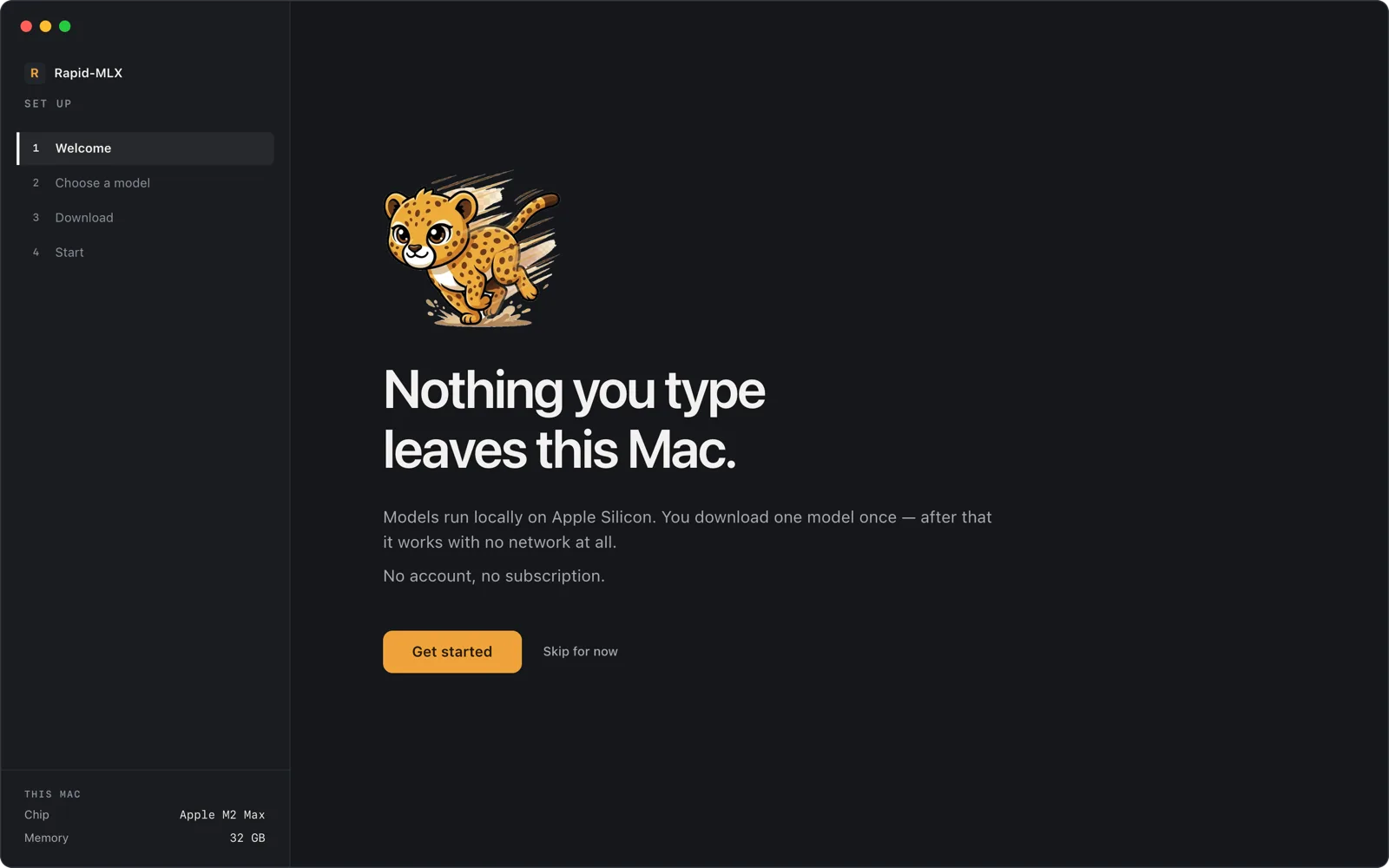
Chat in the terminal
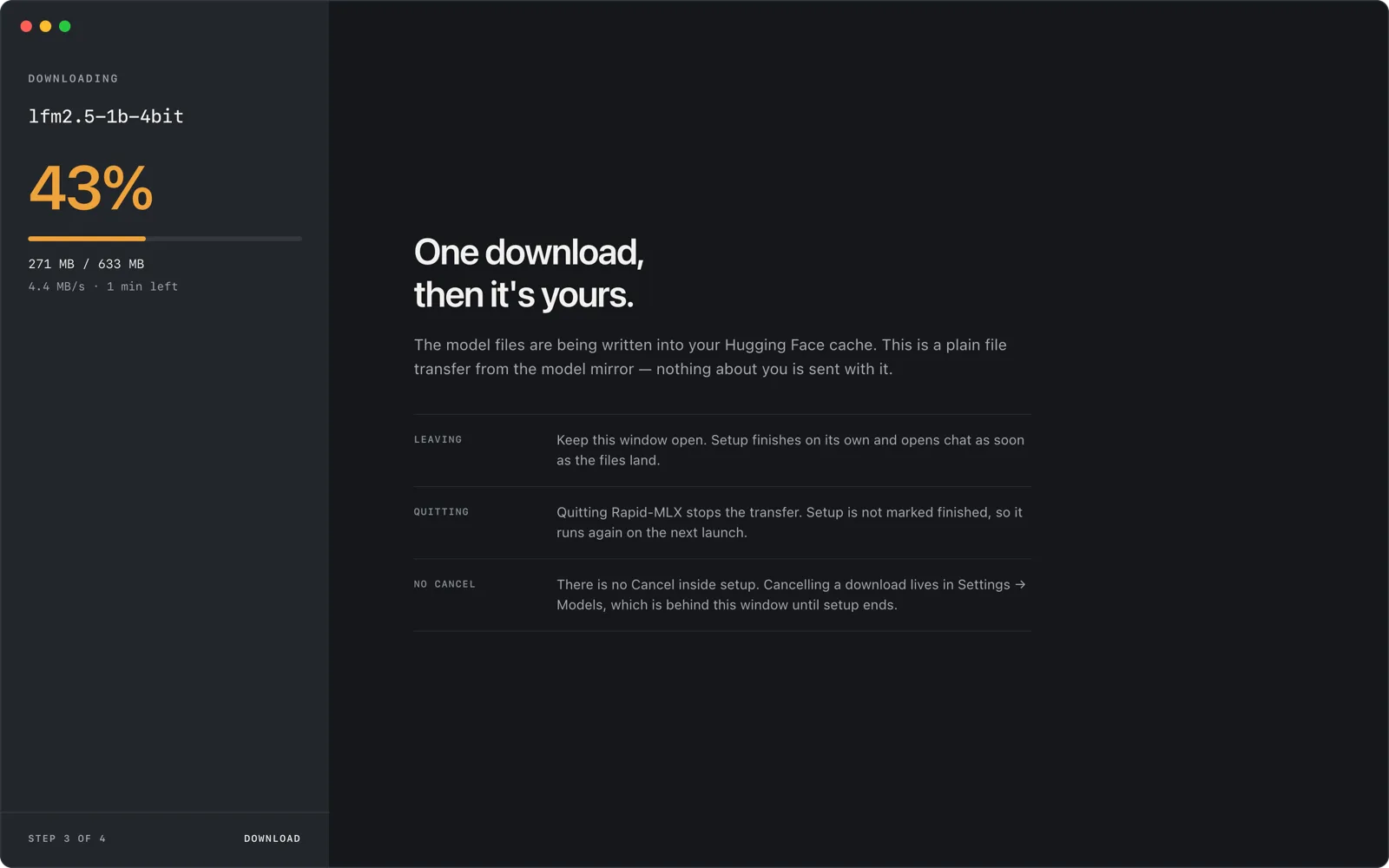
Defaults to `qwen3.5-4b-4bit`. The first run downloads the weights with a progress bar and drops you into a REPL; `/help` lists slash commands and `/exit` quits.
rapid-mlx chatServe a model to other apps
The server takes the first free port in 8000–8009 unless you pass `--port`. OpenAI-style clients use `http://localhost:8000/v1`; Claude Code and the Anthropic SDK use `http://localhost:8000`.
rapid-mlx serve qwen3.5-4b-4bit

curl http://localhost:8000/v1/chat/completions \
  -H "Content-Type: application/json" \
  -d '{"model":"default","messages":[{"role":"user","content":"Say hello"}]}'
Wire up a coding agent
With the server running, `launch` patches Claude Code's local settings to route at the local server; `launch list` shows detected clients, and `agents <name> --setup` configures other agents such as Codex CLI.
rapid-mlx launch claude-code
rapid-mlx launch list
rapid-mlx agents codex --setup && codex
Pick a model for your Mac and check the setup
`recipe` prints the recommended picks for this Mac's RAM tier, `models` lists every alias, and `doctor` runs a built-in self-check. Vision, audio, image and video support are extras, e.g. `pip install 'rapid-mlx[all]'`.
rapid-mlx recipe
rapid-mlx models
rapid-mlx doctor
Commands and code are distilled from the project's own documentation — always check the official repo for the latest.
When to use it
- Run Claude Code, Codex CLI, Aider or another coding agent fully locally against a model on your own Mac
- Give existing OpenAI-SDK apps, LangChain or PydanticAI code a private local backend by changing only the base URL
- Generate images, video clips, speech and transcriptions on-device through OpenAI-compatible endpoints
- Benchmark models on your own Apple Silicon hardware and optionally share the result with the community leaderboard
How Rapid-MLX compares
Rapid-MLX alongside other open-source local runtimes tools AI/TLDR tracks, ranked by GitHub stars.
| Tool | Stars | What it does |
|---|---|---|
| Ollama | ★ 182k | A developer-friendly tool that downloads and runs local LLMs from the terminal with a built-in OpenAI-compatible API. |
| llama.cpp | ★ 130k | A C/C++ inference engine that runs LLMs in the GGUF format on CPUs, Apple Silicon, and GPUs with low memory use. |
| GPT4All | ★ 77.4k | GPT4All is a free desktop app and Python client that runs large language models locally on your own computer, with no API calls or GPU required. |
| LocalAI | ★ 49.3k | A self-hosted server that exposes an OpenAI-compatible API for running text, vision, voice, and image models on local hardware. |
| Jan | ★ 44.7k | An open-source desktop app that runs LLMs fully offline as a ChatGPT-style assistant on your own computer. |
| Colibrì | ★ 38k | A pure-C inference engine that keeps a Mixture-of-Experts model's dense trunk resident in RAM and streams its routed experts from disk, so 744B-2.8T models run on consumer hardware. |
| llmfit | ★ 37.2k | A Rust terminal tool that inspects your CPU, RAM, GPUs and VRAM and scores which open-weight models and quantizations will actually run well on that machine, with a TUI, CLI, REST API and local-runtime integrations. |
| Rapid-MLX | ★ 3.9k | Local AI engine and OpenAI/Anthropic-compatible server for Apple Silicon |