Overview
Skybridge is a full-stack TypeScript framework for building MCP Apps — interactive React views that render inside model hosts such as ChatGPT and Claude, backed by an MCP server. You define tools on the server, bind a tool to a view, and write the view as an ordinary React component; the framework handles the protocol, authentication and the differences between hosts, so the same app runs in Claude, ChatGPT, VS Code and other clients that support MCP Apps.
The project's starting point is that MCP Apps are three-way systems: data flows between the app, the user and the model, and the model cannot see the UI or the user's clicks unless the app syncs them back. Skybridge is organised around that problem. A tool's output can be aimed at the model, the view or both; `useViewState` holds state that is shared with the model and survives remounts; and a `data-llm` attribute lets a view describe what is on screen in plain words for the model's next turn.
Around the framework sits a development toolchain: a dev server with hot module reload, DevTools that emulate the host runtime locally so you can call tools and render views without a model, a tunnel that exposes the local server to ChatGPT or Claude, a hosted LLM playground on the tunnel URL, and a deploy command for Alpic Cloud (self-hosting on any Node.js-compatible platform is also supported). A Skybridge skill lets coding agents scaffold apps, migrate existing MCP servers and add views. It is MIT-licensed and maintained by the Alpic team.
What it does
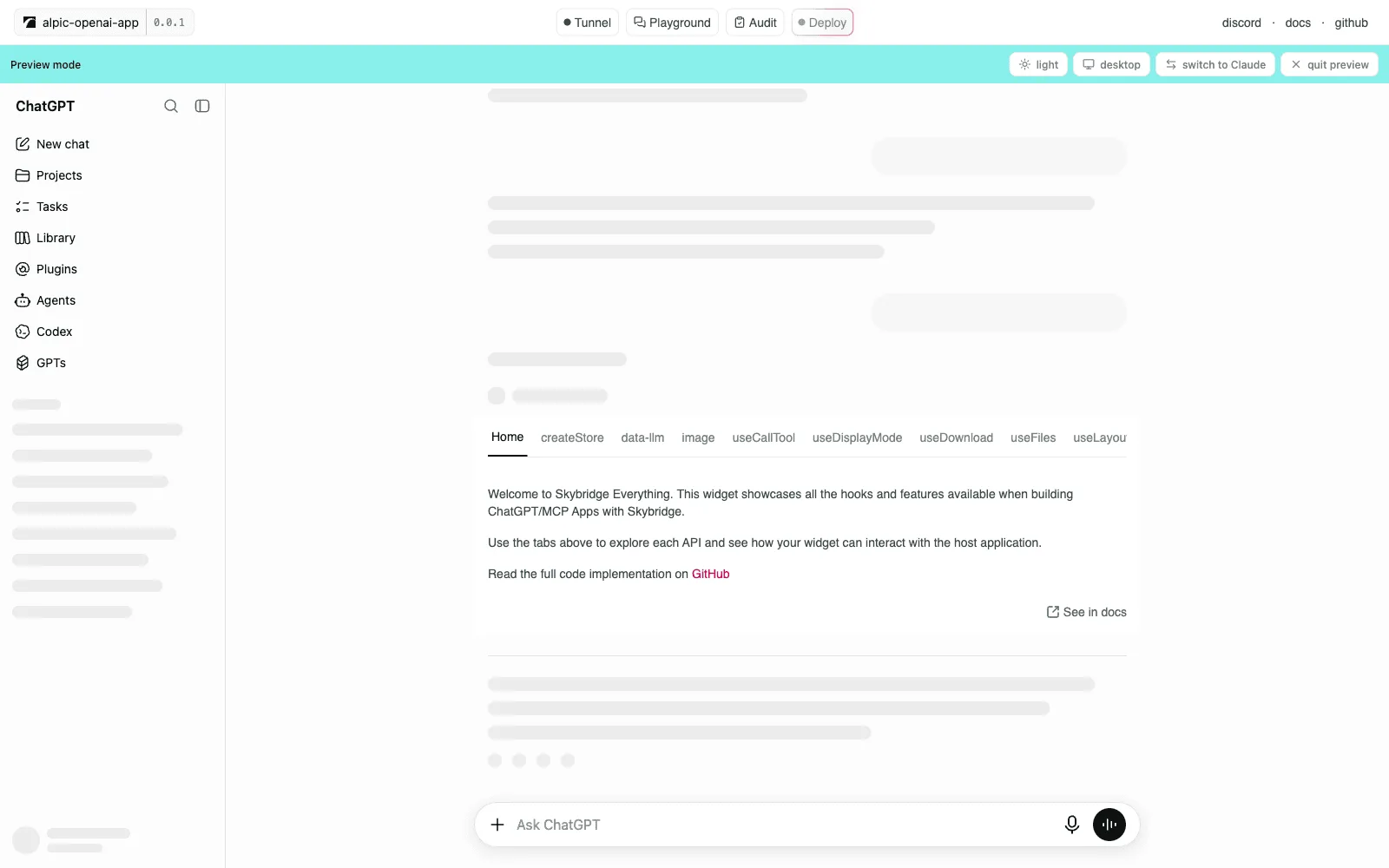
- Dev environment with hot module reload, a local host emulator (DevTools) and a tunnel that connects the local app to ChatGPT and Claude
- Write once, run everywhere: abstracts implementation differences between MCP clients such as Claude, ChatGPT and VS Code
- End-to-end type safety with tRPC-style inference — `generateHelpers` types `useToolInfo` and `useCallTool` from the server definition
- React Query-style hooks for tool output, tool calls, view state, display mode and more, plus `data-llm` to narrate the screen to the model
- Agent-ready: an installable skill, a CLI, and DevTools actions exposed as WebMCP tools a coding agent can drive
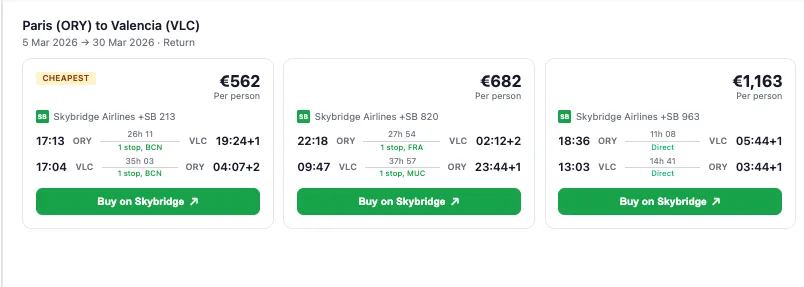
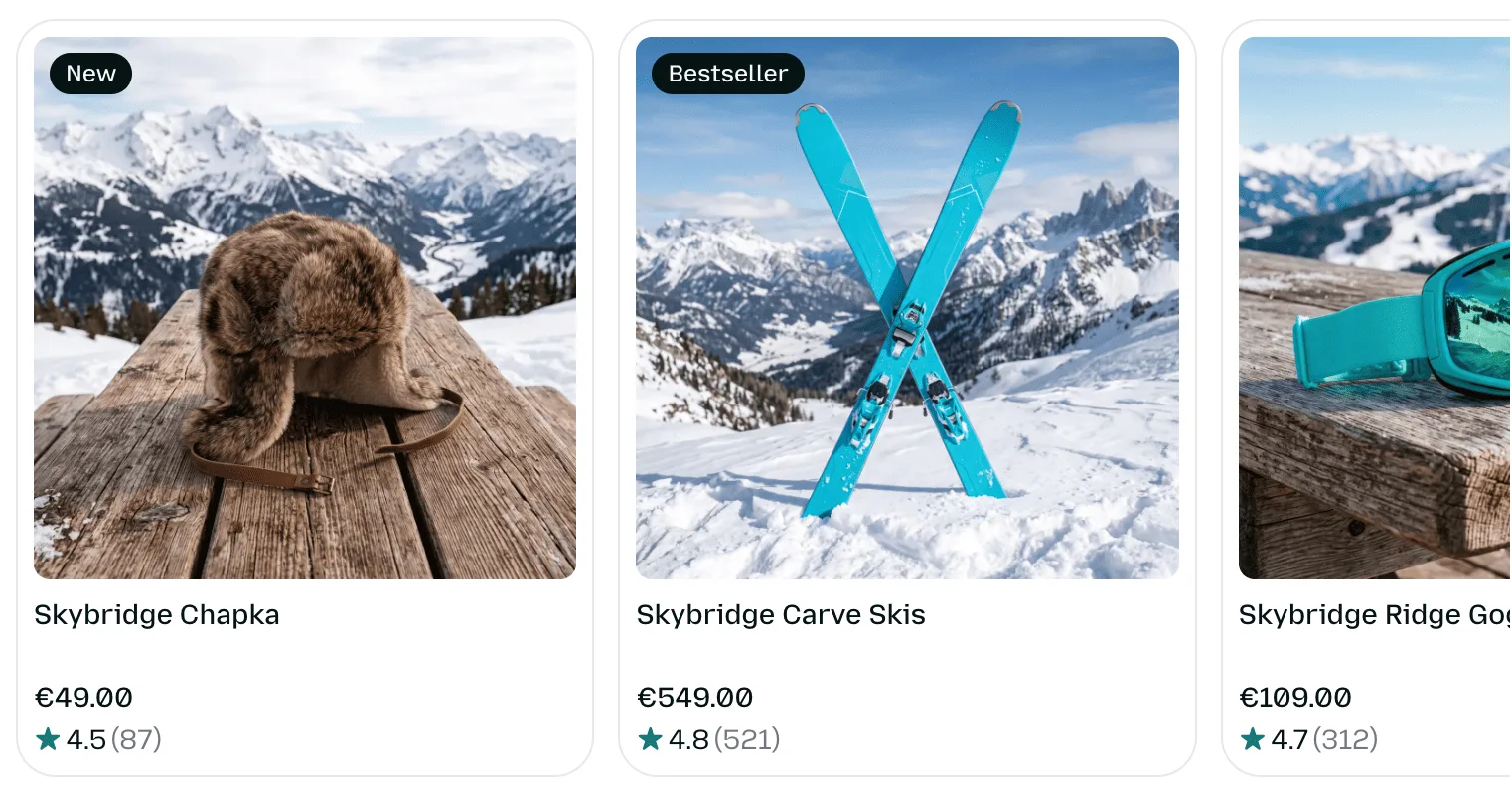
- Example apps for e-commerce, travel, games and dashboards, and OAuth examples for Descope, Clerk, WorkOS AuthKit, Stytch, Auth0 and Authplane
Getting started
Skybridge requires Node 24 or newer. Scaffold a project, run the dev server, then connect it to a real host through the tunnel. Coding agents can instead install the Skybridge skill with `npx skills add alpic-ai/skybridge -s skybridge`.
Scaffold a project
The default `demo` template ships two tools (`start`, which mounts an `onboarding` view, and `get-fortune-cookie`). Tools live in `src/server.ts` and views in the `views` directory. Pick the `blank` template for a bare project, or start from a repository example with `--example`.
npx skybridge create
# or start from an example app
npx skybridge create my-app --example auth-descope
Run the dev server
This serves the MCP server at `http://localhost:3000/mcp` and DevTools at `http://localhost:3000/`. Server and views reload on file save.
npm run dev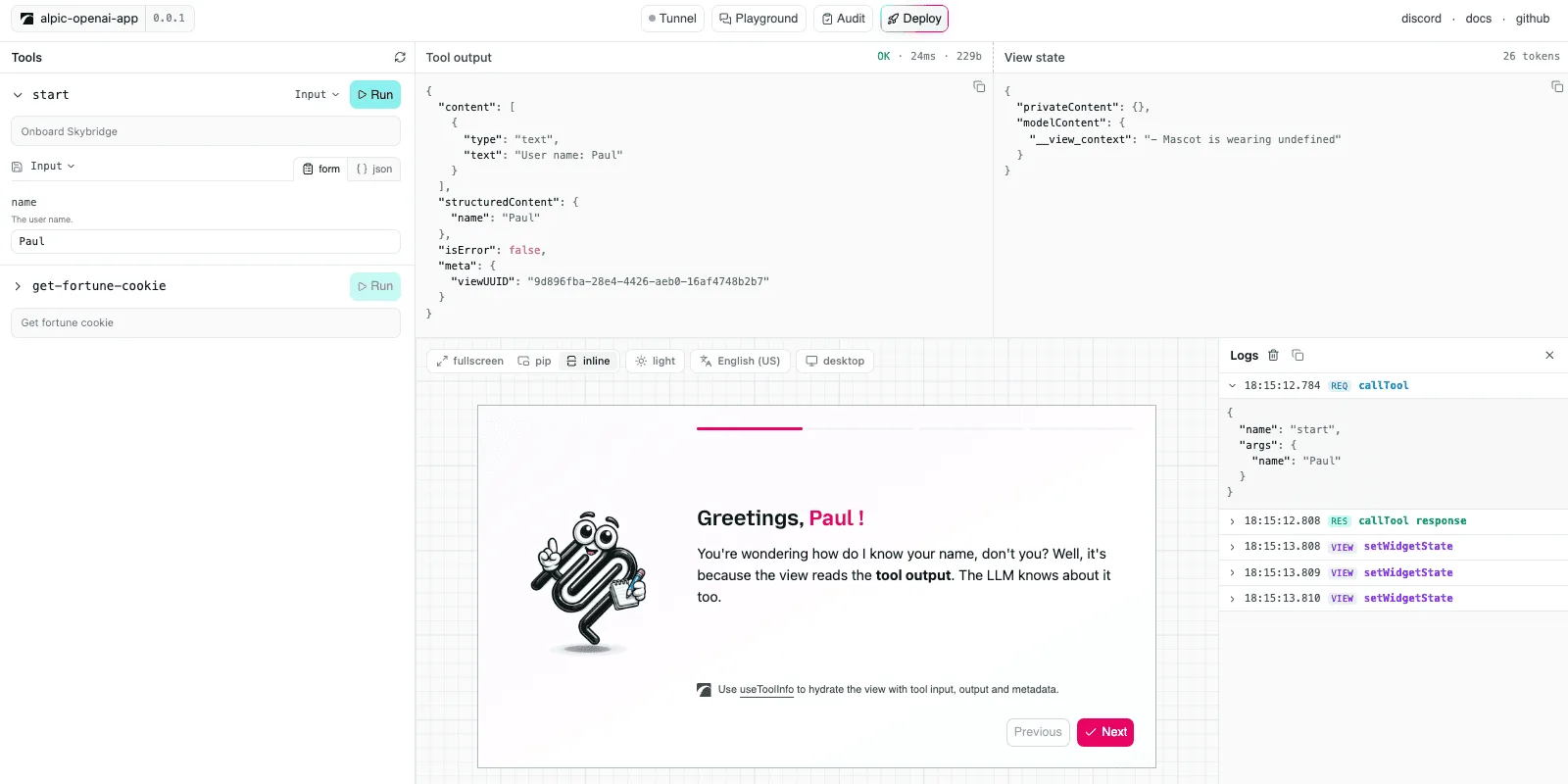
Define a tool and bind it to a view
Register tools on the server with a Zod input schema and a `view` component; the view reads the tool's output with a hook.
// server.ts
import { Skybridge } from "skybridge/server";
import { z } from "zod";

export const app = new Skybridge({
  name: "my-app",
  version: "0.0.1",
  handler: (server) =>
    server.registerTool(
      {
        name: "greeting",
        description: "Greet someone by name.",
        inputSchema: { name: z.string() },
        view: { component: "greeting" },
      },
      async ({ name }) => {
        return { structuredContent: { message: `Hello, ${name}!` } };
      },
    ),
});

// views/greeting.tsx
import { useToolInfo } from "../helpers.js";

export default function Greeting() {
  const { output } = useToolInfo<"greeting">();
  return <h1>{output.message}</h1>;
}
Generate typed hooks
Export `AppType = typeof app` from the server, then derive hooks whose tool names autocomplete and whose inputs and outputs are typed.
// helpers.ts
import type { AppType } from "./server";
import { generateHelpers } from "skybridge/web";

export const { useCallTool, useToolInfo } = generateHelpers<AppType>();
Connect to ChatGPT or Claude, then deploy
`--tunnel` gives the local server a public URL to register as a ChatGPT app or Claude connector, with an LLM playground on `/try`. `deploy` ships the app to Alpic Cloud and prints its public URL.
npm run dev -- --tunnel
npm run deploy
Commands and code are distilled from the project's own documentation — always check the official repo for the latest.
When to use it
- Build an interactive app — a product carousel, a booking flow, a dashboard — that renders inside ChatGPT and Claude conversations from one codebase
- Add rich UI views to an existing MCP server, or have a coding agent migrate it to Skybridge with the skill
- Iterate on MCP App views locally with hot reload and a host emulator instead of re-prompting a model in a real host
- Keep the model aware of what the user did in the UI, such as a cart or a selection, through shared view state
How Skybridge compares
Skybridge alongside other open-source generative ui sdks tools AI/TLDR tracks, ranked by GitHub stars.
| Tool | Stars | What it does |
|---|---|---|
| CopilotKit | ★ 38.2k | A frontend framework for adding in-app AI copilots and agent-driven generative UI to React and other apps, and the maker of the AG-UI protocol. |
| Vercel AI SDK | ★ 27.5k | A TypeScript toolkit for building AI apps and agents that includes streaming helpers and generative-UI features for rendering model output as React components. |
| OpenUI | ★ 22.7k | OpenUI lets you describe a UI in plain language, see it rendered live, ask for changes, and convert the result to React, Svelte, or Web Components. |
| json-render | ★ 18.8k | Vercel Labs' generative UI framework: you declare a catalog of allowed components, a model emits JSON constrained to it, and renderers for React, Vue, Svelte, Solid, React Native, PDF, email and whole Next.js or TanStack Start apps draw it. |
| AG-UI Protocol | ★ 16.8k | An open protocol that standardizes how AI agents stream events and UI to frontend applications, with SDKs across multiple languages and frameworks. |
| OpenUI (Thesys) | ★ 13.5k | An open standard and runtime for generative UI that uses a compact streaming language to let models emit interactive charts, forms, tables, and cards. |
| assistant-ui | ★ 12.7k | A TypeScript/React library of composable chat primitives for building AI chat apps that can render tool calls and JSON as interactive React components. |
| Skybridge | ★ 2.2k | A full-stack TypeScript and React framework for MCP Apps and ChatGPT Apps |