In plain English
LanceDB is an open-source vector database that runs inside your application — no server to install, no service to keep alive. You add it like any other library (pip install lancedb), point it at a folder on disk, and start writing and searching vectors. It feels as simple as Chroma or even SQLite, but it is built to handle datasets far larger than your computer's memory.
Think of the difference between a personal notebook and a filing room. An in-memory store is the notebook on your desk: instant to flip through, but it only holds what fits in your hands, and if you knock it off the desk (restart the process) the pages scatter. LanceDB is the filing room down the hall. The folders live permanently on shelves (your disk), you only pull out the few you need for a given question, and you can keep adding folders long after your desk is full. It is still your room — nobody else has to run it for you — but it does not have to fit on the desk.
The thing that makes this possible is Lance, a columnar file format LanceDB is built on. Lance is to vectors and AI data what Parquet is to analytics tables: a single open format on disk that stores your vectors, the original text or images they came from, and any metadata, all together, and lets you read just the slice you need without loading the whole file.
Why it matters
Most beginner-friendly vector stores force an awkward choice. The easy embedded ones keep everything in RAM, so the moment your collection of embeddings outgrows memory, you hit a wall. The ones that scale are usually full servers or managed cloud services you have to run, secure, and pay for. LanceDB aims to give you the easy local workflow and the ability to grow past RAM, with the same few lines of code.
That combination matters in a few concrete situations:
- Larger-than-RAM data. You have a few million vectors plus their source text. That can easily exceed the memory of a laptop or a small container. Because LanceDB reads from disk and only pulls the pages it needs, the dataset can be much bigger than RAM without crashing.
- Multimodal and rich data. Lance stores vectors next to large blobs — image bytes, audio, long documents — in one place. You do not have to keep vectors in one system and the actual files in another and stitch them together at query time.
- No operations. There is no cluster to provision, no service to monitor, no separate database to upgrade. The database is a folder. You can put that folder on local disk or on cloud object storage (like Amazon S3) and read it from anywhere.
- Versioning and reproducibility. Lance keeps a history of changes, so you can append new data, then go back and read the table exactly as it was at an earlier version — useful for reproducing an experiment or rolling back a bad import.
If you are prototyping a small demo, plain Chroma or FAISS is still perfectly fine. LanceDB earns its place when the dataset gets big enough to strain memory, or when you want vectors and their underlying files to live together, while still avoiding the cost and operational weight of a managed service like Pinecone.
How it works
LanceDB is best understood as two layers stacked together: the Lance format on disk at the bottom, and the vector database engine on top that knows how to index and search it.
The Lance columnar format
A columnar format stores each field (column) together on disk rather than storing whole rows back-to-back. So all the vectors sit in one region, all the titles in another, all the categories in another. This is what lets LanceDB read just the columns a query touches and skip the rest — the same idea that makes Parquet fast for analytics, adapted so that one of those columns can be a high-dimensional vector. Because the data lives in files, the engine can memory-map them and pull pages on demand instead of loading everything up front.
Tables, indexes, and search
You organize data into tables, much like a normal database. Each row has a vector column plus any other fields you want (an id, the original text, a category, a timestamp). To search quickly over millions of vectors, LanceDB can build an ANN index — approximate nearest neighbor — which trades a tiny bit of accuracy for a huge speed gain by not comparing your query against every single vector. Until you build that index, LanceDB falls back to an exact brute-force scan, which is fine for small tables.
At query time you embed your question into a vector and ask the table for the closest rows. Crucially, you can attach a metadata filter in the same call — "closest vectors where category = 'docs'" — and because the metadata lives in the same Lance files as the vectors, that filter is cheap. The result includes both the matching vectors' distances and the original columns, so you get the source text back without a second lookup.
A quick walkthrough in code
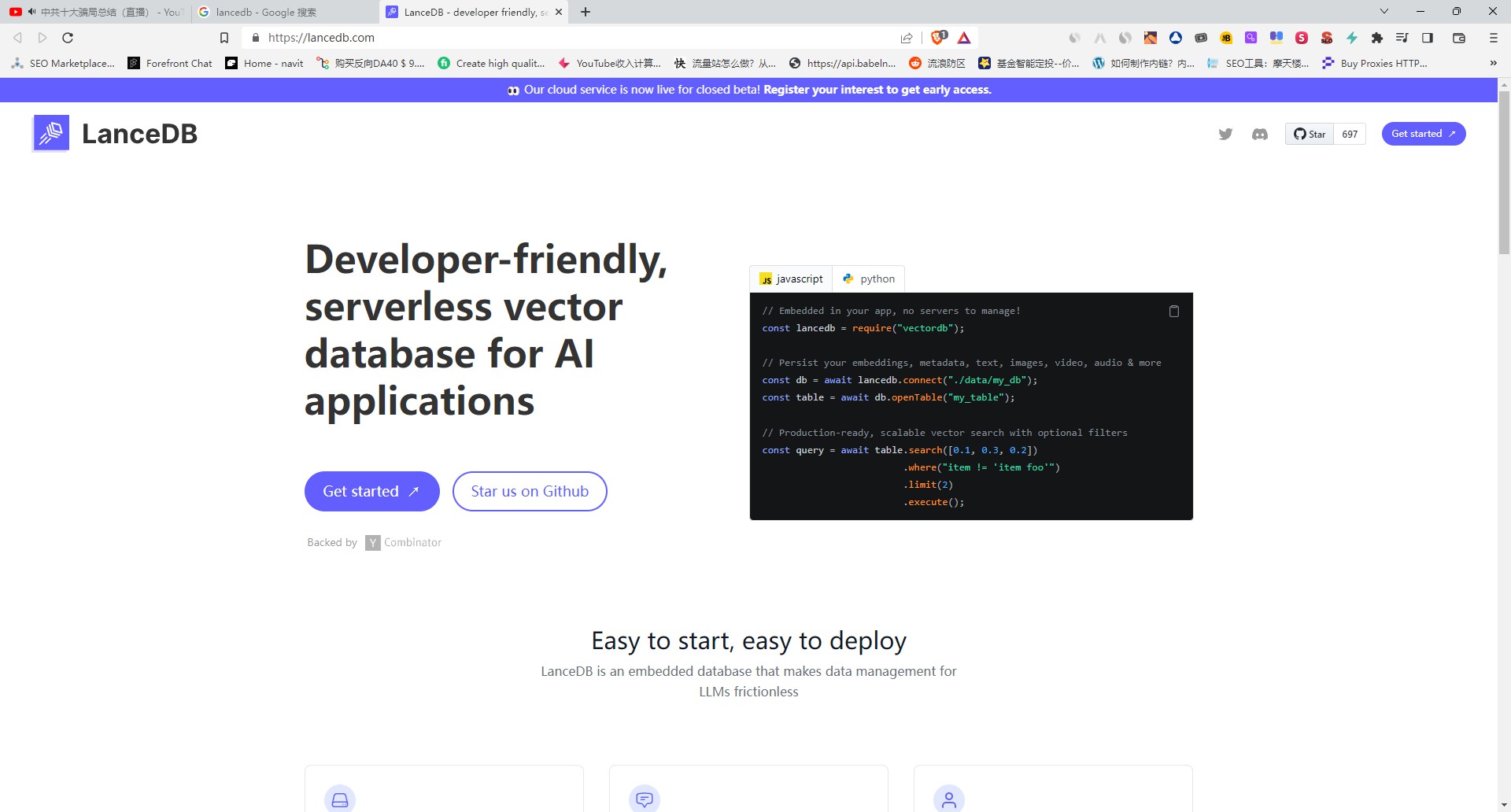
The whole developer experience is: connect to a folder, create a table, add rows, search. There is no server URL and no connection pool — connect just opens (or creates) a directory.
import lancedb

# 1) "Connect" to a folder on disk. No server, no service.
db = lancedb.connect("./my_lance_data")

# 2) Create a table. Each row carries a vector plus normal fields.
#    (You'd compute `vector` with your embedding model of choice.)
data = [
    {"id": 1, "text": "Refunds accepted within 30 days.", "vector": embed("Refunds accepted within 30 days.")},
    {"id": 2, "text": "Digital goods are non-refundable.", "vector": embed("Digital goods are non-refundable.")},
    {"id": 3, "text": "Support hours are 9am to 6pm Eastern.", "vector": embed("Support hours are 9am to 6pm Eastern.")},
]
table = db.create_table("policies", data=data)

# 3) (Optional but recommended for big tables) build an ANN index.
# table.create_index(metric="cosine")

# 4) Search: embed a question, get the closest rows back with their text.
q = embed("how long do I have to return something?")
hits = table.search(q).limit(2).to_list()
for h in hits:
    print(round(h["_distance"], 3), h["text"])
Adding a metadata filter is one extra method. Because the filter columns live in the same files as the vectors, this stays a single, cheap call:
# Only consider rows that also match a SQL-style condition.
hits = (
    table.search(q)
    .where("id > 1")      # filter on any column
    .limit(2)
    .to_list()
)LanceDB vs Chroma vs Pinecone
The clearest way to place LanceDB is against the two options people usually compare it to: Chroma (the other popular embedded store) and Pinecone (a popular managed service). They sit at different points on the same spectrum.
- Embedded, dead-simple
- Best for small / prototype data
- Primarily in-memory
- Vectors + light metadata
- You run nothing
- Embedded, still simple
- Scales past RAM (disk-native)
- Reads on demand from disk
- Vectors + text + blobs + versioning
- You run nothing
- Managed cloud service
- Scales to huge production loads
- Stored and served for you
- Vectors + metadata
- A vendor runs it (and bills it)
A useful rule of thumb: as your data outgrows memory but you still do not want to run or pay for a service, you move from Chroma toward LanceDB. When you outgrow a single machine, need multi-tenant uptime, or want someone else on the hook for operations, you move from LanceDB toward a server or managed service like Pinecone, Qdrant, or Weaviate.
Common pitfalls and tips
- Forgetting to build an index. On a fresh table,
searchdoes an exact brute-force scan. That is correct but slow once you have a lot of rows. Build an ANN index when the table grows, and rebuild it after large appends. - Mismatched vector dimensions. Every vector in a table must have the same length, set by your embedding model. Mixing outputs from two different models — say a 384-dim and a 1536-dim model — will fail or return nonsense. Pick one model per table; see how to choose an embedding model.
- Wrong distance metric. Many modern embeddings expect cosine similarity, others expect L2 (Euclidean) distance. Using the wrong one quietly degrades results. Match the metric to what your embedding model was trained for.
- Expecting concurrent writers. Embedded means in-process. It is great for one app reading and writing its own data; it is not a shared database that ten servers write to at once. If you need that, you have outgrown the embedded model.
- Ignoring versions on disk. Lance keeps old versions, which is a feature, but on a table you rewrite constantly the history can use disk space. Compact or clean up old versions when you do not need them.
Going deeper
Once the basics click, a few details separate a toy table from a solid setup.
ANN index types and tuning. The approximate index is not magic; it has knobs. Common ones control how many neighbor lists the index builds and how many it probes at query time. Probing more lists raises accuracy (recall) but costs latency. There is no universal best setting — you tune it against your own data and measure recall against an exact brute-force baseline.
Hybrid and full-text search. Pure vector search misses exact matches like error codes, SKUs, or rare proper nouns. LanceDB supports adding keyword / full-text search alongside vector search so you can combine semantic similarity with exact-term matching, the same hybrid pattern serious retrieval systems use. This pairs naturally with reranking the merged candidates.
The Lance format as a data asset, not just an index. Because Lance is an open columnar format, your table is also a perfectly good dataset for other tools — you can scan it with data frames, stream it into training, or read it from a different language. The same files that back your search are the files you train and analyze on, which avoids the usual copy-everything-twice problem between a feature store and a vector store.
Scaling boundaries. The embedded model is a deliberate tradeoff: zero operations in exchange for living inside one process and one storage location. When you need many machines querying a shared, constantly-updated index with strict uptime, that is the signal to graduate to a server-based or managed system. To weigh those options side by side, see the broader vector database comparison, and to understand the vectors themselves, how text embeddings work.
FAQ
What is LanceDB used for?
LanceDB is an embedded, open-source vector database for storing and searching embeddings on disk, with no separate server to run. It is commonly used for retrieval-augmented generation, semantic search, and recommendation over datasets that are too large for an in-memory store but where you still want a simple, local, no-operations setup.
How is LanceDB different from Chroma?
Both are embedded and easy to use, but Chroma is primarily in-memory and best for small or prototype datasets, while LanceDB is built on the disk-native Lance columnar format so it reads from disk on demand and scales past RAM. LanceDB also stores vectors alongside rich data like text and image blobs and keeps a version history. For a tiny demo Chroma is simpler; as data grows past memory, LanceDB fits better.
Does LanceDB need a server?
No. LanceDB runs in-process inside your application, like SQLite — you install it as a library and point it at a folder on local disk or cloud object storage. There is no separate database service to provision, secure, or keep running.
What is the Lance format?
Lance is the open columnar file format that LanceDB is built on. It stores vectors, the original text or image data, and metadata together in one file and lets the engine read only the columns and pages a query needs — similar in spirit to Parquet, but designed for AI data and vector search, with built-in versioning.
Can LanceDB handle data larger than memory?
Yes. Because the data lives in Lance files on disk and the engine reads pages on demand rather than loading everything into RAM, a LanceDB table can be much larger than your machine's memory. That is one of its main advantages over purely in-memory embedded stores.
When should I use LanceDB instead of Pinecone?
Use LanceDB when you want a local, embedded store with no service to run or pay for, and your data fits the single-application model — including datasets larger than RAM. Reach for a managed service like Pinecone when you need hands-off operations, many machines querying a shared index, multi-tenant uptime, and scaling beyond a single machine.