In plain English
A large language model stores its knowledge as billions of weights — numbers that the model multiplies together to produce text. By default each weight is a 16-bit floating-point number, which is precise but heavy: a model with billions of weights needs many gigabytes of memory just to load. GPTQ is a way to shrink those weights down to about 4 bits each so the same model fits in roughly a quarter of the space and runs on far cheaper hardware.
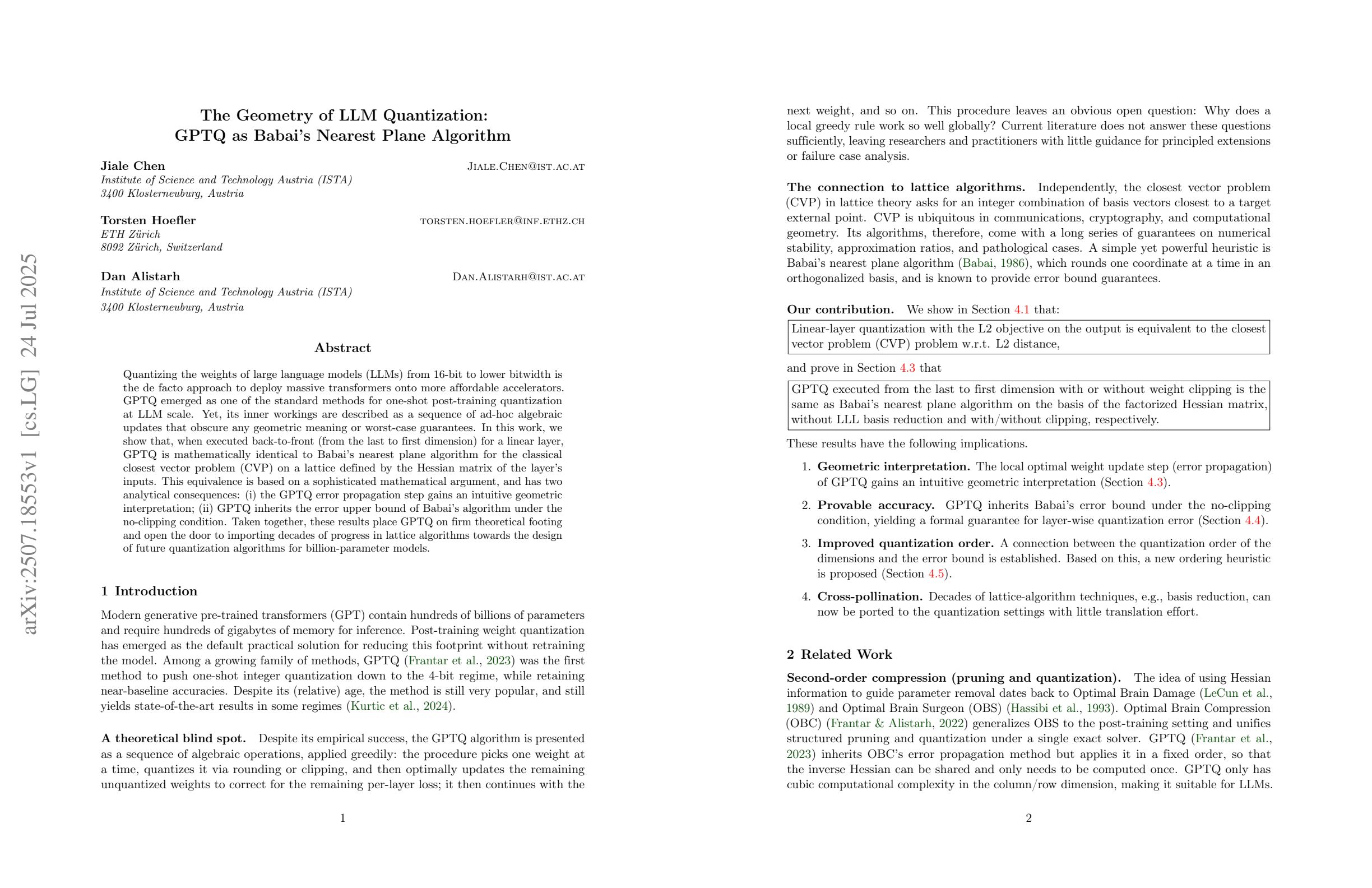
This shrinking is a kind of quantization: you replace high-precision numbers with low-precision approximations. The naive way is to just round every weight to the nearest low-precision value — fast, but it quietly damages the model. GPTQ is cleverer. It rounds the weights one layer at a time and, after each weight it rounds, it nudges the weights it hasn't touched yet to cancel out the error the rounding just introduced. The total mistake stays small even though every number got coarser.
Think of splitting a restaurant bill among friends using only whole dollars. If you round each person's share independently, the rounding errors pile up and the total no longer matches the bill. A careful organizer instead rounds the first share, sees they over-collected by 40 cents, and shaves that 40 cents off the people who haven't paid yet. Everyone still pays a clean round number, but the grand total comes out right. GPTQ does the same accounting trick across a layer's weights: round one, push the leftover error onto the rest, repeat.
Why it matters
GPTQ was one of the first methods that made it genuinely practical to run large open models on a single consumer GPU, and it solves three real problems for anyone running models locally.
- Memory. Weights at 16-bit need a lot of VRAM. Cutting them to ~4-bit roughly quarters the weight memory, which is often the difference between a model fitting on one GPU and not fitting at all.
- Cost and access. Smaller weights mean the same model runs on a cheaper card, or you fit a bigger, smarter model on the card you already own. That democratizes access to capable open models.
- Speed. LLM inference at small batch sizes is usually memory-bandwidth bound — the GPU spends its time reading weights from memory, not doing math. Fewer bytes to read per weight can mean faster token generation, especially when you have a kernel that reads the 4-bit data directly.
The catch quantization always faces is quality: round too crudely and the model gets dumber — see quantization quality loss. The whole point of GPTQ over naive rounding is that its error-cancelling step keeps the quantized model very close to the original at 4-bit, where simple round-to-nearest noticeably degrades. That accuracy-at-4-bit is why GPTQ became an early standard for distributing open models in quantized form.
How it works
GPTQ is post-training quantization with calibration. You feed it an already-trained model plus a small set of example texts (the calibration data), and it produces a 4-bit copy. It never updates the model's behavior the way training would — it only decides how to round each weight so the layer's outputs barely change.
Step 1 — calibration
You pass a few hundred sample sequences through the model and record the inputs each layer actually sees. GPTQ uses these activations to learn which weights matter most. A weight that gets multiplied by large, frequent inputs has more influence on the output than one multiplied by near-zero inputs, so it deserves more care when rounding. This is why calibration data should resemble the model's real use — wildly off-distribution text can mislead the rounding.
Step 2 — layer-by-layer error correction
GPTQ then walks through one weight matrix at a time. Within a matrix it quantizes the weights in order; after fixing each weight to its 4-bit value, it computes the small output error that choice caused and adjusts the not-yet-quantized weights to compensate. Mathematically it uses second-order information (a Hessian estimated from the calibration activations) to know exactly how to spread that correction. The result: every individual weight is coarse, but the layer as a whole still produces nearly the same numbers it did before.
Step 3 — grouping and scales
To stay accurate, GPTQ doesn't use one shared scale for a whole giant matrix. It splits each row into small groups (a common group size is 128 weights) and gives each group its own scale and zero-point. Smaller groups track local variation better and lift quality, but they add a little metadata overhead, so the effective bits-per-weight is slightly above the nominal 4. Group size is the main quality-vs-size knob you'll see when producing a GPTQ model.
Because all of this happens once, offline, it can be slow to produce a GPTQ model — but you pay that cost a single time and then everyone downloads the small result. At run time the model loads the 4-bit weights and a fast kernel expands each group back to higher precision just in time for the matrix multiply.
GPTQ vs AWQ
The method most often compared with GPTQ is AWQ (Activation-aware Weight Quantization). Both are post-training, calibration-based, weight-only 4-bit methods, and in practice both preserve quality well. The difference is the core idea each one leans on.
| Aspect | GPTQ | AWQ |
|---|---|---|
| Core idea | Round in order, correcting error as you go | Protect the most important weights via per-channel scaling |
| Uses calibration data | Yes — to estimate the error/Hessian | Yes — to find salient channels by activation size |
| Bit width | Typically ~4-bit (also 3-bit, 8-bit) | Typically ~4-bit |
| Weight-only | Yes | Yes |
| Reputation | The classic early standard | Often praised for fast inference kernels |
Practically you rarely need to choose by hand: many open models are published in both formats, serving engines support both, and the quality gap on a given model is usually small. Pick based on what your runtime supports best and benchmark on your own task. For a fuller three-way picture including the llama.cpp world, see GGUF vs GPTQ vs AWQ.
Using GPTQ today
For most people the easiest path is to download a model someone already quantized. GPTQ files come from the standard model hubs with the quantization config baked in, and inference libraries load them like any other model. You usually do not run the GPTQ algorithm yourself unless you're publishing a new quantization.
Loading a pre-quantized GPTQ model
# Many GPTQ models load directly through Transformers, which reads the
# quantization config from the model files and uses a GPTQ kernel.
from transformers import AutoModelForCausalLM, AutoTokenizer

model_id = "some-org/some-model-GPTQ"  # a pre-quantized 4-bit checkpoint

tok = AutoTokenizer.from_pretrained(model_id)
model = AutoModelForCausalLM.from_pretrained(
    model_id,
    device_map="auto",   # place the 4-bit weights on your GPU
)

prompt = "Explain quantization in one sentence."
ins = tok(prompt, return_tensors="pt").to(model.device)
out = model.generate(**ins, max_new_tokens=64)
print(tok.decode(out[0], skip_special_tokens=True))
A note on tooling
The historical library for producing GPTQ models was AutoGPTQ. That project is now archived, and active maintenance has moved to GPTQModel, which is the current home for creating and running GPTQ checkpoints and tends to track newer model architectures. If you're following an older tutorial that imports auto_gptq, treat it as legacy and look for the GPTQModel equivalent.
Going deeper
Once the basics click, a few nuances separate a good GPTQ result from a mediocre one — and explain where the method sits among newer options.
Calibration quality is the lever you control. The algorithm is fixed, but the calibration set is yours to choose. Too few samples and the Hessian estimate is noisy; off-domain text and the rounding optimizes for the wrong activations. A few hundred sequences that look like your real workload (same language, same kind of task) is the standard advice. This is the single change most likely to move quality on a GPTQ model you produce yourself.
Group size is a real tradeoff, not a free lunch. Smaller groups (e.g. 128 or even 32) raise accuracy by tracking local weight variation, but each group stores its own scale and zero-point, so the true bits-per-weight creeps above the nominal number and the file grows. For the broader picture of how bit width trades against quality, see Q4 vs Q8 vs FP16.
Weight-only quantization has a ceiling. GPTQ compresses weights but leaves activations at higher precision, which is why it preserves quality so well — but it means the heaviest savings are on the weights, not the whole compute path. Pushing below 4-bit (3-bit, 2-bit) is possible but quality falls off faster, and that frontier is where research methods keep evolving.
Know the neighbors. GPTQ is pre-quantized and offline: you build the 4-bit file once and ship it. That's a different philosophy from on-the-fly approaches that quantize at load time inside the training/inference stack, which is what makes single-GPU fine-tuning like QLoRA work. And it's a different ecosystem from llama.cpp's GGUF format, which dominates CPU and Apple-Silicon inference and has its own quant types. GPTQ remains a solid, well-supported choice on GPU stacks — just one of several good tools, and the right one when your runtime is PyTorch-based and your weights are the thing eating your VRAM.
FAQ
What does GPTQ stand for?
GPTQ comes from the 2022 paper title GPTQ: Accurate Post-Training Quantization for Generative Pre-trained Transformers. It is a post-training method that compresses a transformer LLM's weights to roughly 4 bits each without retraining the model.
How is GPTQ different from just rounding the weights?
Naive quantization rounds every weight independently, so the small errors add up and degrade the model. GPTQ rounds the weights of a layer in order and, after each one, adjusts the remaining weights to cancel the error it just introduced. The per-weight values are still coarse, but the layer's outputs stay close to the original.
Is GPTQ better than AWQ?
Neither is clearly better in general. Both are post-training, calibration-based, weight-only 4-bit methods, and on most models the quality gap is small. AWQ is often praised for fast inference kernels; GPTQ is the older, very widely supported standard. Pick based on what your runtime supports and benchmark on your own task.
Do I need a GPU to use a GPTQ model?
GPTQ targets GPU stacks like PyTorch, Transformers, and vLLM, so it is really meant for running on a GPU. If you want to run a quantized model on a CPU or Apple Silicon, use the GGUF format with llama.cpp instead — that is a different ecosystem built for that case.
Is AutoGPTQ still the tool to use?
No. AutoGPTQ, the original library for producing GPTQ models, is archived. Active maintenance has moved to GPTQModel, which is the current home for creating and running GPTQ checkpoints and supports newer model architectures. Treat tutorials that import auto_gptq as legacy.
Does GPTQ retrain the model?
No. GPTQ is post-training quantization — it runs on an already-trained model and only decides how to round its existing weights. It uses a small calibration set to measure how the rounding affects each layer's outputs, but it never updates the model's learned behavior the way training would.