In plain English
Most computer-vision systems are a drawer full of single-purpose tools. One model writes a caption for a photo. A different model draws boxes around the objects in it. A third reads the text printed in it (that's OCR). A fourth traces the exact outline of a shape (that's segmentation). Each is trained separately, packaged separately, and served separately.
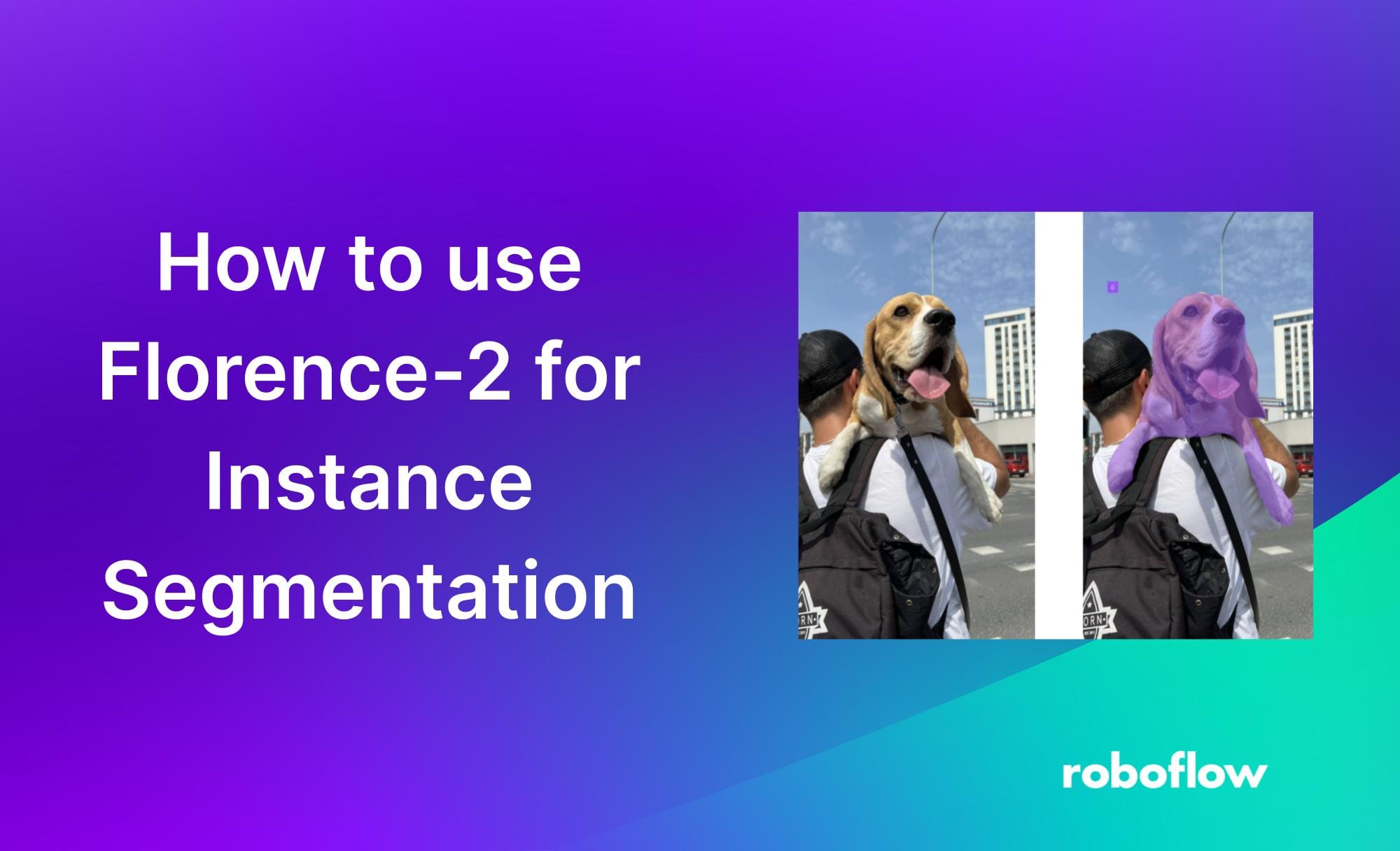
Florence-2 is Microsoft's attempt to put all of those tools into one small box. It is a single open-source vision model that captions, detects objects, reads text, and segments shapes — and you switch between those jobs just by changing a short task prompt at the input. Same model, same weights; the prompt decides what it does.
Think of a Swiss Army knife versus a drawer of separate blades. The drawer has a dedicated tool for every job and each one is excellent, but you carry the whole drawer, maintain every blade, and pick the right one each time. Florence-2 is the Swiss Army knife: one compact thing in your pocket that flips open to the blade you need. It may not always beat a specialist at that specialist's one trick, but it covers the common jobs and you only carry one tool.
Why it matters
If you build anything that looks at images, the old way meant stitching together a fleet of specialized models. Florence-2 collapses that fleet into one dependency, and that has practical consequences.
- One model instead of four. Captioning, detection, OCR, and segmentation usually mean four separate models to find, fine-tune, deploy, and keep updated. Florence-2 handles all of them, so there is one thing to load into memory and one API surface to learn.
- It is small and cheap to run. Florence-2 is deliberately compact — small enough to run on a single modest GPU, and even reasonably on a laptop. That is a very different cost profile from sending every image to a large hosted vision-language model, where you pay per image forever.
- It is open and permissive. Because the weights are public under MIT, you can self-host with no per-image fee, keep sensitive images on your own machines, and fine-tune it on your own data. Nothing leaves your infrastructure.
- It is stable. Florence-2 is not a model that churns out a new incompatible version every few weeks. That makes it a reliable workhorse you can build a pipeline around and trust to still behave the same way next year.
Who should care? Anyone doing high-volume image work where calling a big general model per image is too slow or too expensive — document pipelines, image tagging, dataset labeling, robotics, and pre-processing steps that feed cleaner data into a larger system. A common pattern is to let Florence-2 do the cheap, mechanical vision work (find the regions, read the text, draw the boxes) and reserve a heavyweight reasoning model for the steps that truly need it.
How it works
The clever idea behind Florence-2 is that it treats every vision task as the same kind of problem: read an image plus a short text instruction, then write out a text answer. This is the sequence-to-sequence recipe that powers language models, applied to vision. One unified model, many behaviors, no task-specific heads bolted on.
Image in, instruction in, text out
Florence-2 has two parts working together. A vision encoder turns the pixels into a sequence of visual features — numeric tokens that describe what's in the image. A text encoder-decoder then reads two things at once: those visual tokens and your task prompt. It generates the answer one token at a time, exactly like a language model writing a sentence.
The task prompt is the switch
Here is the part that surprises people. You don't load a different model for OCR than for detection. You pass the same model a different short task token — a special marker like <CAPTION>, <OD> (object detection), <OCR>, or <REFERRING_EXPRESSION_SEGMENTATION>. That token tells the model which behavior to produce. Changing the prompt changes the job.
| Task prompt | What the model does | What comes back |
|---|---|---|
<CAPTION> | Describe the whole image | A sentence of text |
<OD> | Detect objects | Labels plus bounding-box coordinates |
<OCR> | Read printed text | The transcribed text |
<REFERRING_EXPRESSION_SEGMENTATION> | Outline the thing you describe | A region / polygon for that object |
How a model that only writes text can draw a box
A box or an outline isn't text — so how does a text decoder produce one? The trick is that Florence-2 encodes locations as tokens too. Coordinates are written into the output sequence as special location tokens, so a bounding box is just a few more tokens in the generated string. The model never draws anything; it writes the numbers for the box, and your code turns those numbers back into a rectangle. That single design choice is what lets one text-generating model express captions, boxes, and regions all in the same output format.
A worked example
The whole workflow is the same three lines no matter the task: load the model once, then call it with whichever task token you want. Here is the shape of it with the Hugging Face transformers library.
from transformers import AutoProcessor, AutoModelForCausalLM
from PIL import Image

# 1) Load the single model + processor ONCE.
model = AutoModelForCausalLM.from_pretrained(
    "microsoft/Florence-2-large", trust_remote_code=True
)
processor = AutoProcessor.from_pretrained(
    "microsoft/Florence-2-large", trust_remote_code=True
)

image = Image.open("receipt.jpg")

def run(task_prompt):
    # 2) The task token is the ONLY thing that changes between jobs.
    inputs = processor(text=task_prompt, images=image, return_tensors="pt")
    ids = model.generate(**inputs, max_new_tokens=1024)
    text = processor.batch_decode(ids, skip_special_tokens=False)[0]
    # post_process_generation turns location tokens into real boxes/regions.
    return processor.post_process_generation(
        text, task=task_prompt, image_size=(image.width, image.height)
    )

caption = run("<CAPTION>")     # -> a description of the image
boxes   = run("<OD>")          # -> objects + bounding-box coordinates
text = run("<OCR>") # -> the text printed on the receiptFlorence-2 vs the alternatives
Florence-2 sits between two other families of tools, and choosing well means knowing what each gives up. On one side are single-task specialists (a dedicated detector, a dedicated OCR engine). On the other are large general vision-language models you prompt in free-form natural language.
- One small model, many tasks
- Fixed task tokens, structured output
- Cheap to self-host, open (MIT)
- Strong on the tasks it covers
- Not a free-form chat model
- One model per task
- Often the best at its one job
- More models to deploy + maintain
- Outputs are already structured
- No flexibility beyond its task
- Answers free-form questions
- Reasons about the image
- Big, slower, costs per image
- Output needs parsing
- Overkill for mechanical tasks
The rule of thumb: reach for a specialist when one task dominates and you need the absolute best accuracy on it. Reach for a large vision-language model when you need open-ended reasoning — "is this person about to cross the street?" — that Florence-2's fixed task menu can't express. Reach for Florence-2 when you need several standard vision jobs done cheaply, locally, and consistently, with structured output you can feed straight into code.
Common pitfalls
- Expecting a chatbot. Florence-2 is not a conversational model. It responds to a fixed set of task tokens, not free-form questions like "what's the mood of this photo?". If you need open-ended visual reasoning, that's a job for a general vision-language model, not Florence-2.
- Forgetting the post-processing step. The raw output contains location tokens, not ready-made boxes. Skip
post_process_generationand you'll see a confusing string of markers instead of usable coordinates. The decode step is mandatory, not optional. - Using the wrong task token. Each token triggers a specific behavior and a specific output format. Sending an OCR token but parsing the result as detection boxes will simply fail. Match the token to the parsing you expect.
- Assuming it beats every specialist. A generalist trades peak accuracy for breadth. On a narrow, high-stakes task — say, reading dense financial tables — a purpose-built OCR engine may still win. Florence-2's value is coverage and cost, not being best-in-class at everything.
- Skipping fine-tuning for niche domains. Out of the box it is a strong generalist, but unusual images (medical scans, technical schematics) may need a quick fine-tune. The open MIT weights make that possible — many teams treat Florence-2 as a base to adapt, not just a fixed black box.
Going deeper
The deeper lesson of Florence-2 is that unification through a shared sequence-to-sequence interface is a powerful pattern. Once every task is "image + prompt in, tokens out," adding a new capability is mostly a matter of adding training data in that format rather than designing a brand-new model architecture. This is the same idea that reshaped natural-language processing, now applied to pixels.
Florence-2 as a pre-processor. A productive way to use it is as a feeder for a larger system. Let Florence-2 cheaply find the text regions, crop the objects, or transcribe a document, then hand that cleaned, structured result to a heavyweight reasoning model. The big model spends its expensive tokens on judgment, not on the mechanical seeing — see OCR with vision models and document understanding with LLMs for how those pieces fit together.
Fine-tuning and adaptation. Because the weights are open, Florence-2 is frequently fine-tuned for specialized detection or OCR domains where a generic model falls short. You keep the unified interface and the small size, but teach it your particular objects or document layouts. The cost of a short fine-tune is usually far below the cost of training a specialist from scratch.
Know the honest limits. Florence-2 is a fixed-task model, not an open reasoner — it will not explain why something is in the image or answer questions outside its task menu. Very high-resolution or extremely dense scenes can still challenge a compact model. And as with any vision system, verify on your own data before trusting it in production: a generalist's average strength can hide a specific weakness on the exact images you care about. For a wider view of where compact vision models fall short, see vision model limitations.
FAQ
What is Florence-2 used for?
Florence-2 is a single open-source vision model that handles several standard image tasks: writing captions, detecting objects with bounding boxes, reading printed text (OCR), and segmenting shapes. You pick the task with a short prompt, so one model replaces a fleet of specialized vision tools — which is why teams use it for high-volume image tagging, document pipelines, and dataset labeling.
Is Florence-2 free and open source?
Yes. Microsoft released Florence-2 under the permissive MIT license, so you can run, modify, fine-tune, and ship it commercially with very few restrictions. Because you self-host the open weights, there is no per-image fee and your images never have to leave your own infrastructure.
How does Florence-2 do so many tasks with one model?
It treats every vision task the same way: read an image plus a short task prompt, then generate a text answer. A special task token like <OD> or <OCR> selects the behavior, and even boxes and regions are written out as special location tokens in that text. So switching jobs means changing the prompt string, not loading a different model.
Is Florence-2 better than a large vision-language model?
It depends on the job. Florence-2 is small, cheap, and excellent at fixed tasks like detection and OCR with structured output. A large vision-language model is better when you need open-ended reasoning or free-form questions about an image. Many systems use both: Florence-2 for the cheap mechanical vision work, a big model for the reasoning.
Can Florence-2 run on a laptop?
Largely, yes. Florence-2 is deliberately compact and runs comfortably on a single modest GPU, and reasonably on a capable laptop. That small footprint is a major reason it is used as a low-cost local workhorse instead of calling a hosted model for every image.
Can I fine-tune Florence-2 on my own images?
Yes, and it is a common practice. The open MIT weights let you adapt it to niche domains such as specialized object types or unusual document layouts, while keeping the unified interface and small size. A short fine-tune is usually far cheaper than training a dedicated specialist model from scratch.