OpenAI · 2026-06-25 · major
Codex Remote GA — control desktop Codex from ChatGPT mobile
Codex Remote is generally available on all ChatGPT plans. Mobile users start or continue Codex work on a paired Mac or Windows host, with one-to-one QR pairing and a new DigitalOcean Droplet workspace plugin for ad-hoc cloud boxes.
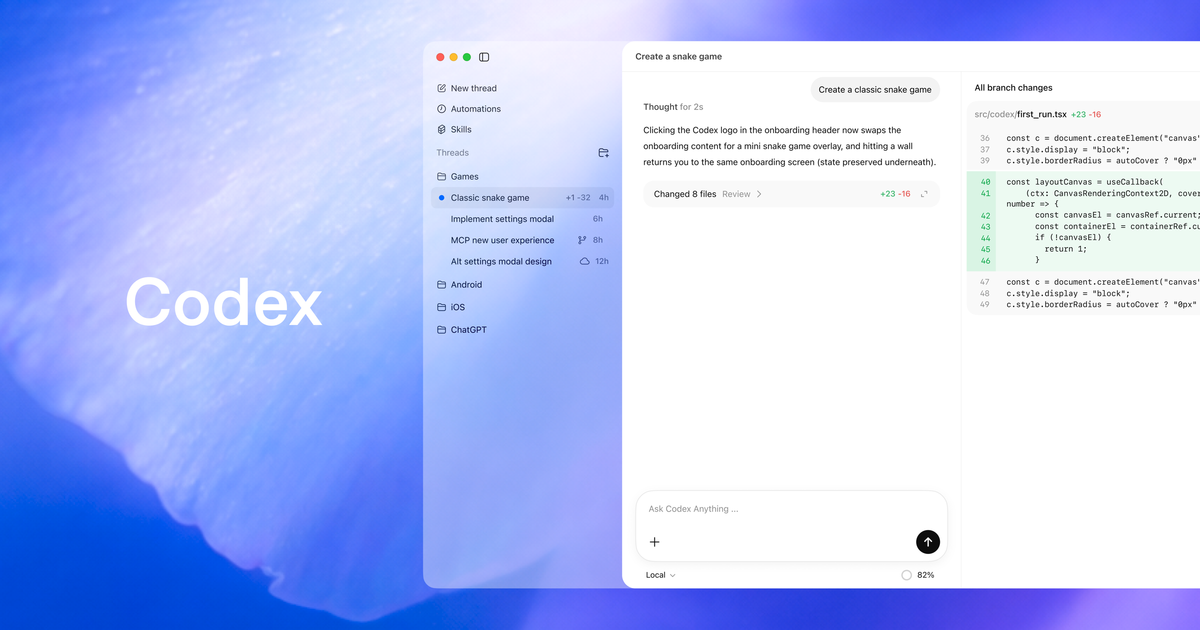
OpenAI promotes Codex Remote out of preview so any ChatGPT user can drive a desktop coding agent from their phone.
Quick facts
| Maker | OpenAI |
|---|---|
| Availability | All ChatGPT plans |
| Mobile apps | ChatGPT for iOS and Android |
| Supported hosts | Mac and Windows |
| Pairing | Authenticated one-to-one QR per device + host |
| New plugin | DigitalOcean Droplet Workspace |
| GA date | June 25, 2026 |
What is it?
Codex Remote turns the ChatGPT mobile app into a control surface for a Codex agent running on a Mac or Windows host. The June 25 GA rolls it out to every ChatGPT plan, replaces older multi-device pairings with one-to-one QR pairing, and ships a DigitalOcean Droplet Workspace plugin for cloud-hosted sessions.
How does it work?
Each phone and each Codex host pair through an authenticated one-to-one QR scan. Once paired, the mobile app streams the host's projects, threads, files, plugins and Computer Use access, and routes shell commands or file writes back to the host for approval. Pairings made since June 8 carry over; everything older needs to scan a new QR code.
Why does it matter?
Codex Remote GA closes the gap between desktop coding agents and the away-from-keyboard moment when a build finishes or a test breaks. Approving a fix, kicking off the next task, or moving a thread onto a fresh DigitalOcean Droplet now takes a phone tap instead of waiting until you are back at the laptop.
Who is it for?
ChatGPT-using developers who already run Codex on a Mac or Windows host
Frequently asked questions
- Which ChatGPT plans can use Codex Remote?
- Codex Remote ships GA across every ChatGPT plan — Free, Plus, Pro, Team, Business, Enterprise and Edu. Before this GA, Remote ran as a limited preview on paid tiers; OpenAI now treats it as a default Codex capability rather than a paid add-on, with the mobile workflow gated only by signing in with your normal ChatGPT account.
- Do existing Codex Remote pairings still work after the GA?
- Codex Remote keeps every device-host connection that has been used since June 8, 2026. Older inactive pairings are wiped and need to scan a fresh QR code; OpenAI made this the trigger for the new one-to-one authenticated pairing model that locks each host to a single mobile device, so legacy multi-device pairings are gone too.
- What is the DigitalOcean Droplet Workspace plugin?
- The DigitalOcean Droplet Workspace plugin lets Codex spin up a fresh DigitalOcean Droplet, set up SSH access, and attach it to the Codex app as a remote workspace. It is the first cloud-host integration shipped alongside Codex Remote GA and removes the manual SSH setup step for users who want a clean cloud box per task.
- What can I actually do from Codex Remote on my phone?
- Codex Remote on the ChatGPT mobile app starts or continues work on a paired Mac or Windows host, reviews agent progress in real time, and approves or rejects shell commands and file writes from the phone. It also moves an existing thread between local and remote hosts while preserving the Git state of the working directory.
Try it
Update the ChatGPT mobile app, open Codex on your Mac or Windows host, and scan the pairing QR code