OpenAI · 2026-09-29 · major
OpenAI Dots — always-on agents with their own cloud computer
Dots are OpenAI's always-on agents, launched at DevDay 2026. Each dot runs on GPT-6 Astra with its own cloud computer and browser, connects to over 4,000 apps, and works in ChatGPT, Slack and Teams. Pro and Business Premium get one.
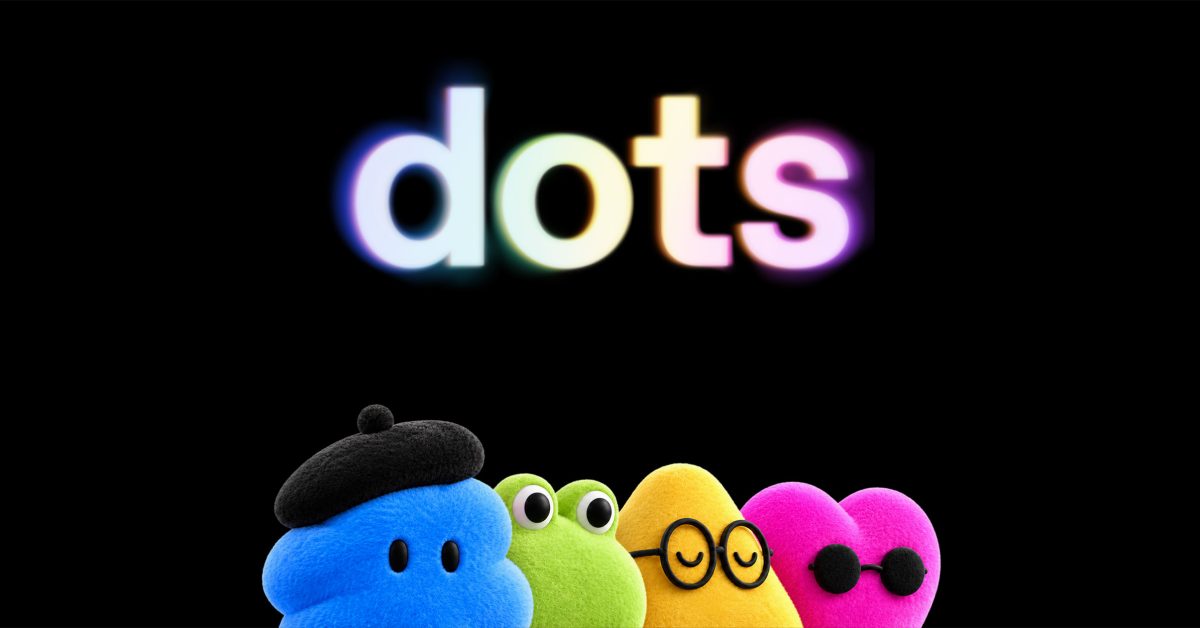
OpenAI gives ChatGPT subscribers a background agent that keeps working on their goals when they are not looking.
Quick facts
| Maker | OpenAI |
|---|---|
| Model | GPT-6 Astra |
| Runs on | Its own cloud computer and browser |
| Apps | 4,000+ through plugins |
| Where | ChatGPT, Slack, Teams (texting soon) |
| Plans | Pro and Business Premium, one dot included |
What is it?
Dots are OpenAI's always-on agents, launched at DevDay on September 29, 2026. You assign a dot goals and it works toward them around the clock — fixing a bug someone reported in Slack or sending a forgotten invoice, sometimes before anyone asks. Each dot can be named, learns from feedback over time, and can work on several projects at once.
How does it work?
Every dot runs on GPT-6 Astra and has its own cloud computer and browser, which you can watch it use. It reaches more than 4,000 apps through plugins, and when you are away it does "proactive research" with read-only access to connected apps. It can sign in to websites with saved passwords without the model seeing them. Custom rules decide what a dot may do on its own and what needs your approval; sensitive steps such as password changes always ask first, and monitoring systems can pause or stop a dot over a safety concern.
Why does it matter?
Most agents still wait for a prompt and stop when the chat ends. Dots move OpenAI into persistent, background agents that live where teams already work — ChatGPT, Slack and Microsoft Teams — and TechCrunch reports OpenAI is working with Microsoft to bring them under Agent 365 security controls. For businesses, the approval rules and the watchable cloud computer are the controls to evaluate before handing an agent real accounts.
Who is it for?
ChatGPT Pro and Business Premium teams
Frequently asked questions
- Which ChatGPT plans include OpenAI Dots?
- OpenAI Dots are included at no extra cost on the Pro and Business Premium plans, with one dot per subscription and more to be added in the future. Enterprise users can try Dots when a workspace admin approves them, and The Next Web reports beta access for Enterprise, Edu and Healthcare. Conversations with a dot do not count toward ChatGPT usage limits.
- Are OpenAI Dots available in Europe and the UK?
- Not for every plan at launch. The Next Web reports that Dots roll out to Pro and Business Premium users in eligible markets, but Pro users in the European Economic Area, Switzerland and the UK are excluded for now. Business Premium users can use Dots in all regions where ChatGPT is supported.
- Can an OpenAI dot act without my permission?
- Only where your rules allow it. Each dot has custom rules that set which actions it may take on its own and which need approval, and sensitive tasks such as changing a password always require approval. While you are away a dot researches with read-only app access, and OpenAI's monitoring can pause or stop a dot if it detects a safety concern.
- Where can I talk to my OpenAI dot?
- OpenAI Dots work inside ChatGPT on desktop, web and mobile, and in Slack and Microsoft Teams once set up. Texting a dot is listed as coming soon. Dots are created from the ChatGPT desktop app and can also be launched from Codex, according to 9to5Google and TechCrunch.
Try it
Create a dot from the ChatGPT desktop app on a Pro or Business Premium plan