Overview
Atomic Chat is an open-source app for running open-weight large language models on your own computer. You download a model such as Llama, Gemma, Qwen, Mistral or Phi from Hugging Face, and chat with it privately and offline in a ChatGPT-style window. Desktop builds exist for macOS, Windows and Linux, and there are iOS and Android apps.
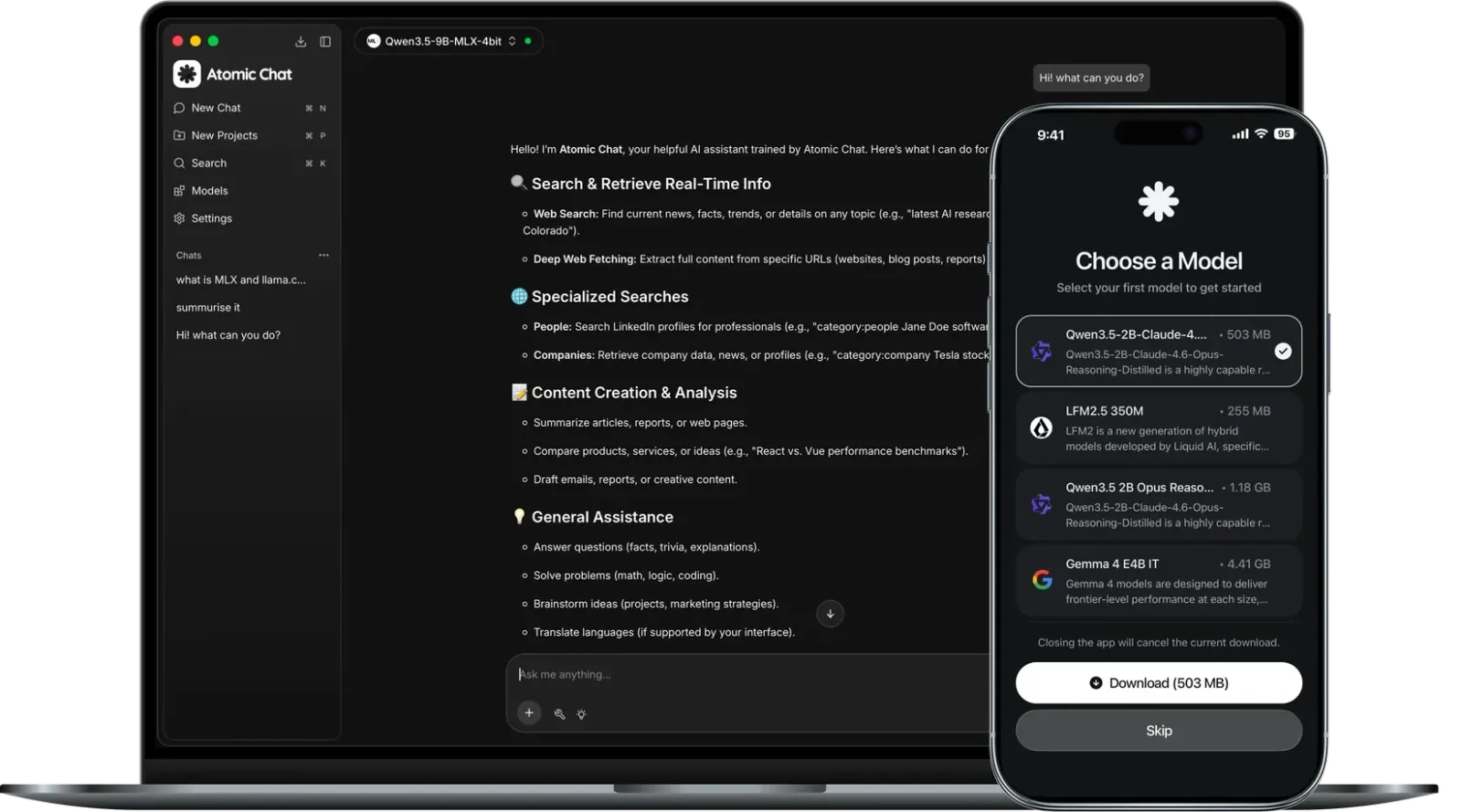
Under the hood it ships three inference engines: the upstream llama.cpp build, the team's own llama.cpp fork with TurboQuant KV-cache compression, and MLX-VLM for Apple Silicon. It adds speed-ups such as Multi-Token Prediction and DFlash speculative decoding on supported models, plus a Flash Attention switch.
Every engine sits behind one OpenAI-compatible server at localhost:1337, so coding agents, CLIs and IDE plugins that speak the OpenAI API can use your local models by changing only their base URL. The app can also launch agents such as Claude Code, Codex CLI, Cline, OpenCode and Goose from its Integrations tab, connect MCP servers, and mix in cloud providers like OpenAI, Anthropic and Mistral with your own keys.
Atomic Chat began as a fork of Jan by Menlo Research and has since grown its own engines and roadmap. It is licensed under Apache 2.0.
What it does
- Runs open-weight LLMs from Hugging Face (Llama, Gemma, Qwen, Mistral, Phi) fully on your machine
- Three engines behind one API: upstream llama.cpp, a TurboQuant llama.cpp fork with a smaller KV cache, and MLX-VLM on Apple Silicon
- Speculative decoding (Multi-Token Prediction, DFlash, EAGLE-3 on MLX) and a Flash Attention toggle for faster generation
- OpenAI-compatible server at localhost:1337, loopback-only by default, with an option to expose it on your LAN
- One-click launch of coding agents (Claude Code, Codex CLI, Cline, OpenCode, Goose and others), MCP servers, artifacts preview and custom assistants
- Optional cloud providers (OpenAI, Anthropic, Mistral, Groq and more) with your own key, switchable per chat
Getting started
Most people install the prebuilt app; developers can build it from source. The commands below come from the project README.
Install the app
Download the macOS universal .dmg, the Windows x64 installer or the Linux AppImage from GitHub Releases or atomic.chat. Mobile builds are on the App Store and Google Play. On Linux the AppImage runs without an installer or root.
Run on Linux
Make the AppImage executable and start it. If it asks about FUSE, install fuse and libfuse2 (Debian/Ubuntu). Only GGUF models run on Linux; Vulkan GPU acceleration is detected on first launch.
chmod +x Atomic.Chat_*_amd64.AppImage
./Atomic.Chat_*_amd64.AppImage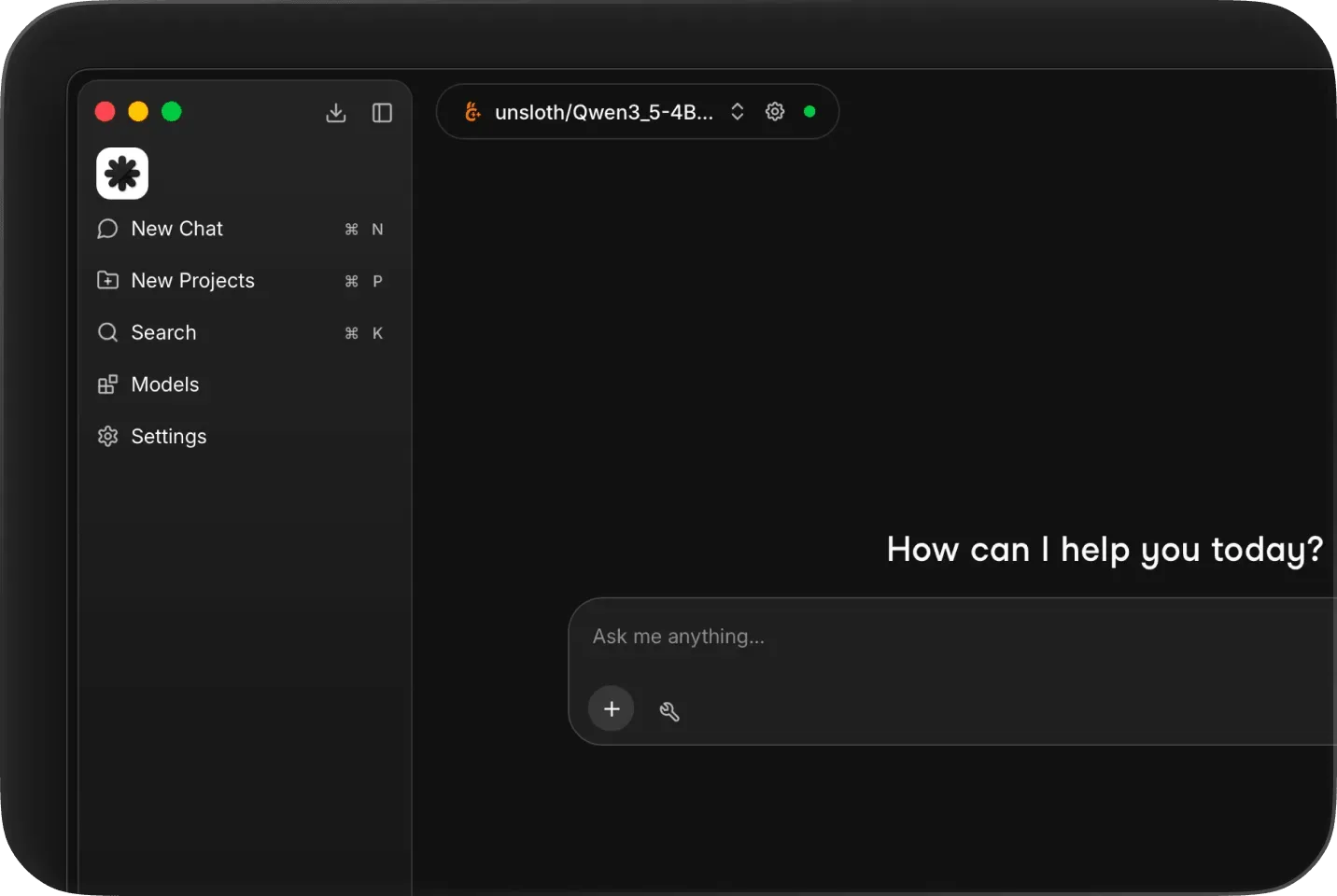
Download a model and chat
Inside the app, pick an open-weight model from Hugging Face, download it and start chatting. The README suggests 8 GB of RAM for 3B models, 16 GB for 7B and 32 GB for 13B.
Call it from code
With a model loaded, any OpenAI client can talk to the local server; only the base URL changes.
from openai import OpenAI

client = OpenAI(base_url="http://localhost:1337/v1", api_key="not-needed")

resp = client.chat.completions.create(
    model="<model-id-loaded-in-atomic-chat>",
    messages=[{"role": "user", "content": "Say hello in one word"}],
)
print(resp.choices[0].message.content)
Build from source (optional)
Needs Node.js 20+, Yarn 4.5.3+, Make and Rust (for Tauri). make dev installs dependencies, builds the core and launches the app.
git clone https://github.com/AtomicBot-ai/Atomic-Chat
cd Atomic-Chat
make dev
Commands and code are distilled from the project's own documentation — always check the official repo for the latest.
When to use it
- Chat with open-weight models privately and offline on a laptop or phone
- Point coding agents such as OpenCode, Goose or Kilo Code at local models through the localhost:1337 OpenAI-compatible endpoint
- Get faster, lower-memory local inference on Apple Silicon or consumer GPUs with MLX, TurboQuant KV cache and speculative decoding
- Mix local models and cloud providers in one app, switching per conversation
How Atomic Chat compares
Atomic Chat alongside other open-source local runtimes tools AI/TLDR tracks, ranked by GitHub stars.
| Tool | Stars | What it does |
|---|---|---|
| Ollama | ★ 182k | A developer-friendly tool that downloads and runs local LLMs from the terminal with a built-in OpenAI-compatible API. |
| llama.cpp | ★ 130k | A C/C++ inference engine that runs LLMs in the GGUF format on CPUs, Apple Silicon, and GPUs with low memory use. |
| GPT4All | ★ 77.4k | GPT4All is a free desktop app and Python client that runs large language models locally on your own computer, with no API calls or GPU required. |
| LocalAI | ★ 49.4k | A self-hosted server that exposes an OpenAI-compatible API for running text, vision, voice, and image models on local hardware. |
| Jan | ★ 44.7k | An open-source desktop app that runs LLMs fully offline as a ChatGPT-style assistant on your own computer. |
| Colibrì | ★ 38.9k | A pure-C inference engine that keeps a Mixture-of-Experts model's dense trunk resident in RAM and streams its routed experts from disk, so 744B-2.8T models run on consumer hardware. |
| llmfit | ★ 37.4k | A Rust terminal tool that inspects your CPU, RAM, GPUs and VRAM and scores which open-weight models and quantizations will actually run well on that machine, with a TUI, CLI, REST API and local-runtime integrations. |
| Atomic Chat | ★ 1.7k | A local AI app with its own inference engines that runs open-weight LLMs offline and serves them over an OpenAI-compatible API |