In plain English
A RAG system feels like one smooth action — you ask a question, you get a grounded answer — but under the hood it is a small assembly line of paid steps. Every question you ask runs through several stations, and each station charges you in two currencies at once: money (mostly tokens and API calls) and time (milliseconds of latency the user actually waits).
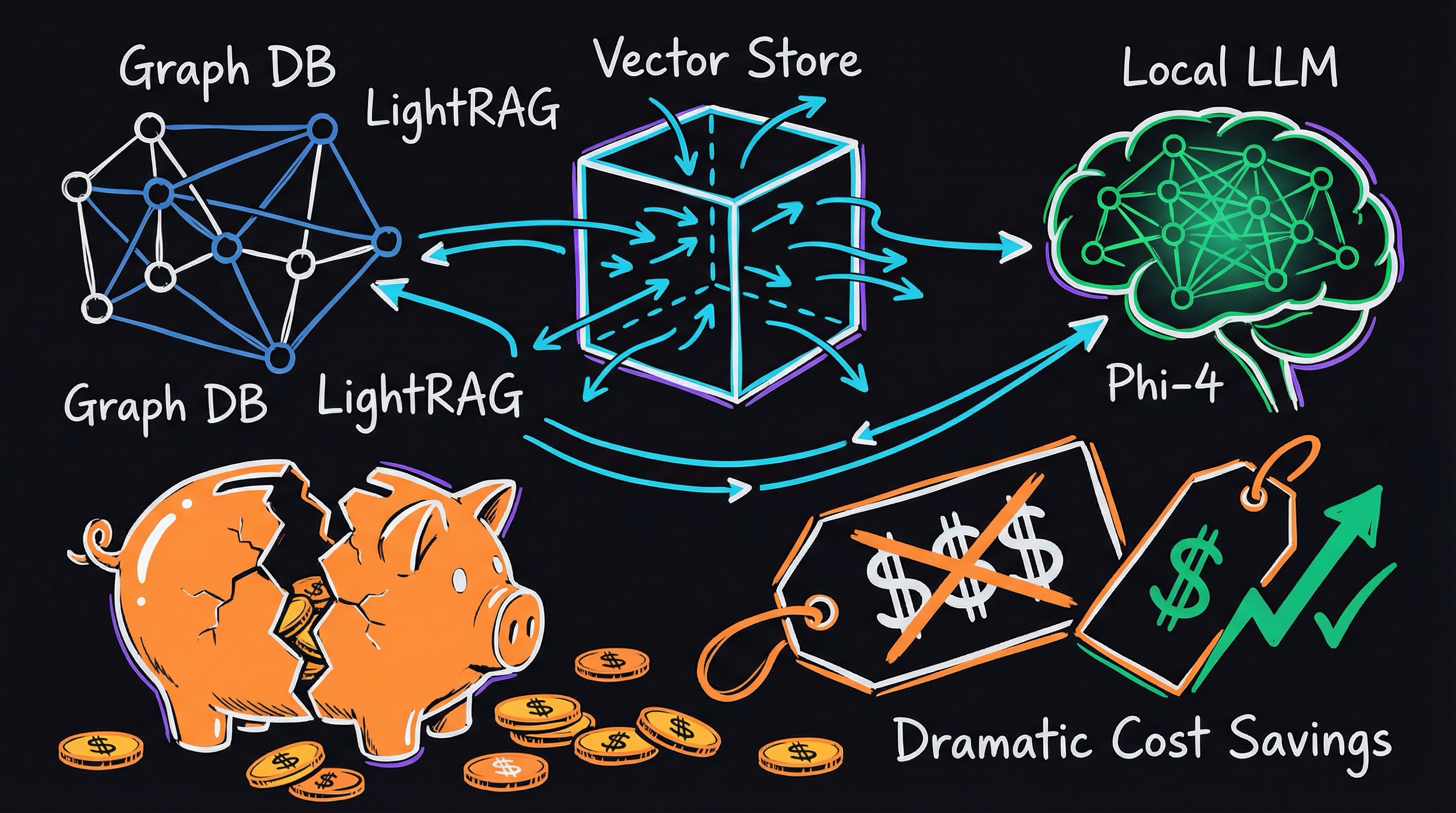
Think of a restaurant kitchen taking one order. A runner walks to the pantry to fetch ingredients (retrieval), maybe a second cook double-checks and reorders them (reranking), and finally the chef cooks the dish (generation). Each person costs wages and adds minutes. If the meal is late or expensive, you don't blame "the kitchen" — you find out which station is slow or wasteful and fix that one. RAG cost and latency work exactly the same way: the skill is attributing dollars and milliseconds to the right stage.
Most beginner material skips this entirely and just shows you the architecture. But the moment a RAG demo becomes a real product with real traffic, the first questions your boss asks are "why is it slow?" and "why is the bill so high?" This article walks one request through the pipeline and puts a price tag and a stopwatch on each step.
Why it matters
Cost and latency are not afterthoughts you tune at the end — they decide whether your product is usable and whether it can survive its own success.
- Cost scales with traffic, and it scales fast. A pipeline that costs a fraction of a cent per question feels free in a demo. Multiply by a million questions a month and suddenly the generation model's price and the size of your prompts are line items someone in finance is staring at.
- Latency decides if people actually use it. Users abandon slow tools. A RAG answer that takes eight seconds to start appearing feels broken even if the answer is perfect. The wait is dominated by stages most tutorials never mention.
- The expensive stage and the slow stage are often different. Generation is usually your biggest dollar cost, but retrieval round-trips and reranking can dominate the time. Optimizing the wrong one wastes effort and changes nothing the user notices.
- Small prompt habits have huge leverage. Because you pay per token on every single call, stuffing five extra chunks "just in case" multiplies across all your traffic. The cheapest optimizations are usually about sending less, not buying more.
If you can read a RAG request and say "this stage costs roughly this much and takes roughly this long, and here is the one knob that changes it," you can make sensible trade-offs before you build, instead of discovering a surprise bill or a furious user afterward.
How it works: follow the money and the milliseconds
Let's trace a single question through a typical RAG pipeline and attribute cost and time to each stage. Some stages run only at ingestion (once, ahead of time) and some run on every query — that distinction matters enormously, because a one-time cost is cheap per question while a per-query cost is paid forever.
1. Embedding the query
You turn the user's question into a vector using an embedding model. The question is short — a sentence or two — so this is cheap and fast: a small number of tokens, one quick API call, typically tens of milliseconds. The heavy embedding work (embedding your whole document corpus) already happened at ingestion, so it doesn't count against each query. This stage is almost never your bottleneck.
2. Retrieval (vector search)
You ask your vector database for the chunks closest to the query vector. A well-indexed search over even millions of vectors returns in single-digit to low-tens of milliseconds, and the per-query dollar cost is tiny (you mostly pay for the database to exist, not per lookup). The hidden cost here is network latency: if your vector store is a separate hosted service, the round-trip over the network often costs more time than the search itself.
3. Reranking (optional)
Many systems retrieve a broad set of candidates cheaply, then run a reranker — a second model that reads the query and each candidate together and re-scores them for relevance. Reranking improves answer quality, but it is a real cost: another model call, more latency, and a price that grows with how many candidates you feed it. It sits in the middle of your pipeline, so its latency adds directly to the user's wait.
4. Generation
Finally the LLM reads your assembled prompt — the question plus the retrieved chunks — and writes the answer. This is almost always your biggest dollar cost and a large slice of latency. You pay for input tokens (the chunks you stuffed in, which can be thousands) and output tokens (the answer). Latency has two parts: time-to-first-token (how long before words start appearing) and the per-token speed as it streams. Bigger, smarter models cost more per token and generally produce tokens more slowly.
| Stage | Runs | Typical $ cost | Typical latency |
|---|---|---|---|
| Embed query | every query | negligible | low (tens of ms) |
| Vector search | every query | very low | low + network round-trip |
| Rerank | every query (if used) | low–medium | medium (extra model call) |
| Generation | every query | highest | highest (input + output tokens) |
A worked example: pricing one question
Let's make it concrete with round, illustrative numbers (your real prices depend on your provider and models — these are for reasoning about proportions, not a quote). Say each retrieved chunk is about 200 tokens, and you stuff 8 chunks into the prompt plus a short system instruction and the question.
- Input tokens: ~8 chunks × 200 = 1,600 tokens of context, plus ~200 tokens of instructions and question ≈ 1,800 input tokens.
- Output tokens: a typical grounded answer ≈ 250 tokens.
- Embedding the query: ~20 tokens — rounding error next to generation.
- Reranking: scoring, say, 30 candidates down to the top 8 — one extra model call before generation even starts.
Now notice the leverage. Output tokens are usually priced several times higher than input tokens, but here input is 7× larger, so the context you stuffed can easily cost more than the answer itself. If you halve the chunks from 8 to 4, you cut roughly 800 input tokens off every single request forever — often with no quality loss, because chunks 5–8 were marginal anyway. That one change is bigger than almost any clever prompt wording.
# Rates are EXAMPLES for reasoning about proportions, not real prices.
# Always check your provider's current pricing page.
INPUT_PER_1K  = 0.003   # $ per 1k input tokens
OUTPUT_PER_1K = 0.015   # $ per 1k output tokens (often higher than input)

chunks      = 8
toks_chunk  = 200
overhead    = 200       # system prompt + question
input_toks  = chunks * toks_chunk + overhead   # 1800
output_toks = 250

cost = (input_toks/1000)*INPUT_PER_1K + (output_toks/1000)*OUTPUT_PER_1K
print(f"~${cost:.5f} per question, {input_toks} in / {output_toks} out")

# Halve the chunks -> watch the input cost drop, output unchanged:
input_toks_4 = 4 * toks_chunk + overhead        # 1000
cost_4 = (input_toks_4/1000)*INPUT_PER_1K + (output_toks/1000)*OUTPUT_PER_1K
print(f"with 4 chunks: ~${cost_4:.5f} per question")
Then multiply by traffic. The difference between these two versions looks like nothing per question, but across a million questions a month it is the difference between a comfortable bill and an uncomfortable one — and the cheaper version is usually faster too, because a shorter prompt is quicker to process.
Practical levers to cut both
Here are the highest-leverage knobs, roughly in order of effort-to-payoff. Most reduce cost and latency together, because both are driven by tokens and calls.
Send fewer, better chunks
The single biggest lever. Retrieving 4 strong chunks beats 12 mediocre ones: fewer input tokens (cheaper), a shorter prompt (faster), and often a better answer because the model isn't distracted by noise. Tune your chunk size and overlap and your top-k so each chunk earns its place. More context is not better context.
Cache embeddings — never embed the same text twice
Embedding your documents is an ingestion-time cost. If you re-embed the whole corpus every time anything changes, you're paying repeatedly for unchanged text. Store the embeddings and only re-embed chunks that actually changed. For queries, if the same questions repeat (they often do), cache the query embedding — or even the whole answer — keyed by the question text.
Use a cheaper model where you can
You don't need your most expensive model for every step. Reranking can use a small, cheap, fast reranker rather than a flagship LLM. For generation, try a smaller/faster model first and only escalate to a premium one when the question is genuinely hard — a pattern called model routing or cascading. A faster model also improves time-to-first-token, which is what users actually feel.
Prompt caching for the stable parts
Many providers let you cache a fixed prefix of your prompt — a long system instruction or a set of reference docs that repeats across requests — so you're not charged full price (or full processing time) to re-read it every call. If your RAG prompt has a large, unchanging preamble, caching it can cut both input cost and time-to-first-token substantially. Put the stable text first and the changing question last.
Stream the output and trim it
Streaming doesn't make generation cheaper, but it dramatically improves perceived latency: words appear as they're produced instead of after the whole answer is done. And capping the answer length (a sensible max-tokens) directly saves output cost on every call. Ask for concise answers when long ones add no value.
Going deeper
Once the basics click, a few subtler points separate a pipeline that looks cheap from one that stays cheap under real traffic.
Tail latency, not average. A pipeline that averages 1.2 seconds can still feel broken if its slowest 1% of requests take 10 seconds. Long chunks, an occasional reranker timeout, or a cold cache create a heavy tail. Track the 95th and 99th percentile latency, not just the mean — users remember the worst experience, not the typical one.
Sequential vs parallel work. Your stages run in a chain, so latencies add up unless you overlap them. You usually can't start generating before retrieval finishes, but you can fetch from multiple sources in parallel, or begin reranking the first batch of candidates while later ones still arrive. Anything you can run concurrently is latency you don't pay for twice.
The long-context temptation. When context windows are huge, it's tempting to skip retrieval and paste everything in. But every token in that giant prompt is paid for on every call and slows processing, so for repeated queries RAG is usually cheaper and faster — see RAG vs long context for when each wins. The economics, not just the architecture, often decide it.
Where the trade-off bites. Adding a reranker improves quality but adds latency and cost; using a smaller generation model saves both but may need more retries; aggressive prompt compression saves tokens but can drop the one fact that mattered. There is no free lunch — the goal is to know which currency you're spending and decide on purpose. When you're ready to wire this into a real pipeline, build your first RAG app and instrument every stage from day one, because you can only optimize what you measure.
FAQ
How much does a RAG query cost?
There's no single number — it depends mainly on how many tokens you send and receive and which models you use. As a mental model, generation usually dominates: input tokens (the retrieved chunks you stuff in) plus output tokens (the answer). Embedding the query and the vector search are near-negligible per query. Estimate it by counting your typical chunk count × chunk size + the answer length, then multiply by your provider's per-token rates.
What is the most expensive part of a RAG pipeline?
Almost always generation — the LLM call that writes the final answer — because you pay per input and output token, and the retrieved context often runs into thousands of input tokens. Embedding and vector search cost very little per query. A reranker adds a modest extra cost. So if you want to cut the bill, look first at how many chunks you send and which generation model you use.
Why is my RAG app slow?
The dollar-heavy stage and the time-heavy stage are often different. Generation latency (especially time-to-first-token) is large, but network round-trips to a hosted vector database and an extra reranking call frequently add just as much wait. Measure each stage separately, watch your 95th/99th percentile latency, and stream the output so answers start appearing immediately.
How do I reduce RAG token cost?
Send fewer, higher-quality chunks (this is the biggest lever and usually improves answers too), cap the output length, cache embeddings so you never re-embed unchanged text, and use prompt caching for any large, repeated prompt prefix. Using a smaller generation model where quality allows cuts per-token cost further.
Does reranking make RAG more expensive?
Yes, a bit — it adds a second model call and some latency before generation starts. But it often improves answer quality enough to let you send fewer chunks to the expensive generation step, which can offset the cost. Use a small, cheap reranker rather than a flagship LLM, and measure whether the quality gain is worth the added latency for your use case.
Is RAG cheaper than putting everything in a long context window?
For repeated queries, usually yes. Long context makes you pay for every pasted token on every call and processes slowly, while RAG sends only the handful of passages that matter. Long context can be simpler and fine for a single small document, but RAG scales more cheaply as your corpus and traffic grow.