
What is Claudian?
Claudian is an Obsidian plugin that embeds command-line coding agents in a notes vault. It sits in the Coding-Agent Harnesses & Runtimes category of the AI Coding tools and is open-source, written in TypeScript and licensed MIT. To get started: install a harness.
Overview
Claudian is an Obsidian plugin that embeds command-line coding agents in a notes vault. It does not ship its own model or agent loop: it drives a harness you already have installed — Claude Code, Codex, Grok Build, OpenCode, Pi or DeepSeek Harness — and points it at the vault, so the vault becomes the agent's working directory. Reading and writing notes, searching, running bash commands and multi-step workflows then work the same way they would in a terminal, but next to the note you are looking at.

The plugin adds the parts a terminal session lacks inside a writing tool. Inline Edit lets you select text, or start at the cursor, and have the agent rewrite it with a word-level diff preview before anything changes. Sessions open in tabs, either one at a time or beside a persistent session manager, and a Zen mode collapses the sidebar into a compact composer at the bottom of the note. @mentions pull in vault files, folders and other Claudian sessions, and `/` or `$` brings up slash commands and Skills stored at user or vault level.
Sessions can also work together. Projects group sessions toward a shared goal with common instructions and a memory file the agents keep up to date, and cross-session messaging lets one agent read, message, steer or interrupt another session or start a new one on any provider. MCP servers are connected through each harness's own CLI-managed configuration, and an experimental plugin API lets other Obsidian plugins send prompts to sessions and read the replies. Claudian is desktop-only (macOS, Linux, Windows), needs Obsidian 1.13 or later, sends no telemetry, and is licensed MIT.
What it does
- Runs Claude Code, Codex, Grok Build, OpenCode, Pi or DeepSeek Harness with the vault as the working directory — file read/write, search, bash and multi-step workflows

- Inline Edit: select text or start at the cursor and get a word-level diff preview before the change lands in the note
- Tabs in single-pane mode or beside a persistent session manager in dual-pane mode, plus a Zen mode composer at the bottom of the note
- @mentions for vault files, folders and other sessions; `/` and `$` for prompt templates and Skills at user and vault scope
- Projects with shared instructions and a memory file, and cross-session messaging that lets agents message, steer or interrupt each other
- MCP servers through each harness's native configuration, and an experimental API for other Obsidian plugins to drive sessions
Getting started
Claudian needs Obsidian 1.13 or later on desktop, at least one supported harness installed (Claude Code, Codex, DeepSeek Harness, Grok Build, OpenCode V2 or Pi) and a subscription or API provider for it.
Install a harness
Install and sign in to one of the supported coding agents on the same machine; Claudian discovers its CLI and runs it for you.
Install the plugin from Community plugins
Open Obsidian → Settings → Community plugins → Browse, search for "Claudian", click Install and enable it. The plugin is also listed at community.obsidian.md/plugins/realclaudian.
Or build it from source
Clone the repository into the vault's plugins folder, build it, then enable "Claudian" under Settings → Community plugins.
cd /path/to/vault/.obsidian/plugins
git clone https://github.com/YishenTu/claudian.git realclaudian
cd realclaudian
npm install
npm run build
Open it and talk to the agent
Open Claudian from the ribbon icon or the command palette. Type `@` to reference notes or folders, `/` or `$` for commands and Skills, or select text in a note and use the Inline Edit hotkey to rewrite it with a diff preview.
Hack on it
For plugin development, the watch build rebuilds on every change.
npm run devCommands and code are distilled from the project's own documentation — always check the official repo for the latest.
When to use it
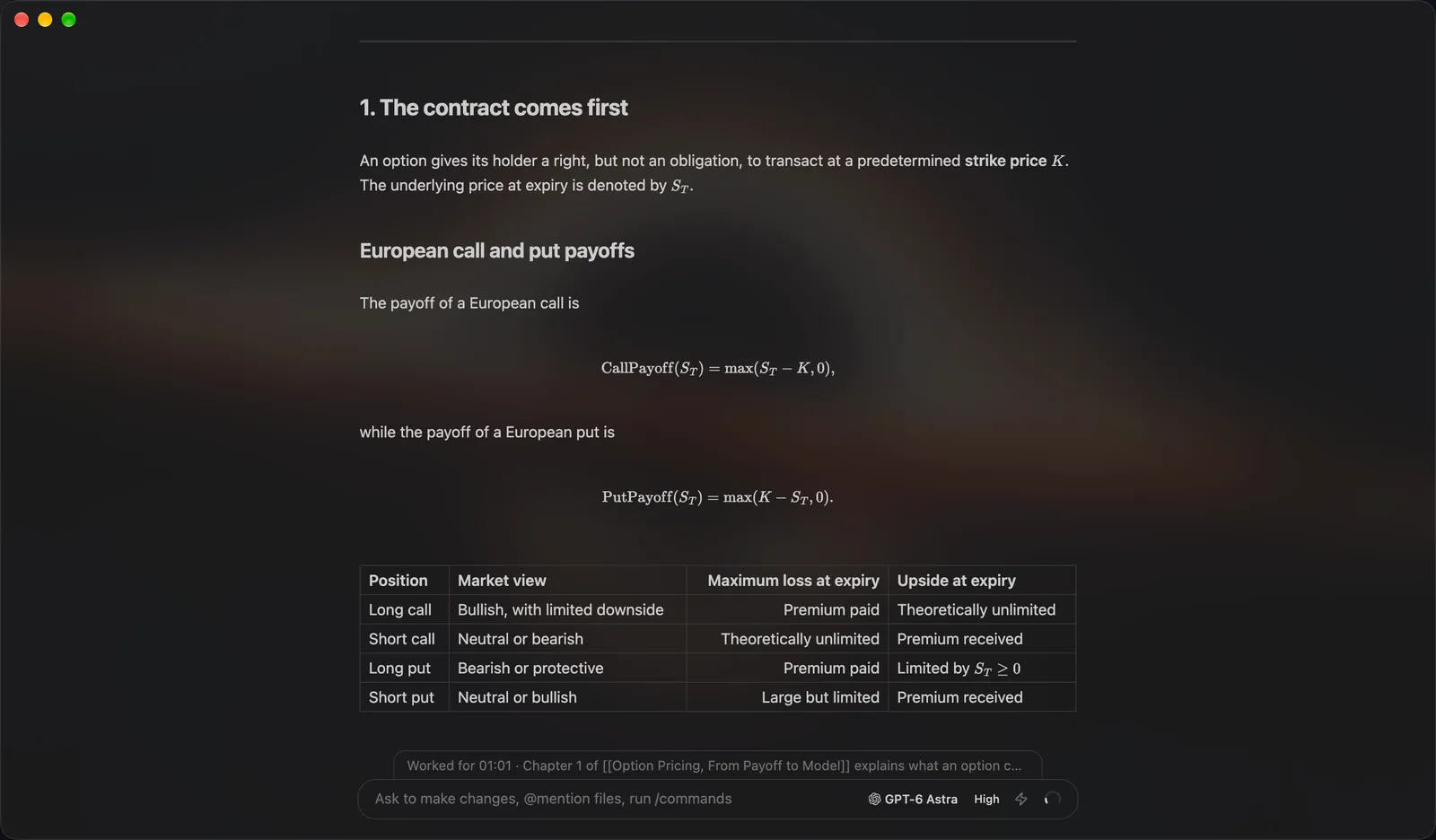
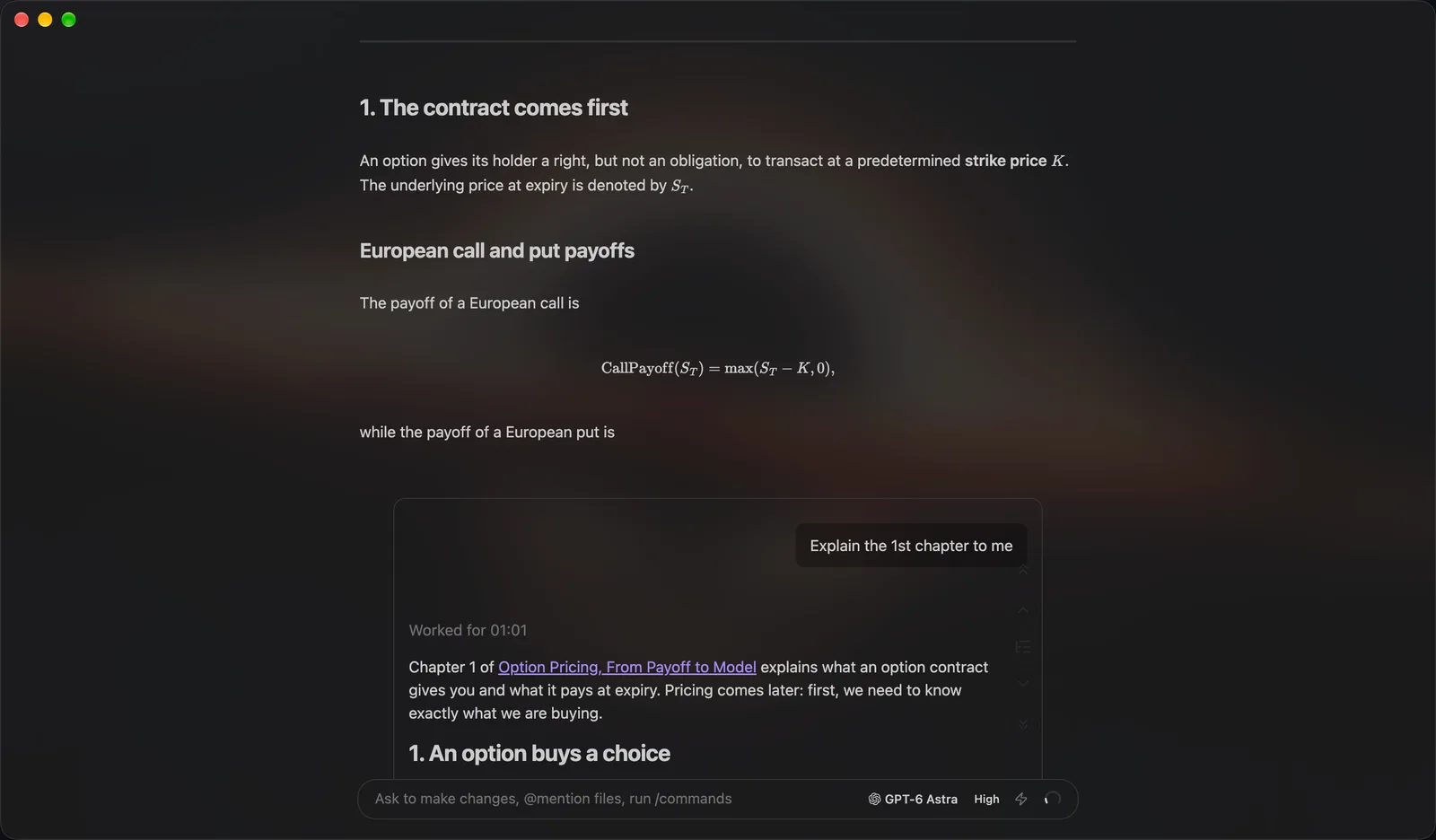
- Letting Claude Code or Codex reorganise, summarise or cross-link notes in a vault without leaving Obsidian
- Rewriting a paragraph in place with a diff preview instead of copying text into a chat window
- Running several agent sessions on one research project that share instructions and a memory file
- Keeping a long writing or research task next to the notes it produces, with every session saved in the vault
How Claudian compares
Claudian alongside other open-source coding-agent harnesses & runtimes tools AI/TLDR tracks, ranked by GitHub stars.
| Tool | Stars | What it does |
|---|---|---|
| CC Switch | ★ 151k | A cross-platform desktop app that manages provider configuration for eight coding-agent CLIs from one place, with a local failover proxy, MCP and skill management, and spend tracking. |
| Oh My OpenAgent | ★ 70.6k | Opinionated agent bundle for OpenCode and Codex CLI that ships preconfigured sub-agents, lifecycle hooks and built-in MCP servers behind a single ultrawork command. |
| herdr | ★ 47.5k | A single-binary terminal multiplexer built for coding agents: persistent sessions across local and SSH machines, per-pane working/blocked/idle status, and a socket API agents drive themselves. |
| oh-my-claudecode | ★ 40.5k | A plugin and CLI that adds multi-agent orchestration to Claude Code: staged autopilot workflows, parallel tmux workers, and advisors that route a second opinion to Codex, Gemini, Grok or Cursor. |
| AionUi | ★ 34k | An open-source desktop workspace that pairs a built-in agent engine with dozens of external CLI agents, adding scheduled runs, MCP tools and remote access from a WebUI or chat apps. |
| cmux | ★ 28.7k | A Ghostty-based macOS terminal built around coding agents: vertical tabs that show git branch, PR status and ports, attention notifications when an agent needs you, and a scriptable built-in browser. |
| cc-connect | ★ 16.2k | A Go daemon that bridges local coding agents — Claude Code, Codex, Cursor Agent, Gemini CLI, OpenCode, Kimi CLI and more — to Feishu, DingTalk, Slack, Telegram, Discord, LINE and WeCom, so you drive them from chat. |
| Claudian | ★ 15.9k | An Obsidian plugin that turns your vault into a coding agent's working directory |