In plain English
Once you decide to fine-tune a model on your own hardware, you still need a piece of software to actually run the training. That software is a fine-tuning toolkit — the program that loads the base model, feeds it your data, runs the math that adjusts the weights, and saves the result. You do not write the training loop yourself; the toolkit does.
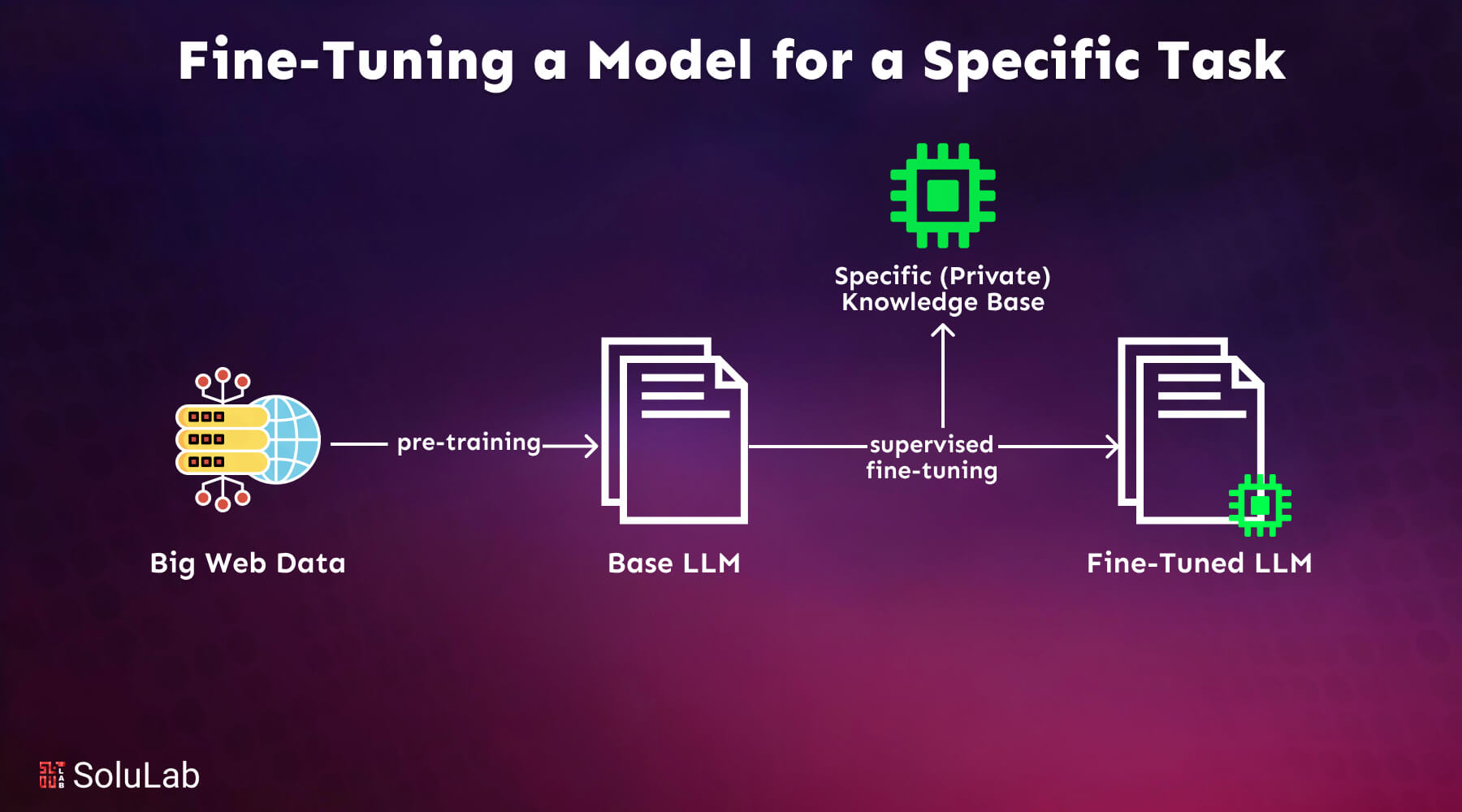
The confusing part is that there are many of these toolkits, and at a glance they all seem to do the same thing. They do not. Think of them like ways to get from A to B. A guided tour bus (you pick a destination and sit down), a rental car (you drive, but the car handles the engine), and a box of car parts (you build exactly what you want). All three get you somewhere, but they ask for wildly different amounts of effort and give you wildly different amounts of control.
Fine-tuning toolkits sort into three families along exactly that line. Config-driven trainers are the tour bus: you fill in a settings file and press go. Speed-and-memory optimizers are the tuned rental car: a clean path that runs unusually fast on one GPU. Low-level library frameworks are the box of parts: maximum control, in exchange for writing real code. This article is a map of those three families and a guide to which one fits which job.
Why it matters
Picking the wrong toolkit is one of the quietest ways to waste a week. The training math is roughly the same everywhere — what differs is how much the tool does for you versus how much it expects you to do yourself. Match that to your situation and the project flows. Mismatch it and you either fight a rigid config that will not bend to your odd requirement, or you drown writing boilerplate for a job a config file could have done in ten minutes.
- Your time is the real cost. GPU rental is cheap next to the days you spend debugging a training script. The right toolkit removes whole categories of bugs by handling data loading, checkpointing, and distributed setup for you.
- Your hardware sets hard limits. A method that needs eight data-center GPUs is useless if you have one consumer card. Some toolkits exist specifically to make a single modest GPU enough, and choosing one of those can be the difference between possible and impossible.
- Your need for control varies by project. A standard instruction-tuning run wants a tool that just works. A novel research idea — a custom loss, an unusual data format, a new training objective — wants a tool that gets out of your way. Few projects need both at once.
- *The ecosystem moves fast, but the roles* are stable.** Specific libraries rise and fall, yet the three jobs — convenient config, single-GPU speed, full control — have stayed constant for years. Learn the roles and you can evaluate any new tool in minutes.
Almost every toolkit in this space is built on the same foundation: Hugging Face's transformers (model code) and peft (the library that implements LoRA and other parameter-efficient methods). So this is rarely an either/or war. The higher-level tools mostly wrap the lower-level ones to save you typing. Understanding that stack is what lets you drop down a level when a tool's convenience runs out.
How it works
Every fine-tuning toolkit, no matter the family, runs the same core loop. The differences are entirely about how much of this loop you have to assemble by hand versus how much arrives pre-wired.
A low-level framework hands you the building blocks for each of those steps and expects you to connect them in Python — a Trainer object, a dataset, a data collator, training arguments. You see and can change every part. A config-driven trainer hides that loop entirely behind a YAML file: you declare the base model, the dataset path, the method, the hyperparameters, and the tool builds the whole loop for you. A speed optimizer keeps a similar surface but swaps in custom, hand-optimized math under the hood so each pass through the loop runs faster and uses less memory.
The three families, side by side
- You edit a YAML file, not code
- Best for standard, well-trodden runs
- Recipes for common setups baked in
- Hard to do something the config can't express
- Fastest path from idea to first run
- Tuned kernels for one GPU
- Best when VRAM is tight
- Often 2x faster, far less memory
- Smaller surface of supported models
- Great for solo builders and laptops
- You write the training script
- Best for custom or novel work
- Building blocks, not recipes
- Total control over every step
- Most code, most flexibility
Concrete names, so the families are not abstract. Config-driven: Axolotl is the best-known example — a YAML file describes the whole run. Speed/memory: Unsloth rewrites the heavy operations to run a single-GPU LoRA or QLoRA job markedly faster and lighter. Low-level: Hugging Face's TRL (with transformers and peft underneath) gives you SFTTrainer, DPOTrainer, and friends as Python objects you assemble yourself. These names will shift over the years; the three roles will not.
A worked example: picking a tool for a job
Say you want to teach an open model to answer in your company's support tone, using a few thousand example conversations. You have one 24 GB consumer GPU. Walk the decision.
- Is this a standard supervised fine-tune? Yes — instruction/response pairs, a normal LoRA run. No custom loss, no exotic objective. That rules out needing a low-level framework for control's sake.
- Is hardware tight? One 24 GB card is enough for a LoRA run on a 7–8B model, but not generously. A speed/memory optimizer would give you headroom and a faster turnaround.
- How much do you want to learn versus ship? If you want the run going tonight with minimal fuss, a config-driven trainer (one YAML, one command) is the shortest path. If you expect to iterate a lot on one GPU, the speed optimizer pays off.
Both reasonable answers here are not the low-level framework — because nothing about this job is unusual. Now change one fact: you want a custom training objective that blends two losses in a way no config exposes. Instantly the answer flips to the low-level framework, because that is the only family that lets you write the step yourself. The job, not the brand, decides.
Here is roughly what each altitude feels like for that same standard LoRA run. The config approach is a file:
base_model: mistralai/Mistral-7B-v0.1
datasets:
  - path: ./data/support.jsonl
    type: chat_template
adapter: lora            # parameter-efficient fine-tuning
lora_r: 16
lora_alpha: 32
learning_rate: 0.0002
num_epochs: 3
micro_batch_size: 2
output_dir: ./out
# then on the command line: one `train` command points at this file
The low-level approach is a script — more lines, but every line is yours to change:
from datasets import load_dataset
from peft import LoraConfig
from trl import SFTTrainer, SFTConfig

data = load_dataset("json", data_files="./data/support.jsonl", split="train")

peft_config = LoraConfig(r=16, lora_alpha=32, task_type="CAUSAL_LM")

trainer = SFTTrainer(
    model="mistralai/Mistral-7B-v0.1",
    train_dataset=data,
    peft_config=peft_config,
    args=SFTConfig(
        learning_rate=2e-4,
        num_train_epochs=3,
        per_device_train_batch_size=2,
        output_dir="./out",
    ),
)
trainer.train() # you control every object aboveA quick chooser
Compressed to a table. Read down the situation column and pick the row that matches you today; the answer can change per project.
| Your situation | Best-fit family | Why |
|---|---|---|
| Standard SFT or LoRA run, want it going fast | Config-driven trainer | A proven recipe in a YAML file is the shortest route to a first run |
| One modest GPU, memory is the bottleneck | Speed / memory optimizer | Hand-tuned kernels cut VRAM and wall-clock time on a single card |
| Custom loss, novel objective, or research | Low-level framework | Only this family lets you rewrite the training step itself |
| You are learning how training works | Low-level framework (small model) | Seeing every object teaches the mechanics a config file hides |
| Multi-GPU or multi-node scale-up | Config-driven or low-level + a launcher | Both delegate the hard distributed parts to a launcher like Accelerate or DeepSpeed |
| You don't want to own GPUs at all | (none — use a hosted API) | See hosted fine-tuning APIs; the provider runs the training |
Two honest defaults. If you are not sure and the job is ordinary, start with a config-driven trainer — it gets you to a result you can evaluate fastest, and that result tells you far more than more planning would. If you are on a single tight GPU, reach for a speed/memory optimizer first. Drop to a low-level framework only when a real requirement forces it — control you do not need is just extra code to maintain.
Common pitfalls
- Choosing by hype instead of by job. The newest, fastest-looking library is not automatically right for you. Speed means nothing if it does not support your model, and control means nothing if your run is utterly standard. Start from the task.
- Assuming the toolkit fixes your data. No trainer rescues a bad dataset. Tool choice is downstream of dataset preparation and knowing whether you should fine-tune at all. A clean dataset on a basic tool beats a messy one on a fancy tool every time.
- Picking the highest-control option to feel safe. Writing a raw training loop when a config file would do is not rigor, it is busywork — and every hand-written line is a line that can carry a bug. Use the lowest-effort tool the job allows.
- Forgetting that scale-out is a separate concern. Going from one GPU to many is usually handled by a launcher (Accelerate, DeepSpeed, FSDP) that wraps whichever toolkit you chose. Do not switch families just to scale; add a launcher.
- Skipping evaluation because the run finished. A completed run is not a good model. Whatever toolkit you pick, you still have to evaluate the fine-tuned model against a held-out set to know it actually improved.
Going deeper
Once the three families make sense, a few layers underneath are worth knowing — they explain why the tools behave as they do and where the next decisions live.
The launcher layer is orthogonal. Scaling a run across many GPUs is the job of a separate launcher — Hugging Face Accelerate, Microsoft's DeepSpeed, or PyTorch FSDP — that shards the model and optimizer state across devices. Config-driven and low-level toolkits both plug into these. So "which toolkit" and "how do I scale" are two independent questions; answer them separately and you avoid a lot of confusion.
Memory tricks decide what fits. The reason a speed/memory optimizer can train a model your raw setup cannot usually comes down to a handful of techniques: 4-bit quantization of the frozen base weights (QLoRA), gradient checkpointing (recompute activations instead of storing them), paged optimizers, and fused kernels. None are magic — they trade a little compute for a lot of saved memory. Knowing the names lets you turn them on in any toolkit, not just the one that markets them.
The method you train with is a separate axis from the tool. Plain supervised fine-tuning, DPO and other preference methods, continued pretraining, and distillation are objectives, and most toolkits support several of them. Choosing a toolkit does not lock your method; pick the method from your goal, then check the toolkit supports it.
Reproducibility and the data pipeline outlast the trainer. The library you used this year may be eclipsed next year, but a versioned dataset, pinned dependencies, logged hyperparameters, and a saved eval set carry forward. Invest there. And remember the ever-present hazard of catastrophic forgetting — no toolkit prevents a model from losing old skills while learning new ones; only careful data and evaluation do. The durable skill is not memorizing one library's flags; it is reading any toolkit as one of these three roles and dropping to the level the job actually needs.
FAQ
What is the best library to fine-tune an LLM?
There is no single best one — it depends on the job. For a standard run you want a config-driven trainer like Axolotl. For one tight GPU, a speed/memory optimizer like Unsloth. For custom or research work, a low-level framework like TRL (built on transformers and peft). Match the tool to the task, not to hype.
Axolotl vs Unsloth vs TRL — how do they differ?
They sit at three altitudes. Axolotl is config-driven: you describe the run in a YAML file. Unsloth is a speed/memory optimizer: hand-tuned kernels that run a single-GPU LoRA or QLoRA job faster and lighter. TRL is a low-level framework: Python building blocks like SFTTrainer you assemble yourself for full control. Many setups even combine them.
Do I need to write code to fine-tune a model?
Not necessarily. A config-driven trainer lets you fine-tune by editing a settings file and running one command — no training script. You only need to write Python when you reach for a low-level framework to do something custom, like a non-standard loss or data format.
Are all these toolkits built on the same thing?
Largely, yes. Most open fine-tuning tools sit on Hugging Face's transformers (model code) and peft (which implements LoRA and similar methods). The higher-level tools mostly wrap those to save typing, which is why you can usually drop down a level when a tool's convenience runs out.
Which fine-tuning tool should a beginner use?
If you mainly want a working result, start with a config-driven trainer — it gets you to something you can evaluate fastest. If you want to understand how training works, do a small run with a low-level framework once, because seeing every object teaches the mechanics that config files hide.
How do I fine-tune across multiple GPUs?
Scaling out is handled by a separate launcher — Hugging Face Accelerate, DeepSpeed, or PyTorch FSDP — that shards the model across devices. Both config-driven and low-level toolkits plug into these, so you usually add a launcher rather than switching toolkits to scale.