In plain English
Wan is a family of open-source AI video models from Alibaba. You give it a sentence ("a red fox trotting through snow at sunrise") or a still image, and it produces a short video clip that animates that idea. The same suite covers text-to-video (start from words) and image-to-video (start from a picture and bring it to life).
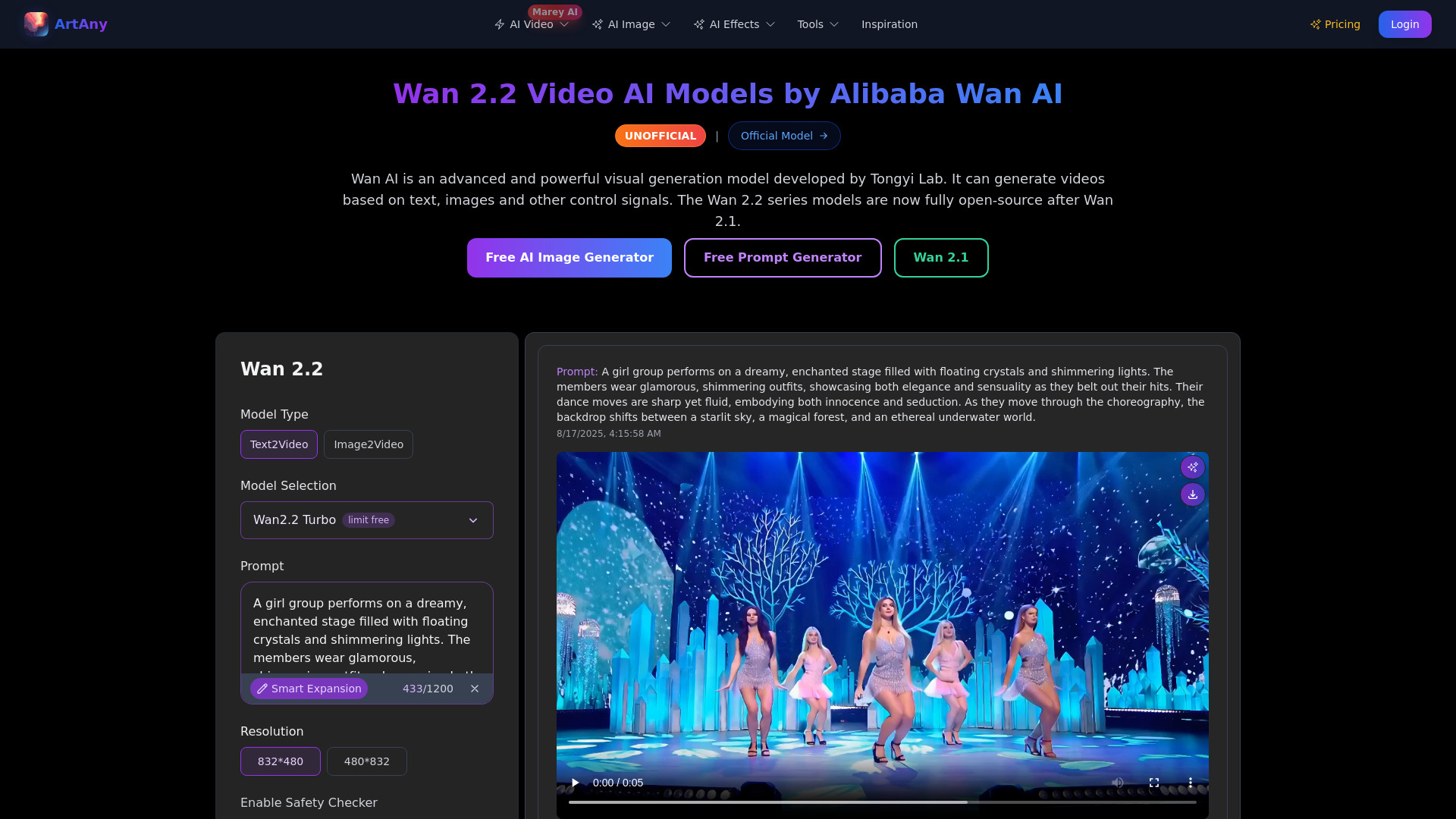
The word that makes Wan special is open. Models like Kling and Google Veo live behind a website or an API — you send a prompt to someone else's servers and get a clip back, and you never touch the model itself. Wan ships its actual weights under the permissive Apache 2.0 license. You can download them, run them on your own computer, study how they behave, and fine-tune them — no account, no per-clip fee, no company watching over your shoulder.
Think of the difference between a vending machine and a recipe. A closed video model is a vending machine: press the button, money goes in, a snack comes out, and the inner workings stay locked. Wan is the recipe written on a card — you can cook it in your own kitchen, change the ingredients, and serve as many portions as your stove can handle. The catch is that you have to own a decent stove (a capable GPU), but once you do, every "portion" is free.
Why it matters
For most of the recent AI-video boom, the best models were locked behind paid services. That is fine for casual use, but it creates real walls for builders, studios, and researchers. Wan matters because open weights knock those walls down.
- You control your data. A closed API means every prompt and every frame you generate passes through someone else's servers. For a film studio with an unreleased script, a brand with a confidential campaign, or anyone handling sensitive footage, that is a non-starter. Running Wan locally keeps the whole pipeline on machines you own.
- No per-clip meter. Hosted video models bill by generation, and video is expensive to produce, so costs add up fast when you iterate. With Wan the marginal cost of one more clip is just electricity and your own time — you can experiment for hours without watching a bill climb.
- You can change the model, not just the prompt. Because the weights are open, you can fine-tune Wan on your own footage to teach it a specific character, art style, or product, and the community can build tooling around it (custom controls, adapters, optimized runtimes). A closed model only ever lets you change the words you type.
- It runs on hardware you can actually buy. Wan is built to be usable on consumer GPUs — the kind in a gaming PC — not only on data-center clusters. That is what turns "open weights" from a theoretical right into something a solo creator or a small team can really run.
Who should care? Anyone who needs video generation they can host themselves: studios and agencies with privacy or volume needs, developers embedding video into a product, researchers who need to inspect and modify the model, and hobbyists who would rather own the tool than rent it. If convenience and the absolute best quality matter more than control, a hosted model may still win — but the moment you need ownership, Wan is usually the answer.
How it works
Wan is a generative video model. At a high level it works like an image diffusion model extended into time: instead of denoising a single picture, it denoises a whole stack of frames at once, so the result is not just sharp but consistent and moving from frame to frame. The general mechanics of this are covered in how AI video generation works; here is the short version as it applies to Wan.
From a prompt to moving frames
Your prompt is the condition — the instruction the model must satisfy. The model starts the video as pure visual noise (random static) and then refines it step by step, at each step nudging the frames closer to something that matches your text or your starting image. To stay efficient it does this work in a compressed latent space rather than on full-resolution pixels, then decodes the final latent back into the video you watch. Because all the frames are generated together and the model is trained on real motion, objects move in a way that roughly respects physics rather than flickering randomly.
Two entry points: text or image
Wan supports two ways to start, which map onto the text-to-video vs image-to-video distinction. In text-to-video (T2V), the prompt alone steers the whole clip — the model invents the scene from scratch. In image-to-video (I2V), you supply a starting frame (often made by an image model), and Wan treats it as a fixed first frame to animate, which gives you far more control over the look and composition. Same model family, two conditioning modes.
Running it yourself
Because the weights are open, "using Wan" can be as direct as a few lines of Python with Hugging Face's diffusers library, which downloads the model and runs the pipeline locally. The exact class names evolve with each release, so treat this as the shape of the call rather than copy-paste-ready code:
# Conceptual sketch — class/model names change between releases.
import torch
from diffusers import DiffusionPipeline
from diffusers.utils import export_to_video

# Download the open weights and load them onto your GPU.
pipe = DiffusionPipeline.from_pretrained(
    "Wan-AI/Wan-T2V",          # an open Wan checkpoint on Hugging Face
    torch_dtype=torch.bfloat16,
)
pipe.to("cuda")

# Text-to-video: the prompt is the only condition.
result = pipe(
    prompt="a red fox trotting through fresh snow at sunrise, cinematic",
    num_frames=49,             # length in frames, not seconds
    guidance_scale=5.0,        # how strictly to follow the prompt
)

export_to_video(result.frames[0], "fox.mp4", fps=16)Wan vs closed video models
The honest way to place Wan is on a tradeoff, not a leaderboard. Closed services usually lead on out-of-the-box convenience and often on peak quality, because they pour huge compute into hosting and tuning. Wan trades a bit of that polish for ownership and freedom. Neither side is simply "better" — they fit different jobs.
- Download and run the weights yourself
- Data never leaves your machine
- No per-clip fee after hardware
- Fine-tune and build custom tooling
- Needs a capable GPU and setup effort
- Use a website or API, no model access
- Prompts and clips go to their servers
- Pay per generation
- Only the prompt is yours to change
- Nothing to install — instant to start
| If you need… | Lean toward |
|---|---|
| Maximum privacy / on-prem control | Wan (open) |
| Highest possible quality with zero setup | A hosted model |
| High volume without per-clip billing | Wan (open) |
| A custom character or house style baked in | Wan (fine-tuned) |
| A one-off clip in the next two minutes | A hosted model |
Many teams use both: a hosted model for quick drafts and a self-hosted Wan for the work that has to stay private or run at scale. Wan being open is what makes that second option exist at all.
Common pitfalls and practical tips
- Underpowered hardware. "Runs on consumer GPUs" is true but has limits — older or low-memory cards may run out of memory, be slow, or be stuck at lower resolutions. Check the model card's hardware notes before assuming a clip will render, and start with shorter, smaller outputs.
- Expecting long movies. Like all current video models, Wan generates short clips, not minute-long scenes in one shot. Plan to generate several clips and stitch them, and don't expect perfect continuity of a character across separate generations.
- Vague prompts. Video prompts reward detail about subject, motion, camera, and lighting. "A car" gives you a guess; "a vintage red car driving along a coastal road at golden hour, slow camera pan" gives the model something to hold onto.
- Assuming the latest release is identical. Wan is a moving suite with multiple versions and variants (different sizes, T2V vs I2V checkpoints). Always read the specific model card you downloaded; defaults, resolutions, and recommended settings differ between them.
- Forgetting it is AI-generated. Output may still show artifacts, and in many contexts you should disclose that a clip is synthetic — see detecting AI-generated content.
Going deeper
Once the basics click, a few directions are worth exploring.
Fine-tuning and adapters. The biggest payoff of open weights is teaching the model something specific. Rather than retraining the whole network, people usually train lightweight adapters (the video equivalent of the LoRA technique common in image generation) on a small set of clips to lock in a particular character, product, or visual style, then plug that adapter into the base Wan model. This is impossible with a closed API and is a major reason studios adopt open video models.
Conditioning beyond text and a single image. The frontier of controllable video is feeding the model more than a prompt: a reference video for motion, a depth or pose sequence to guide a subject, or start-and-end frames to interpolate between. The open ecosystem around Wan tends to grow these controls quickly because anyone can build on the weights.
Efficiency and quantization. Video is heavy, so a lot of community effort goes into making Wan run faster and on smaller GPUs — quantizing the weights to lower precision, optimizing the sampler to use fewer steps, and offloading parts of the model to system memory. These tricks are how a model that nominally wants a big card ends up running on a mid-range one, at some cost to speed or quality.
Where it sits in the wider picture. Generative video is one step toward world models — systems that learn how scenes evolve over time — and toward any-to-any models that move freely between text, image, audio, and video. Wan being open lets the research community probe these questions directly instead of through a paywalled endpoint. The durable point: closed models will often lead on convenience and peak quality, but an open suite like Wan is what keeps self-hosted, private, customizable video generation a real and improving option for everyone else.
FAQ
Is Wan really free to use?
The weights are released under the permissive Apache 2.0 license, so you can download and run them at no charge, including for many commercial uses. The real cost is hardware: you need a capable GPU to run it, and electricity. Always read the specific model card and license for the version you download, since terms can vary by release.
What is the difference between Wan and Kling or Veo?
Wan is open-source — you download the actual model and run it on your own hardware, so your data stays local and there is no per-clip fee. Kling and Veo are closed, hosted services: you send a prompt to their servers and pay per generation, and you can't access or modify the model. Closed models often lead on convenience and peak quality; Wan leads on control and privacy.
Can Wan run on a normal gaming PC?
It is designed to be runnable on consumer GPUs, not only data-center hardware, which is a big reason it is popular. That said, lower-memory or older cards may be slow, limited to shorter or smaller clips, or unable to load larger variants. Check the hardware notes on the specific model card, and use community quantized or memory-optimized builds for tighter setups.
Does Wan do text-to-video, image-to-video, or both?
Both. The suite includes text-to-video (T2V) checkpoints that generate a clip from a written prompt, and image-to-video (I2V) checkpoints that animate a starting image you provide. Image-to-video gives you more control over the look because you fix the first frame, while text-to-video lets the model invent the whole scene.
Can I fine-tune Wan on my own videos?
Yes — that is one of the main advantages of open weights. People typically train lightweight adapters on a small set of clips to teach the model a specific character, product, or style, then plug that adapter into the base model rather than retraining everything. This kind of customization is not possible with closed, API-only video models.
How long are the videos Wan can generate?
Like all current generative video models, Wan produces short clips rather than long, continuous scenes in a single pass. Length is set in frames (and frame rate), and the practical maximum depends on the model variant and your hardware. For longer pieces, you generate multiple clips and stitch them together in editing.