In plain English
Supabase is an open-source backend-as-a-service built on top of PostgreSQL, one of the most trusted relational databases in the world. In one project you get a real SQL database, user authentication, file storage, auto-generated APIs, and serverless edge functions — the plumbing almost every app needs, ready out of the box. Think of it as a batteries-included backend so you can spend your time on features instead of wiring up infrastructure.
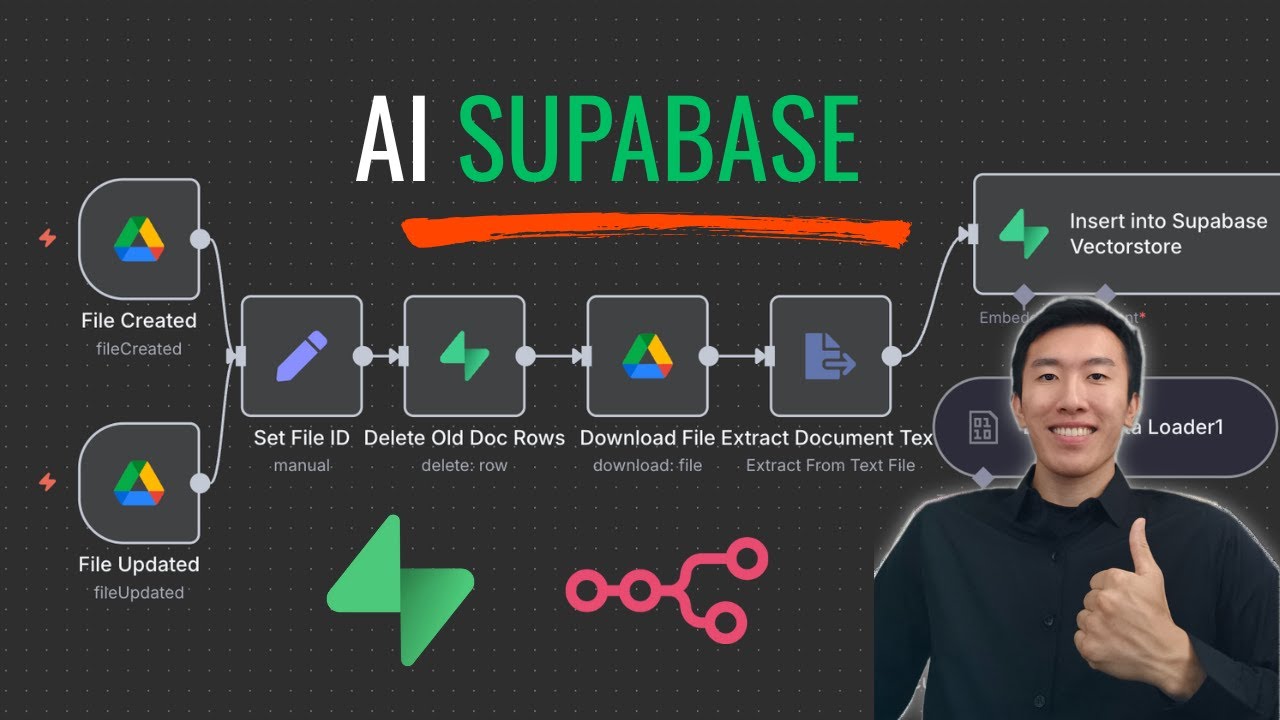
The part that matters for AI is a Postgres extension called pgvector. With one line of SQL you switch it on, and your ordinary database gains a new superpower: it can store embeddings — the lists of numbers that capture the meaning of text — and search them by similarity. Suddenly the same database that holds your users and orders can also power semantic search and RAG.
Here is the everyday analogy. Most teams treat their AI knowledge base like a separate filing room in another building: the app data lives in one database, and the embeddings live in a dedicated vector service across town. Every question means a trip to both buildings. Supabase with pgvector is like keeping that filing room in the same office — the documents, the search index, and your normal records all sit under one roof, reachable in a single query. Fewer trips, fewer moving parts, less to keep in sync.
Why it matters
When you build your first RAG app, the question "where do my embeddings live?" arrives early. The textbook answer is a dedicated vector database — a separate service you provision, secure, pay for, and keep in sync with your real data. For a small team or a first project, that is a lot of extra surface area before you have even shipped anything.
Supabase removes that early hurdle for anyone already on Postgres. Here is the real problem it solves.
- One database instead of two. Your documents, their embeddings, and your application rows live together. You do not run a second system, learn a second query language, or pay for a second service just to get vector search.
- No sync problem. With a separate vector store you must mirror every insert, update, and delete into it, and the two drift apart the moment that pipeline hiccups. When the row and its embedding share a table, a single transaction keeps them consistent — delete the document and its vector goes with it.
- Metadata filtering is just SQL. Real RAG queries are rarely pure similarity. You want "the most similar chunks from this user's documents, written after January, in English." In Postgres that is a normal
WHEREclause sitting right beside the vector search, instead of a vendor-specific filter syntax. - Security you already have. Postgres row-level security (RLS) lets you enforce that user A can only retrieve user A's chunks — the same rule that protects the rest of their data also protects their embeddings. Multi-tenant RAG without bolting on a separate permission model.
Who should care? Builders shipping a first or second AI feature, teams whose product already runs on Postgres, and anyone who values fewer moving parts over squeezing out the last drop of vector-search performance. Because it is open-source and built on standard Postgres, you are not locked in: the same pgvector extension runs on any Postgres host, so your schema and queries travel with you.
How it works
Under the hood, a Supabase RAG backend is just Postgres doing three jobs: storing vectors in a column, indexing them so search is fast, and ranking rows by distance to a query vector. Supabase supplies the rest of the app backend around it. The flow looks like this.
1. Turn on the extension
pgvector ships with Supabase; you enable it once. After that, Postgres understands a new vector column type.
-- Run once per database.
create extension if not exists vector;

-- A chunk of a document, its embedding, and normal metadata side by side.
create table documents (
  id         bigserial primary key,
  owner_id   uuid not null,        -- who this chunk belongs to
  content    text not null,        -- the chunk text
  embedding  vector(1536),         -- the embedding (dimension = your model's)
  created_at timestamptz default now()
);
Notice that embedding is just another column on the same row as content and owner_id. There is no separate index server — the vector lives with the data it describes. The number in vector(1536) is the embedding dimension, which must match whatever model produced your vectors (see embedding dimensions).
2. Add an index so search stays fast
Comparing your query against every row works for a few thousand rows but crawls at scale. pgvector adds an approximate nearest neighbor index — usually HNSW — that finds the closest vectors in milliseconds by checking only a fraction of the table.
create index on documents
using hnsw (embedding vector_cosine_ops);3. Retrieve with similarity + filters in one query
At question time you embed the user's question, then ask Postgres for the nearest chunks. The <=> operator is cosine distance (smaller = more similar). The power move is that an ordinary WHERE clause filters by metadata in the same statement — here, restricting results to one owner.
select id, content,
       1 - (embedding <=> $1) as similarity   -- $1 = the query embedding
from documents
where owner_id = $2
order by embedding <=> $1
limit 5;
Those five chunks become the context you paste into your prompt, exactly as in any RAG pipeline. The only difference from a dedicated vector DB is that the retrieval step is plain SQL against the database you were already running — and the access rules below make it safe to expose.
4. Lock it down with row-level security
Because the chunks are Postgres rows, Supabase's row-level security applies to them. You write a policy once and every query — from your app, an edge function, or a generated API — is forced to obey it. A user can never retrieve another user's embeddings, even if a bug forgets the WHERE owner_id filter.
alter table documents enable row level security;

create policy "owners read their chunks"
  on documents for select
using (owner_id = auth.uid());Supabase vs a dedicated vector database
Supabase is not the only place to keep embeddings. The honest framing is a trade-off, not a winner: co-locating vectors with your app data buys simplicity, while a purpose-built store like Pinecone, Qdrant, or Weaviate buys scale and specialized features.
- One database for app data + vectors
- Filter and join with normal SQL
- RLS reuses your existing auth
- No sync pipeline to maintain
- Best for first apps + Postgres teams
- A separate service to run + secure
- Vendor-specific filter syntax
- Its own permission model to wire up
- Must mirror every write from your DB
- Best at very large, vector-heavy scale
A useful rule of thumb: start on Supabase, and only reach for a dedicated vector DB when you hit a wall you can measure — hundreds of millions of vectors, retrieval latency you cannot tune away, or features (sharding, advanced quantization, multi-region replication) that a general-purpose database does not specialize in. For deciding, see how to choose a vector database. Most projects never reach that wall, and "my Postgres can also do vector search" is often the right answer for years.
| Concern | Supabase + pgvector | Dedicated vector DB |
|---|---|---|
| Extra infrastructure | None — it's your Postgres | A second service to operate |
| Metadata filters | Native SQL WHERE | Vendor query language |
| Keeping data + vectors in sync | Same transaction, automatic | You build + own the pipeline |
| Access control | Postgres RLS | Separate, often coarser |
| Ceiling at extreme scale | Lower | Higher |
Common pitfalls
Supabase makes the setup easy, which means the mistakes move downstream into retrieval quality and operations. Most are easy to avoid once you know they exist.
- Forgetting the index. Without an HNSW (or IVFFlat) index, every search scans the whole table. It feels fast on 500 rows and falls over a hundredfold at 500,000. Add the index before you load real data.
- Dimension mismatch. Your
vector(n)column must match your embedding model exactly. Switch from a 1536-dim model to a 1024-dim one and every old row is now incompatible — changing models means re-embedding everything (see embedding model migration). - Wrong distance operator. If your index uses cosine but your query orders by L2 distance (or vice versa), the index is ignored and results get worse. Keep the operator in the index, the query, and your model's recommendation aligned.
- Leaving RLS off. Row-level security is opt-in. A table without a policy can be readable by anyone with the public API key. For multi-tenant RAG, enable RLS and write the policy before you ship — not after.
- Treating it as only a vector store. The whole point is co-location. If you spin up Supabase just for pgvector and keep your real data elsewhere, you have re-created the two-system problem you were trying to escape.
Going deeper
The basic pipeline — store, index, search, filter — is enough to ship. Once it works, a few directions are worth knowing as your app grows.
Hybrid search. Pure semantic search misses exact tokens like error codes, SKUs, or proper names. Postgres has full-text search built in, so you can combine pgvector similarity with keyword (tsvector) matching and fuse the two rankings — all in the same database. This is the practical, production-grade upgrade for noisy corpora; see hybrid search.
Edge functions and the database API. Supabase exposes your tables through an auto-generated REST/PostgREST API and lets you run server-side logic in edge functions. A common pattern is to wrap the whole retrieve step — embed the question, run the similarity query, return the chunks — in one edge function, so your frontend calls a single endpoint and the embedding key never leaves the server. Keep that key in server-side secrets, never in client code (see API keys and secrets).
Index tuning and memory. HNSW indexes live in memory and grow with your vector count and dimension. At large scale you will tune build/search parameters (the speed-versus-recall dial) and watch RAM — the moment those knobs stop giving you the latency you need is the honest signal to evaluate a dedicated store. Reducing embedding dimension (for example with Matryoshka embeddings) is one way to push that ceiling further out.
Where it fits in the stack. Supabase is one box in a larger picture: an embedding model, an LLM, an API layer, and a vector store. It happens to cover the database, auth, and API boxes at once, which is why it shows up so often in the modern AI app stack. The durable lesson is the same one RAG teaches everywhere: your retrieval is only as good as the chunks it returns, so most of your effort belongs in chunking, embedding choice, and filters — not in which logo hosts the vectors.
FAQ
Is Supabase a vector database?
Not exactly — Supabase is a full backend built on PostgreSQL, and the pgvector extension turns its database into a vector store. So you get vector search plus auth, storage, and APIs in one product, rather than a vector-only service. For many RAG apps that bundle is the whole appeal.
What is pgvector in Supabase?
pgvector is an open-source Postgres extension that adds a vector column type and similarity operators. In Supabase you enable it with one SQL line, after which you can store embeddings next to your normal rows and search them by similarity using ordinary SQL queries.
Is Supabase good enough for production RAG?
Yes, for most projects. With an HNSW index and row-level security it comfortably serves real apps into the millions of vectors. You typically only outgrow it at very large scale or when you need specialized vector-DB features like sharding or advanced quantization.
Supabase pgvector vs Pinecone — which should I use?
Use Supabase when you want one database for both app data and embeddings, SQL metadata filters, and built-in auth with no extra service. Reach for a dedicated store like Pinecone when you hit very large scale or need latency and features a general-purpose database does not specialize in. Start simple and migrate only when you can measure the need.
Do I need a separate database for embeddings with Supabase?
No — that is the main reason people choose it. Your embeddings live in the same Postgres database as your application data, in a vector column on the relevant table, so there is no second system to run or keep in sync.
How do I keep one user's embeddings private from another's?
Because chunks are Postgres rows, you enable row-level security and write a policy that ties each row to its owner. Every query then enforces that rule automatically, so a user can only retrieve their own embeddings even if a query forgets to filter by owner.